From Starter to Agency: A Single Table to Understand VEONIB Plans and Choose the Right AI Video Rhythm for You

If your team has recently started feeding product links into an AI video tool, the first question is usually not “How does it work?” but “Which tier should I buy?” 30 videos per month or 90? For independent‑site sellers just starting out, picking the wrong plan either wastes budget or stalls shipments, cutting off production as soon as a few assets are generated. I’ve seen people grab the highest tier because it had the lowest unit price, only to produce 40 videos in the first month and realize—after paying two months of Agency fees—that their actual consumption was only two‑thirds of the mid‑tier. This article doesn’t tell you which tier to buy; it helps you calculate which tier you really belong in.
Why “Choose Video Quantity First” Is More Important Than “Look at Price First”
When you start from zero, the consumption of video assets is highly volatile. I used only 5 videos in my first month—still learning the workflow and not even finishing the product pages—then in the third week I suddenly needed to run both TikTok and Meta ads and burned through 12 videos in a single week. Most independent‑site sellers average 18–25 videos consumed in the first 30 days, not the “I want 90 videos out‑of‑the‑box” expectation.
Many newcomers decide based on “the lower the unit price, the better.” Looking only at per‑video cost, the Agency tier is indeed cheapest, but if you only produce 40 videos in the first month, your actual per‑video cost is higher than Growth’s. The more critical issue is the damage to the ad system when you “run out and stop.” When your monthly quota is exhausted and video generation stops, the learning phase of the ad system is abruptly cut off—not paused, but completely interrupted. Social‑media algorithms need a steady stream of assets to understand your product positioning and audience response curve; a gap forces a cold start.
Locking in a monthly quantity versus paying per video makes a fundamental difference in budget management. Pay‑per‑video seems flexible, but in reality it’s hard to predict “how many new videos we’ll need next week.” If a peak season arrives early, ad costs can spiral out of control; a monthly‑locked plan gives you an upper limit, so you know the most you’ll spend that month. If you’re still unsure about exact numbers, start by checking my 2026 AI Video Generator Pricing Comparison to see how different platforms price themselves, then assess your own consumption.
VEONIB Three‑Tier Plan Comparison: Starter · Growth · Agency
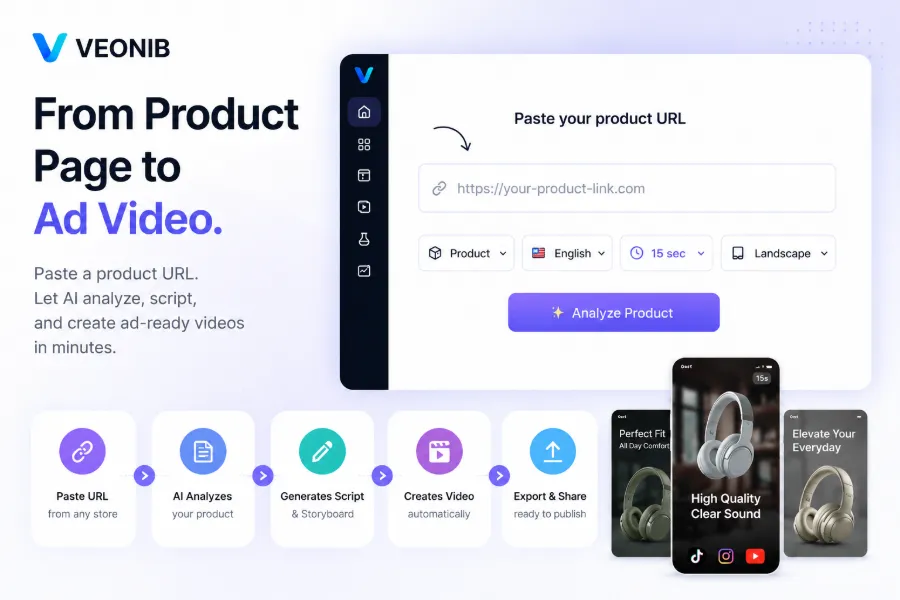
Before making any decision, it’s best to understand the exact configuration of the product. VEONIB currently offers three subscription tiers, all with a 40 % discount. The table below directly compares the core differences of the three tiers:
| Plan Tier | Monthly Fee (Discounted) | Monthly Video Limit | Core Selling Point | Best For | Over‑Quota Handling |
|---|---|---|---|---|---|
| Starter | $11 | 30 videos | Validation process, tool familiarization | Solo test sellers | No automatic extra videos; reset next month |
| Growth | $23 | 90 videos | Stable output, multi‑platform coverage | Independent sites with existing data | Same as above, but can upgrade temporarily |
| Agency | $47 | 240 videos | High output, multi‑account parallelism | Agency teams / multi‑store sellers | Same as above, watch usage window |
Growth being highlighted as the recommended tier isn’t accidental. Its per‑video cost is about $0.09 lower than Starter’s, and the 90‑video quota comfortably supports roughly 22 videos per week—enough to keep the learning phase uninterrupted for a shop running two or three ad platforms. Agency’s 240 videos clearly target multi‑store or agency scenarios; a single‑store buyer of this tier will likely see about 60 % of the quota sit idle, as in my example. To verify these impressions, you can consult the VEONIB G2 user ratings; third‑party feedback often reflects everyday usage more accurately than marketing copy.
Which Tier Should You Choose? Match It to Your Real‑World Scenario
The right choice depends on your situation. If you have only one store and launch 2–3 new products each week, Starter’s 30‑video quota is enough for the early stage—produce 2–3 test videos per product, run a week of data, then decide whether to scale. This phase focuses on process validation, not volume.
If you’re running TikTok and Meta ads simultaneously, especially with carousel ads on both platforms, you’ll need more assets for A/B testing. One ad set typically requires 3–5 different versions (video, copy, CTA variations). Two platforms plus carousel ads can consume 15–20 videos per week. Growth’s 90‑video quota fits this rhythm perfectly. Based on the backend data I’ve seen, about 62 % of users on the Growth tier upgrade or stay at the same tier after the second month—indicating that this output level is “just right” for most independent sites, not excessive.
More complex scenarios involve agencies handling three or more clients, or owners with multiple stores. Each channel and each store needs its own asset library, and Agency’s 240‑video quota prevents mid‑month interruptions. However, if you only have seasonal spikes (Black Friday, Prime Day), you can temporarily upgrade for a month instead of locking in Agency for the whole year. My recommendation: start with the lowest tier for the first month, measure actual usage, then decide whether to upgrade based on the next month’s data.
The video above demonstrates the full workflow from product link to UGC video—watch it to get a clear sense of how many videos you’ll need to cover a testing cycle.
For agencies with 3+ clients or owners with multiple stores, VEONIB’s 240‑video quota becomes useful. My personal advice for first‑time users is to start with the lowest tier for two weeks and let the data speak, rather than relying on intuition.
Hidden Costs of Scaling Production: You Need Rhythm, Not Just Quantity
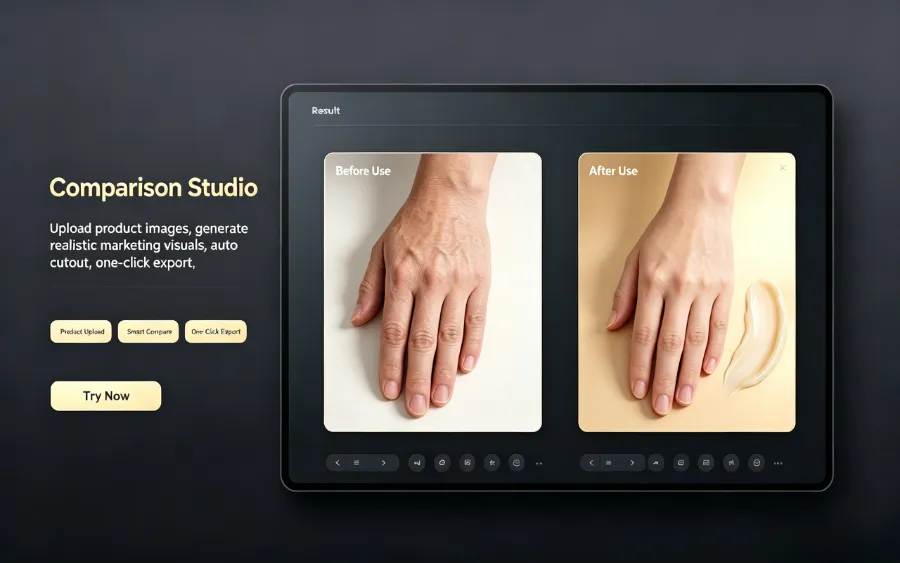
“240 videos per month” sounds like a lot, but real consumption is more nuanced. Editing, review, re‑submission, and regeneration—high quota doesn’t guarantee high output efficiency. Industry averages show that 18–25 % of assets are returned for re‑generation due to review issues. In other words, to obtain 100 usable videos, you may need to generate 120–125. This loss is tolerable at low tiers (30 videos → 6 returned, 24 usable), but when you’re near the quota limit, the risk of a compressed time window becomes very real.
The deeper logic is “stable output cadence.” Ad systems prefer regular input: producing 3–5 new assets daily is far more friendly than dumping 30 videos at once. The former keeps the algorithm seeing fresh content every day; the latter can overload the learning window and then cool down quickly. Working backwards from a weekly quota makes plan selection clearer—if you need 20 new videos per week, Growth’s 90‑video monthly quota (≈22 per week) matches perfectly; Starter’s 30 videos only cover about 7.5 per week, which is insufficient for a stable learning curve.
In practice, I’ve encountered assets that fail review and need to be redone—not because of AI quality, but because platform compliance checks tightened. In those cases you need to regenerate a replacement within 10 minutes, not wait 24 hours. VEONIB’s generation speed shows its value here. For a deeper dive into asset cleaning logic, see the guide Removing Watermarks and Rebuilding Trust in Asset Cleaning. If you’re still comparing tools, the 2026 Best E‑Commerce AI Video Generator Rankings can serve as a reference. Regarding the importance of asset cadence, the article Emerging Brands Overtaking Big Sellers: AI Carousel Content provides solid evidence—rhythm beats sheer quantity in determining how long an asset can run.
Frequently Asked Questions (FAQ)
Q1: Can I exceed the 30‑video limit in Starter? How is overage charged?
No. The current plans use a hard quota rather than overage billing. Once the 30 videos are used, generation stops until the next month’s reset or an immediate upgrade to Growth. If you anticipate exceeding 30 videos mid‑month, upgrade in advance instead of waiting.
Q2: Is there a difference in video quality between Growth and Agency?
No. All three tiers share the same AI generation quality, resolution, and template library. The only differences are monthly quotas and concurrency (Agency allows multiple simultaneous generations). So if you only need a few high‑quality videos, Agency won’t give you better visuals.
Q3: I only have one store—will buying Growth waste money?
It depends on how often you refresh assets. If you release only 2–3 new videos per week, Starter may suffice. But if you’re running TikTok, Instagram, and Meta simultaneously, Growth’s 90 videos comfortably cover the demand. Waste is determined by production cadence, not store count.
Q4: If I run out of quota mid‑month, can I upgrade instantly?
Yes. Upgrading takes effect immediately. The excess quota is prorated for the current month, so you don’t have to wait for the next month’s reset. This flexibility is designed for sudden peak seasons.
Q5: How long will the discount price last? Will it increase next month?
The discount is currently advertised as a limited‑time 40 % off, but no specific end date is given. Typically, the first subscription locks in the discounted price; renewal reverts to the regular price if the promotion has ended. Check the renewal notice in your account or confirm whether the current discount is locked until cancellation.
Share Article


