How to Choose AI Live‑Streaming Video Tools in 2026: 8 Tools Unpacked, Who Fits Which Seller

In the operations group for the new‑season launch, the most common conversation goes something like this: you have 20 product links on hand, you need to push videos to TikTok and Amazon listings every week, the team has no editing staff, outsourcing costs start at $300 per video and requires at least two days of rework, and by the time the script is revised the platform’s traffic window has already passed. I’ve seen this scenario countless times, so this article won’t try to make a “who’s the strongest” ranking. Instead, it will break down the tools by seller scenarios—first define the need, then discuss the tool, mapping the eight options to specific seller types, and help you make a practical selection in under 1,500 words.
When choosing a live‑streaming video tool, the key isn’t the specs but first clarifying your production rhythm and material base. Picking the wrong tool is often not about missing features, but about a mismatch between the workflow and your team’s way of working.
First Determine the Need: Three Criteria for Selecting Live‑Streaming Video Tools
Seller type essentially decides the tool type. A new Shopify product launch needs speed; Amazon sellers need listing videos and care about spec compatibility; TikTok live‑selling hinges on the first three‑second hook; agencies and managed services need bulk delivery; content creators care more about stylistic freedom. Three judgment dimensions are worth reviewing first: can the generation speed keep up with the launch cadence, is the editing depth fine‑tuning or direct output, and does the platform compatibility cover TikTok, Reels, Shorts, and Amazon’s length and ratio differences.
Cost structure must also be clear. Subscription‑based tools usually charge $10–$50 per month; per‑video SaaS fees suit teams that produce multiple videos each week. Outsourced videos typically have a turnaround of two days or more, and when you factor in communication costs the unit price isn’t low. Most AI video generators are still too complex for e‑commerce scenarios, which is why many teams try them and then revert to outsourcing—the learning curve of the tool itself becomes a new bottleneck.
One‑Page Overview of the 8 Tools and Their Positioning
First the full picture, then dive into each. The eight tools fall into two major categories based on the generation pipeline: template/editing flow and link‑to‑output flow. Template‑flow tools require you to have material and be willing to spend time building the structure; link‑to‑output tools automate script, storyboard, and full‑pipeline generation. Link‑to‑output tools average about 60 seconds per video, while template/editing flow usually still needs manual tweaks.
| Tool | Generation Pipeline | Requires Editing Basics? | Best‑Fit Sellers |
|---|---|---|---|
| CapCut | Template/Editing | Light editing | Independent sellers who prioritize speed |
| InVideo | Template/Editing | Light editing | Solo sellers with a moderate amount of material |
| Pictory | Long‑form editing | Needs editing | Sellers with a large archive of old footage |
| Synthesia | Digital humans | No editing needed | Multilingual site sellers |
| HeyGen | Digital humans | No editing needed | Brand sellers who need a consistent human avatar |
| Runway | Generation flow | No editing needed | Marketing teams experimenting with creative concepts |
| Pika | Generation flow | No editing needed | Content teams exploring new material formats |
| VEONIB | Link‑to‑output | No editing needed | Sellers with many SKUs needing bulk production |
The table provides only high‑level positioning; it does not list specific version numbers or exact prices because rapid version changes would make static numbers misleading.
Detailed Breakdown (Part 1): Template Flow and Digital‑Human Tools
CapCut suits independent sellers with lots of material who just need to apply a template quickly; its template library covers live‑selling scenarios well, but you still have to assemble the structure yourself. InVideo is friendly to solo sellers with a moderate amount of material; its text‑to‑video workflow is smooth and it supports all export specs. Pictory shines at long‑form editing—if you have accumulated many old live streams or product‑explanation videos, it can help you cut them into short clips, but you need some editing basics.
For digital‑human tools, Synthesia’s multilingual capability stands out, making it ideal for sellers with multiple sites and languages, eliminating the need for repeated voice‑over recordings. HeyGen’s realistic human avatars are more stable, suitable for teams that need a consistent brand persona; its lip‑sync and facial expression naturalness are well executed.
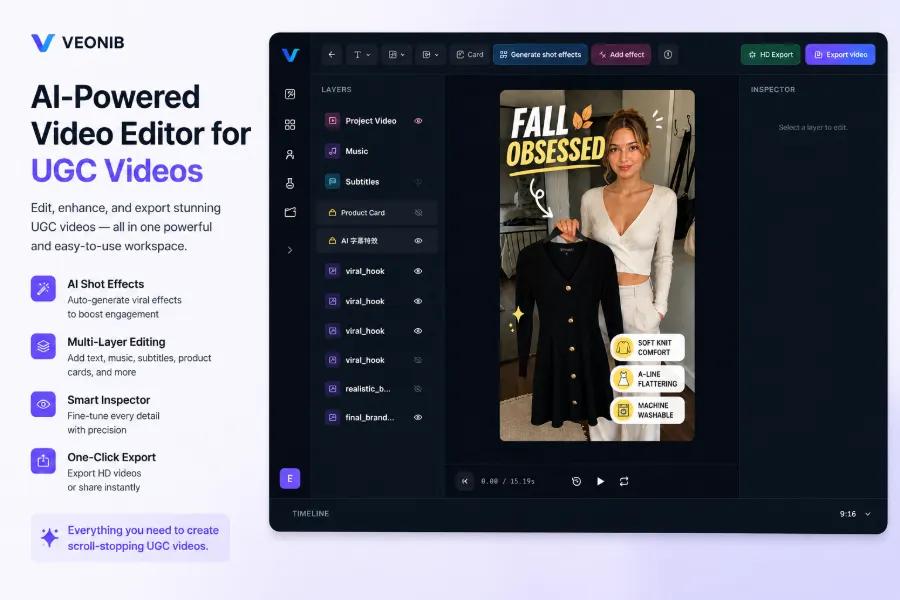
Both categories share a clear shortcoming: they require human involvement in structuring each video—script, storyboard, etc. When the number of SKUs grows, the process can become a bottleneck. Digital‑human and template‑flow tools are friendlier to teams with few SKUs and a fixed editing rhythm. If your ad format is already proven and you want to reuse material quickly, try cloning a proven ad format to save the time of building a structure from scratch.
Detailed Breakdown (Part 2): Link‑to‑Output Tools
Runway and Pika belong to pure generation flow, suitable for marketing teams doing creative experiments; the randomness of generated visuals can spark inspiration, but controllability is low, making them unsuitable for bulk, standardized live‑selling videos.
The real game‑changer for bulk production is the link‑to‑output class. VEONIB works by pasting a product link; AI automatically parses the title, selling points, price, generates a script and storyboard, then outputs the video. For teams with many SKUs that need dozens of videos each week, this pipeline eliminates the most time‑consuming structuring step.
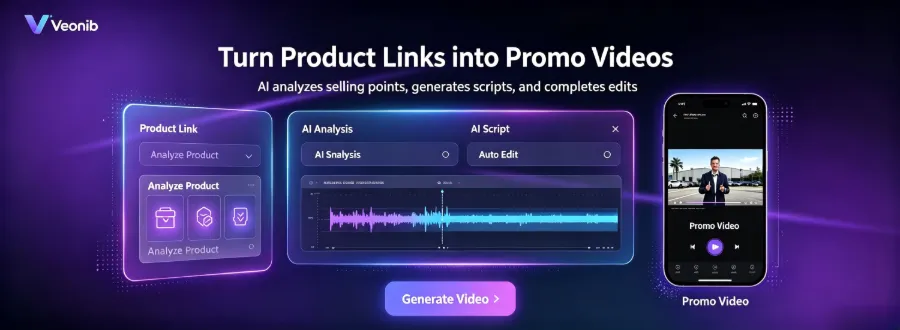
Link‑to‑output tools generate a video in about 60 seconds on average, claiming roughly ten times the speed of traditional editing and requiring no editing experience. I’ve tested this a few times and it holds up, provided the product page information is complete. The tool is also listed on Product Hunt, where community feedback focuses on bulk‑production efficiency.
For small teams lacking material, prioritizing link‑to‑output over per‑video editing is a more realistic choice. VEONIB supports TikTok Shop, Amazon, WooCommerce, and can export 15‑, 20‑, and 30‑second versions directly. I’ve seen a beverage seller drop a product link, get a product‑page video in a minute, fine‑tune subtitles, and go live—no editing software involved. A similar workflow can be seen in the case study where a beverage product link is turned into a product‑page video with a single click; the concept is the same.
From Selection to Launch: Pre‑Implementation Checklist
Choosing a tool is only the first step; implementation determines whether the campaign succeeds. Confirm platform specifications in advance: TikTok prefers vertical 9:16, Reels and Shorts have their own length limits, and Amazon listing videos require horizontal orientation and must stay under 60 seconds. One set of material should be easily adaptable to multiple specs; otherwise you’ll have to rebuild for each platform.
Compliance issues with material are more concerning than the tool itself. I once worked with a seller who uploaded supplier‑provided material with watermarks; the ads were repeatedly rejected, and after several revisions they missed the TikTok Shop promotion window. Watermarked supplier material is a frequent reason for ad‑review rejection and directly impacts launch timing; this problem can’t be solved by a tool and must be cleaned up before entering the workflow.
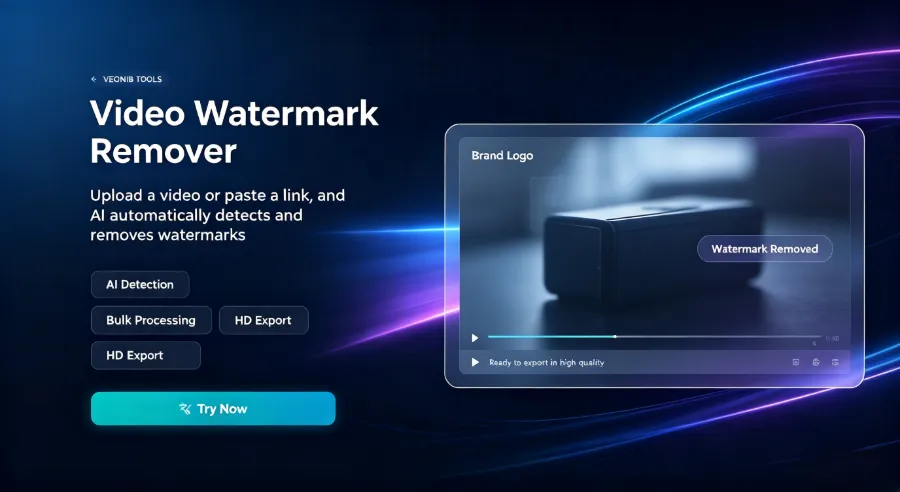
Establish a fixed watermark‑removal process for supplier material and pass ad review; once you run it once, you can reuse it. Build a material library in parallel—deconstruct successful videos into reusable structures for future use.
Implementation pace is best approached with small, incremental tests: run a low‑budget test of a complete video pipeline before scaling up. Plan subscription or per‑video consumption ahead of time; don’t wait until month‑end to discover you’ve run out of credits. For a more comprehensive scaling roadmap, see the 2026 Automated Advertising Video Scaling Path, which discusses phased approaches for teams of different sizes.
FAQ
I have no video‑editing experience—can I still make live‑selling videos?
Yes. Link‑to‑output tools automate script, storyboard, and full‑pipeline generation; just paste the product link and you get a video without touching timelines or keyframes. Template‑flow tools require a bit of basic knowledge—at least the ability to apply a template and edit subtitles.
I’m a small seller with a limited budget—what should I prioritize when choosing a tool?
First look at production frequency. If you only need a few videos per week, per‑video pricing is more economical; if you need dozens weekly, a subscription is cheaper, typically $10–$50 per month. Next, ensure the tool covers the specifications of your primary platforms—don’t pay for features you won’t use.
TikTok and Amazon have different video spec requirements—how do I handle that uniformly?
Generate the original material at the highest required spec, then export versions for each platform. TikTok uses vertical 9:16, Amazon listing uses horizontal orientation and must stay under 60 seconds. Link‑to‑output tools usually support multi‑spec export; template‑flow tools require manual aspect‑ratio adjustments.
What’s the main difference between free tools and paid subscription tools?
Free tools typically limit length, resolution, and export formats, and watermark‑free versions usually require payment. Paid subscriptions deliver bulk‑production efficiency and platform compatibility; for high‑frequency producers, the saved outsourcing costs far exceed the subscription fee.
Share Article


