How SHOPLINE Merchants Build an AI Video Workflow: From Product Selection to Automatic Generation
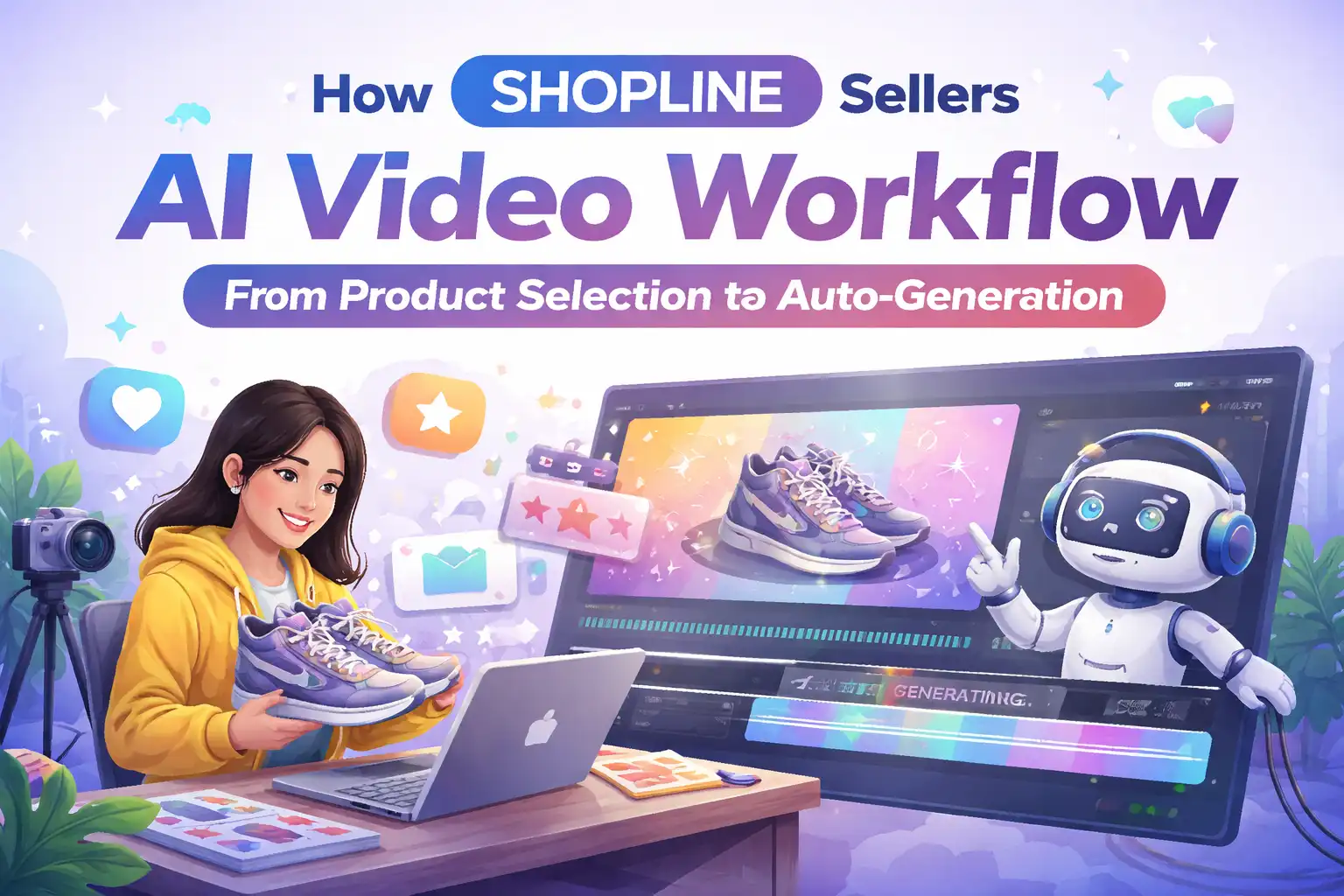
SHOPLINE merchants handle dozens to hundreds of SKUs each day, and each product needs its own video assets for channels such as TikTok and Instagram Reels. In the traditional workflow, operators must write scripts, find shooting angles, edit and add voice‑overs, and translate subtitles—a process that easily takes three to four hours. When product selections change or A/B testing is required, the whole cycle must be repeated. This pace is simply unsustainable for fast‑fashion, home‑goods, and other high‑frequency turnover categories.
The core idea of an AI video pipeline is simple: use the product link as the sole input, then automate creative generation, script writing, voice‑over rendering, and everything else. The time to create a video from scratch can be compressed from hours to minutes. This sounds like marketing hype, but once the pipeline works, you’ll see that the real change isn’t video quality—it’s the cost of trial and error. You can finally test many different hooks and script directions at scale.
Real Bottlenecks Faced by SHOPLINE Merchants in Video Production
In multi‑SKU scenarios, the supply‑demand mismatch in video production is the most direct problem. If a shop runs 30 active products and each needs 3–5 video assets for ads, that’s 90–150 videos. With the traditional method, a single short video takes 3–6 hours from script to final cut, based on industry data cited by HubSpot’s video‑marketing cost analysis. This figure is even higher in e‑commerce because you also have to handle product close‑ups, usage‑scenario demos, and multiple copy versions.
The cost structure doesn’t hold up under scrutiny. A 60‑second short video outsourced to a production team can cost a few hundred to over a thousand dollars when you add script, shooting, editing, and voice‑over fees. If done in‑house, operators spend a lot of time on non‑core editing and voice‑over work, and by the time the video is finished the product‑selection window may already be closed.
A more hidden issue is how the traditional workflow hinders A/B testing. To test two different hook angles or compare male vs. female voice‑overs, you must run the entire process twice. Most teams are exhausted by the second version and end up choosing a direction based on intuition. When a product is replaced, its old video assets become waste, leading to high sunk costs.
Four Key Steps to Build an AI Video Pipeline
Once the workflow is broken down, building the pipeline itself isn’t complex; the core is linking four stages.
Step 1: Retrieve product links from the SHOPLINE backend as the unique input source. The key here is standardization. Regardless of product category, use the product‑detail‑page URL as the starting point. After making a product‑selection decision, operators simply copy the link into the pipeline—no need to organize selling points or image assets separately.
Step 2: AI parses product page information. The pipeline automatically reads the product title, selling‑point description, main image, and detail images, extracting key information. This step determines the quality of all downstream creative. An AI tool focused on e‑commerce ad videos, such as VEONIB, can parse the page and generate a preview in seconds—including hook options, script drafts, and storyboard sketches. No manual prompt engineering is needed; the tool automatically matches e‑commerce copy style.
Step 3: Automatically generate multiple‑ scripts, hooks, and storyboards. Based on the parsed data, the AI outputs several hook sentences and full scripts, typically covering 15‑second, 30‑second, and 60‑second lengths. The storyboard shows each frame’s visual description on a timeline, making it easy for later human review to pinpoint parts that need adjustment.
Step 4: One‑click render and output videos in multiple aspect ratios. The final step is rendering and export. A good pipeline outputs 9:16 (TikTok/Reels), 1:1 (Facebook/Instagram feed), and 16:9 (YouTube) versions simultaneously, eliminating the need for secondary cropping. Operators can directly download the MP4 files for publishing. If you want to preview for free first, use the “Generate Free Preview” feature to run the full workflow, then export once satisfied.
How to Avoid Common Pitfalls in AI Video Pipelines
Getting the pipeline to work is only the first step; the real challenges appear at scale.
The quality of automatically generated scripts and hooks varies widely, which is the most common problem. AI excels at producing grammatically correct copy but doesn’t understand brand tone. If the same tool generates scripts that are structurally very similar across different products, audiences quickly recognize them as “ad templates,” and click‑through rates drop noticeably. An analysis of e‑commerce ad assets shows that completely unedited AI‑generated video material has a homogeneity rate of about 60 %—meaning your ads are almost indistinguishable from competitors in structure and pacing.
Multilingual voice‑overs are another often‑overlooked trap. When cross‑border sellers target Southeast Asian or European markets, AI voice‑over tone accuracy and emotional expression often fall short. Machine‑translated copy may be grammatically correct but doesn’t sound like a native speaker. Brand tone is almost inevitably lost in translation. Many merchants focus on visual clarity and product showcase while neglecting audio localization, which can have a larger impact on conversion rates in cross‑border e‑commerce than visual quality.
VEONIB allows segment‑by‑segment text editing after generating scripts and storyboards; this feature exists to give human reviewers a chance to intervene. The tool itself isn’t flawed, but the workflow must include at least one round of human review, focusing on whether the script tone matches brand positioning and whether the voice‑over tone fits the target market’s speaking habits. Skipping this step will inevitably lead to material homogeneity.
Efficiency Comparison: Traditional Workflow vs. AI Video Pipeline
Data speaks louder than description. Below is a comparison based on publicly available industry averages, focusing on the three dimensions most important to SHOPLINE merchants.
| Comparison Dimension | Traditional Workflow | AI Video Pipeline (SHOPLINE Scenario) |
|---|---|---|
| Time to create a single video from scratch | 3–6 hours | Under 60 seconds |
| Monthly team labor cost | 1 full‑time operator + 1 full‑time designer | 1 part‑time operator for review |
| Number of variants per product | 2–3 | 50–100 |
Traditional workflows waste time on repetitive tasks: every product change requires a new script, new BGM, new voice‑over. The AI pipeline reduces the marginal cost of creative production to near zero, improving not the ceiling of a single video’s quality but the “speed of discarding ineffective ideas.” You can test 20 different hook directions within 24 hours, then quickly drop 18 based on data and concentrate resources on the remaining two. This pace is impossible with a traditional process.
For reference, you can look at the Canva AI video tool overview, but the core difference for e‑commerce is the depth of product‑link parsing and the adaptation of ad‑targeted language.
FAQ
Q1: Do SHOPLINE store videos need to be created individually for each product?
Not necessarily. Best‑selling and traffic‑driving items are worth dedicated videos, but regular SKUs can use a templated approach—generate basic assets in bulk via the AI pipeline, then fine‑tune the higher‑performing ones.
Q2: Can AI‑generated videos be used for paid advertising?
Yes. Most AI video tools grant full commercial usage rights for exported assets, allowing direct placement on TikTok Ads, Facebook Ads, etc. It’s recommended to run a human review before publishing to ensure script tone and visual pacing meet platform policies.
Q3: Does the video pipeline support distribution across multiple e‑commerce platforms?
Yes. The rendering stage typically outputs 9:16, 1:1, and 16:9 ratios in one go, covering TikTok, Instagram, Facebook, and YouTube without separate editing for each platform.
Q4: How can non‑English markets achieve localized videos through the AI pipeline?
The key is high‑quality voice‑over and subtitle localization. Choose an AI voice‑over tool that supports the target language with natural intonation, and have a native speaker perform a listening test before launch to catch any tonal oddities. Machine‑translated copy should also be manually polished.
Q5: If the generated video isn’t satisfactory, can humans still edit it?
Yes. Most AI video workflows allow editing of scripts, hooks, and storyboard descriptions before export. After modifications, you can re‑render a new version without starting from scratch. Treat human review as a standard pipeline step rather than an after‑the‑fact fix.
Share Article