One-Person Company Spending $20 per Month: Guide to Building an AI-Powered Automatic Advertising Pipeline
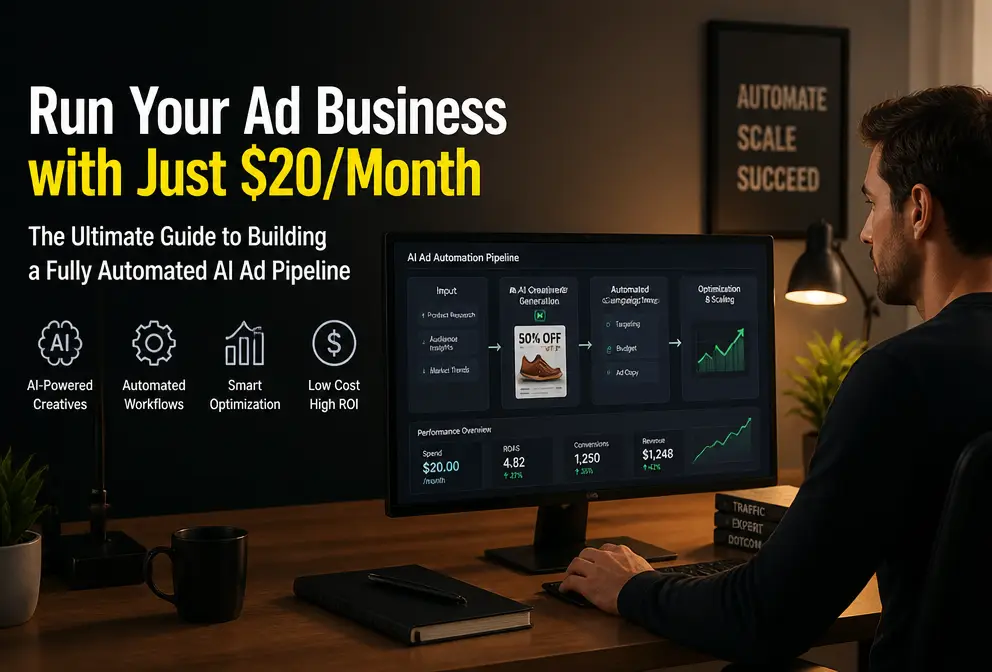
My cross‑border independent site has been running for half a year, and monthly revenue just passed six figures. It looks great on the surface, but when the year ends and I do the accounting I realize that the real profit killer isn’t traffic cost (which hasn’t risen much) but people.
I hired a video editor at $2,500 per month and an SEO specialist at $3,000 per month. Two people cost $66,000 a year, while my annual profit is only a few hundred thousand dollars. This isn’t paying the platform; it’s paying employees. Then I made a decision: cut all full‑time creative positions and replace them with AI tools that cost less than $20 a month. The result? Video output jumped tenfold, and the cost per video dropped from $250 to $0.36. This article won’t teach you how to recruit; it will give you a calculation—how one person, zero staff, and a budget of two movie tickets can drive a multi‑million‑dollar traffic spend.
The Real Cost of a One‑Person Company: Why Your Profit Is Being Eaten by “Invisible Employees”
Many cross‑border sellers mistakenly think low ad ROI is caused by bidding too high. I fell into that trap and after three months of data realized the real black hole isn’t bidding; it’s the labor cost of creative production.
In the traditional model, sustaining a steady stream of creative assets requires at least one video editor and one SEO specialist. The video editor earns $2,500 per month to stitch product images into 30‑second highlight videos; the SEO specialist earns $3,000 per month to write landing‑page copy, manage structured data, and monitor search rankings. Together they cost $5,500 per month, or $66,000 per year. Labor accounts for almost 40 % of monthly recurring expenses.
For an independent site with six‑figure monthly revenue, that proportion is fatal. Add warehousing, logistics, returns, and ad spend, and profit is squeezed to almost nothing. I started wondering: how do those one‑person companies that bulk‑list and bulk‑test products survive? After researching, I found their common trait: they outsource all creative production to AI, reducing human labor to zero.
I ran the numbers: a $60,000‑per‑year human team versus AI tool subscriptions costing $240 per year. The output speed is actually faster. This simple calculation is obvious to anyone, but many teams are held back by the illusion that “content you create yourself is more competitive.”
The “Ultimate Growth Combo” I Got for Two Movie Tickets: SEONIB + VEONIB
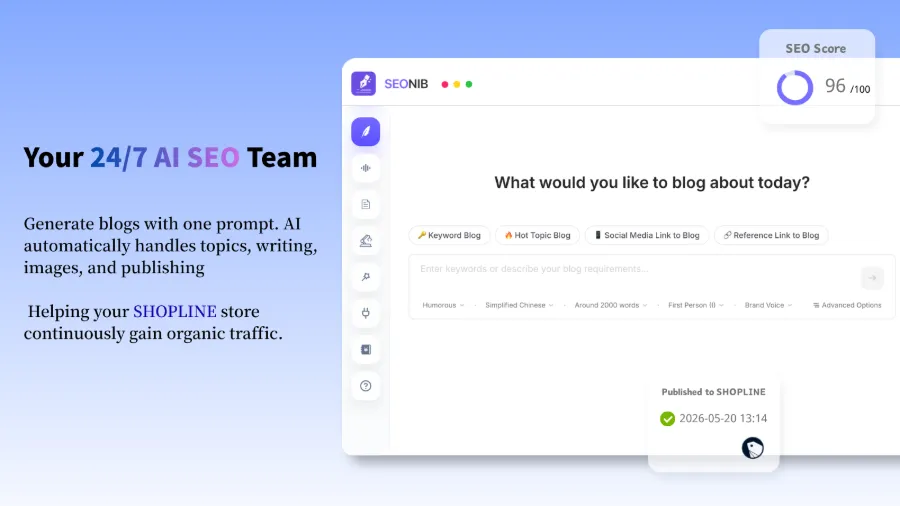
After understanding the cost structure, I started looking for toolchains that could replace human labor. The solution that finally worked is a pair of tools working together: SEONIB ($9 per month) optimizes Google traffic and landing‑page copy for independent sites, and VEONIB ($11 per month) turns product links into short video ads with a single click.
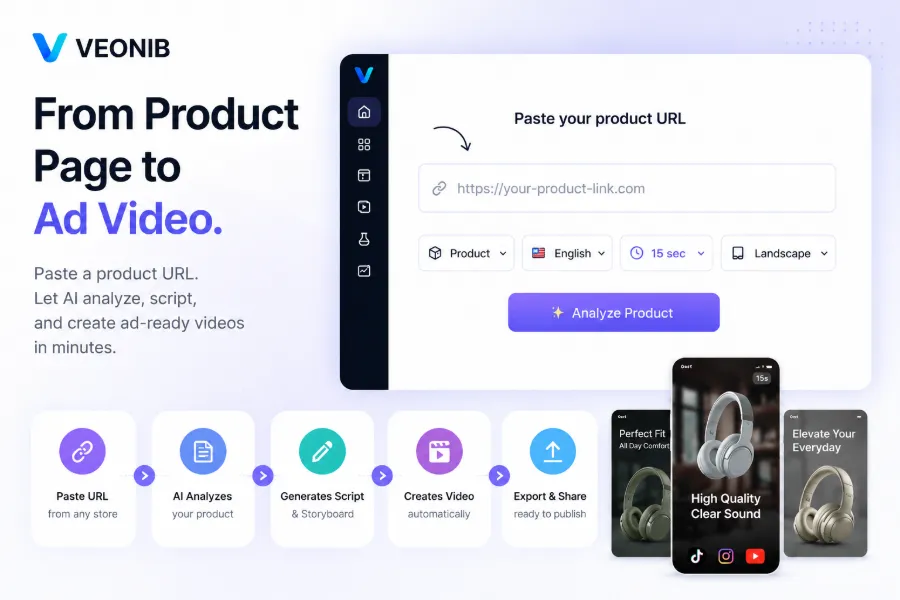
VEONIB’s core logic is simple: paste an e‑commerce product URL, the AI automatically analyzes the product’s selling points, generates hook copy, ad scripts, and storyboard previews, then renders an exportable video. The $11/month plan supports 30 video exports—about $0.36 per video. Compared with paying $250 per video to a human, the cost gap is nearly 700 ×.
Many people will ask, “Can AI‑generated content be used?” My answer: it’s good enough. The early output isn’t pretty, but after continuous testing you’ll find that platform algorithms care more about account activity and the frequency of fresh assets than pixel‑perfect perfection of a single video. Testing 100 variants a month yields data‑driven selection far more efficiently than producing three “premium” videos a week.
Together the two tools cost $20 per month. Our small team in Shenzhen, with a budget of two movie tickets, built a creative pipeline that previously required two full‑time staff.
From Paste to Export: How AI Video Tools Reshaped My Advertising Creative Workflow
First, why the traditional process takes 3–6 hours. A product video from scratch: script writing (30 min) → B‑Roll sourcing (1 h) → voice‑over (45 min) → editing and stitching (1.5 h) → subtitles and effects (30 min) → rendering and export (30 min). Adding multiple variants doubles the time.
VEONIB compresses the whole workflow to under 60 seconds. The steps are: open the tool, paste the product link → AI parses title, selling points, price, and description → generates 3–5 hook copy variants (e.g., “This $30 gadget replaced my entire morning routine” or “After watching, I never want ordinary scented candles again”) → choose script length (15 s/30 s/60 s) → preview storyboard scenes → click render and export.
What I love most is the free preview feature. You can repeatedly generate and tweak scripts, switch voice‑over languages, adjust subtitle styles, and only pay when you export. This consumes no credits, meaning you can test creative directions at zero cost.
I previously tried a workflow that required five different AI tools—one for scripting, another for visuals, a third for voice‑over, a fourth for editing, and a fifth for exporting in various sizes. It was a nightmare, with constant format‑compatibility debugging. So when I saw someone write an article advising against using five AI tools for a single product video, I felt validated. An end‑to‑end tool may not be as strong in each individual stage as specialized tools, but it eliminates the hidden cost of switching between them.
I compiled this workflow into a guide called “How to Automatically Turn Product Links into Short Video Ads.” Feel free to check it out.
The Key to Scalable Campaigns: The Decision I Got Right
When I first used VEONIB, I fell back into my old perfectionist habit—trying to perfect every video before launching, which limited me to three video sets per week. A/B testing never got off the ground, and platform traffic fluctuations rendered the data useless.
Then I completely changed my mindset: “Test first, then optimize.” After launching a new product, I immediately generated five different hook variants and pushed them all on the same day. After 24 hours, I examined the data, kept the high‑CTR and high‑conversion directions, and generated more variants based on those winners for larger spend.
| Process Step | Traditional Time | AI Time | Cost Comparison |
|---|---|---|---|
| Script writing | 30‑60 min | 10 sec | $50 vs $0.01 |
| Asset collection | 1‑2 h | Automatic extraction | $80 vs $0 |
| Voice‑over | 45 min | 30 sec | $60 vs $0.02 |
| Editing | 1.5 h | Automatic stitching | $100 vs $0 |
| Rendering & export | 30 min | 60‑90 sec | $30 vs $0.01 |
This shift allowed me to produce 100 ad variants per month. The early speed advantage later became a structural competitive advantage—your category always has fresh assets running, and the algorithm naturally pushes you into a higher exposure pool.
I also wrote a step‑by‑step guide on creating TikTok and Instagram ads from product pages using AI, detailing how to configure output for each platform’s format requirements.
One point many overlook: commercial ownership. VEONIB’s exported videos belong entirely to you, with zero royalty restrictions. Whether you run paid TikTok traffic, post organic Instagram content, or embed the video on your Shopify product page, there are no usage limits. This means you don’t have to pay extra licensing fees or worry about infringement.
HubSpot market data confirms this: the frequency of content production correlates far more strongly with brand awareness than the quality of any single asset. Consistent output matters far more than perfection.
Frequently Asked Questions (FAQ)
Q1: Can the assets generated by the AI video tool be used directly for paid ads?
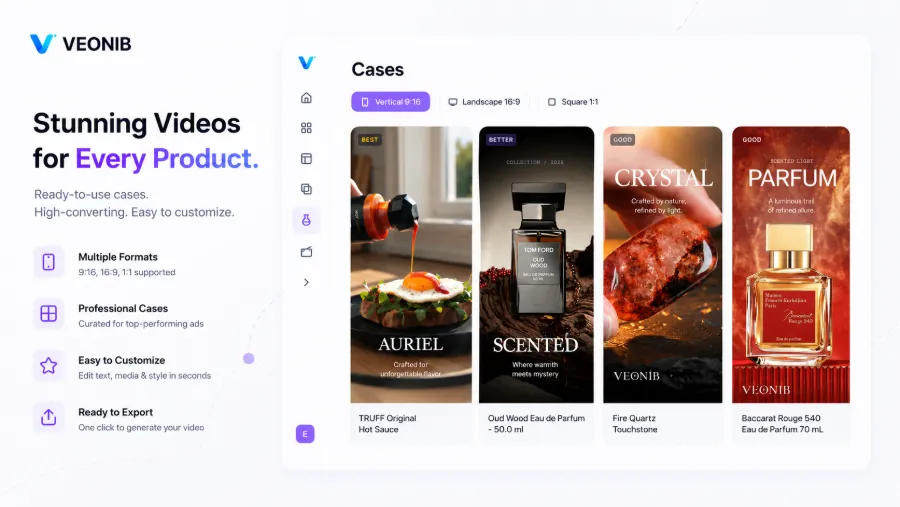
Yes. VEONIB’s exported videos support the three main aspect ratios—9:16, 1:1, and 16:9—directly fitting TikTok, Instagram Reels, Facebook, and YouTube Shorts ad specs. I’ve been using them for TikTok Shop paid campaigns without any format rejections.
Q2: I have no design background—can I edit the generated videos myself?
Yes. The tool includes a script editor and a scene editor, allowing you to modify any copy, voice‑over, subtitles, or storyboard description before export. One click re‑rendering is all that’s needed, no design software required.
Q3: How many ad variants can be generated from a single product link?
In theory, unlimited. Each time you paste the link you can adjust hook copy, script length, voice‑over language, and scene order to create a new combination. The monthly plan supports 30 full exports; the free preview stage lets you test unlimited combinations.
Q4: If I’m not happy with the generated hook, can I edit it manually?
Yes. The tool provides a hook‑editing feature; you can rewrite the opening copy, and the AI will automatically adapt the subsequent script and scenes. No need to restart the whole process.
Q5: After exporting a video, who owns the rights?
You do. VEONIB’s terms explicitly state that exported videos carry full commercial usage rights with no royalty restrictions. They can be used for paid ads, organic social media, brand websites, offline displays, or any other commercial scenario.
Share Article


