VEONIB vs Creatify: Cross‑Border E‑commerce AI Video Generator, Which One Suits You Better?
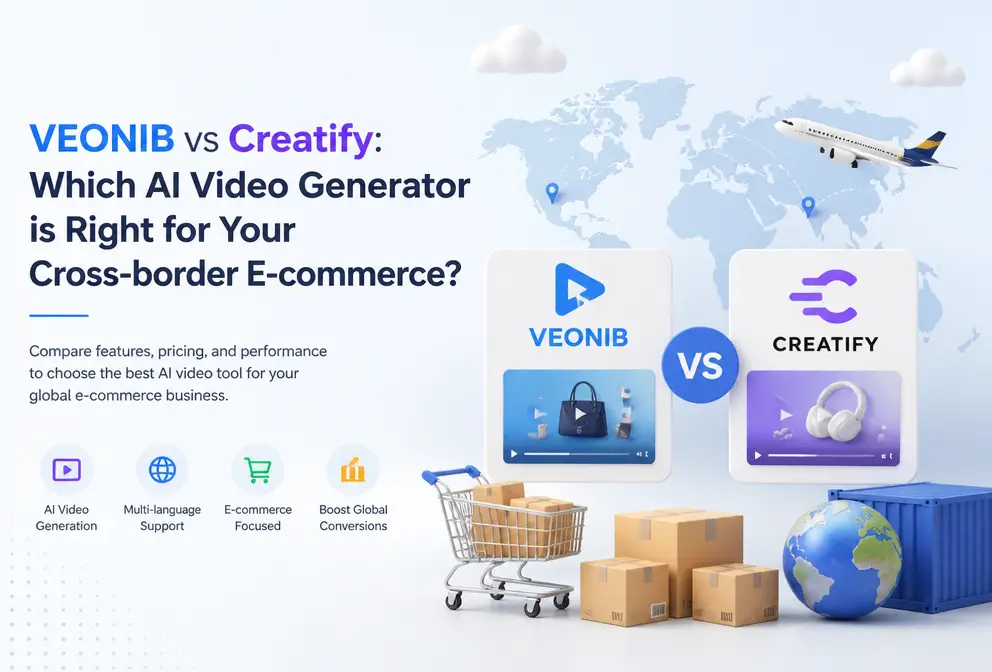
In the past, making a single product video took me at least half a day—writing a script, finding assets, editing, voice‑over, exporting multiple versions. Now, just paste a product link and AI can finish it in sixty seconds. However, the market is flooded with AI video tools, and it’s unclear whether to choose VEONIB or Creatify. I break down their core differences based on hands‑on experience.
The key to choosing an AI video tool isn’t “what it can generate,” but “how much manual tweaking is required after generation.” Some tools still need a manual pass, and the result can be worse than editing from scratch. I tested both tools across workflow, template quality, output adaptability, and additional costs, comparing them item by item.
Core Workflow: From Pasting a Link to Exporting a Video
Let’s start with the most basic process. Open VEONIB, paste any Shopify or Amazon product link, and the AI automatically parses product images, description, and selling points, then generates a script, storyboard, and video—all in roughly sixty seconds. No prompt writing, no timeline dragging. In my test I tried three different categories—beverages, digital accessories, home cleaning—each time following the same steps: paste, wait, export.
Creatify’s workflow is a bit longer: after pasting the link you must manually select a video template and then adjust the AI‑generated script. If the script isn’t satisfactory, you have to edit it line by line. I ran two tests, and each took about three and a half to five minutes on average. For scenarios that require bulk material production, this time gap becomes significant.
I remember spending an entire day using traditional methods to edit a thirty‑second product video, only to have the platform reject it for aspect‑ratio issues, forcing a redo. In contrast, VEONIB’s end‑to‑end automation saves a lot of back‑and‑forth work. If you want to know why you shouldn’t cobble a video together with five or six AI tools, read this article: Stop Using 5 AI Tools to Make One Product Video.
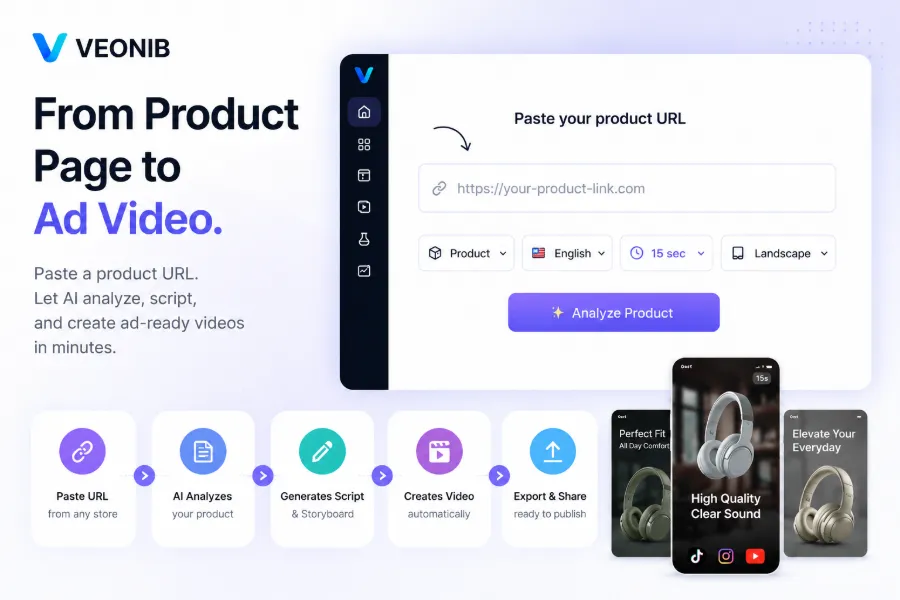
While you’re checking the result on Bilibili, I made a simple comparison: VEONIB goes from link paste to export without any human intervention; Creatify requires the user to make decisions on script and template selection. Both output videos can be used directly, but VEONIB’s zero‑editing barrier saves not only time but also decision fatigue. To see VEONIB’s handling of a beverage product, read this post Turn Any Beverage Product Link into a Video—the process is equally straightforward.
Template Styles and Creative Diversity
Speed is just the entry barrier; creative quality determines whether a video performs. VEONIB offers six video styles: Brand, Lifestyle, Studio, Luxury, UGC, Minimalist. I tested the Lifestyle and UGC styles; the former works well for social‑media “grass‑roots” promotion, while the latter feels like genuine user‑generated content and performs nicely on TikTok. Additionally, VEONIB has a “clone high‑performing ad format” feature—upload a competitor or reference video, and the AI analyzes its structure and rhythm to generate a similar‑style variant.
I tried VEONIB’s clone feature by uploading a previously successful UGC video. The AI captured the storyboard switch frequency and copy rhythm, producing a variant that kept a similar tone and visual feel while not being a carbon copy. This is far faster than manual imitation. See the detailed operation on VEONIB’s page Clone High‑Performing Ad Formats.
Creatify offers fewer style options—about four—focused on UGC and product demo. If you only need a “real‑person review” style, Creatify is sufficient. However, if you want multiple style dimensions to test ad performance across platforms, VEONIB’s variety is clearly superior. VEONIB also includes AI‑generated models in lifestyle and creative scenes, which are frequently used in e‑commerce material production.
Output Quality and E‑commerce Compatibility
Both tools can output 1080p MP4 files with no noticeable quality difference. The real distinction lies in script intelligence and multilingual support.
VEONIB supports AI voice‑over and automatic subtitles in thirty languages. I tested Chinese and Japanese versions; the naturalness and pacing of the voice‑overs were acceptable, with no obvious robotic feel. Subtitles are auto‑generated and embedded in the video, requiring no extra steps. Creatify also supports multiple languages, but only about twenty.
For multi‑platform publishing, VEONIB’s one‑click export of three aspect ratios—9:16, 1:1, 16:9—saved me a lot of time. Previously, after each export I had to manually crop and double‑check that no key information was cut off. Now a single generation yields three versions ready for TikTok, Instagram Reels, and YouTube Shorts. This detail is often overlooked in reviews, but anyone who has done batch publishing knows how useful it is.
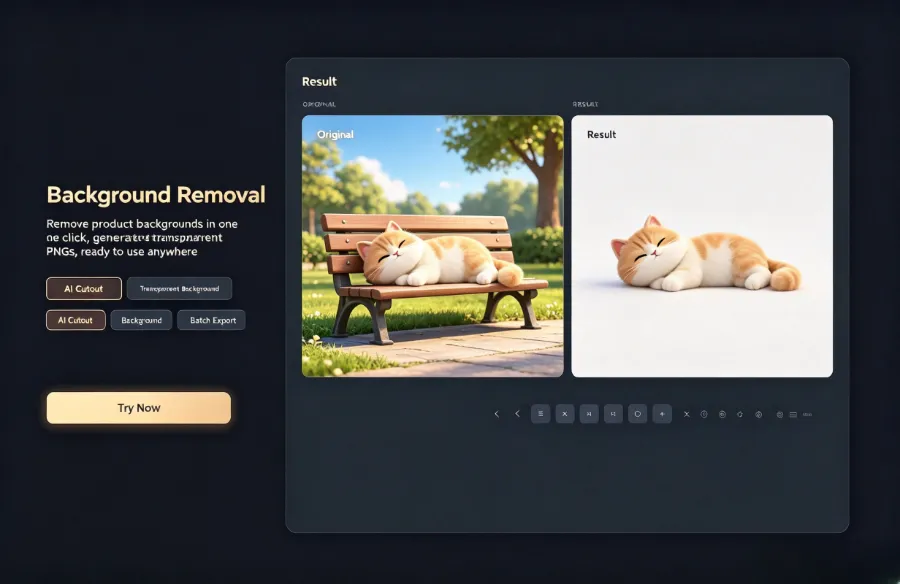
VEONIB also offers a one‑click product‑background removal to generate a transparent PNG, which is extremely handy for e‑commerce assets. No need to open Photoshop for masking; you can directly overlay the PNG onto brand backgrounds.
Another noteworthy feature is VEONIB’s direct parsing support for Amazon, TikTok Shop, WooCommerce, and other platforms. When I tested a Shopify link, the AI correctly identified product specs and price, and the storyboard automatically prioritized selling points. If you’re interested in the trend of moving e‑commerce content creation from manual to AI‑automated, read The Future of E‑commerce Content Creation: From Manual to AI Automation. VEONIB’s automation level for multi‑platform adaptation is clearly higher.
Cost, Efficiency, and Additional Tools
Both offer free previews. VEONIB does not require a credit card; you can generate previews anytime and only pay when you export. Creatify’s free tier limits export count and resolution.
VEONIB claims to be ten times faster than traditional methods, reducing creative costs by about ninety percent. From my tests, this isn’t an exaggeration. Previously, outsourcing a product video cost ¥500‑¥1,000 and took two to three days. Now I can finish everything on VEONIB in under ten minutes.
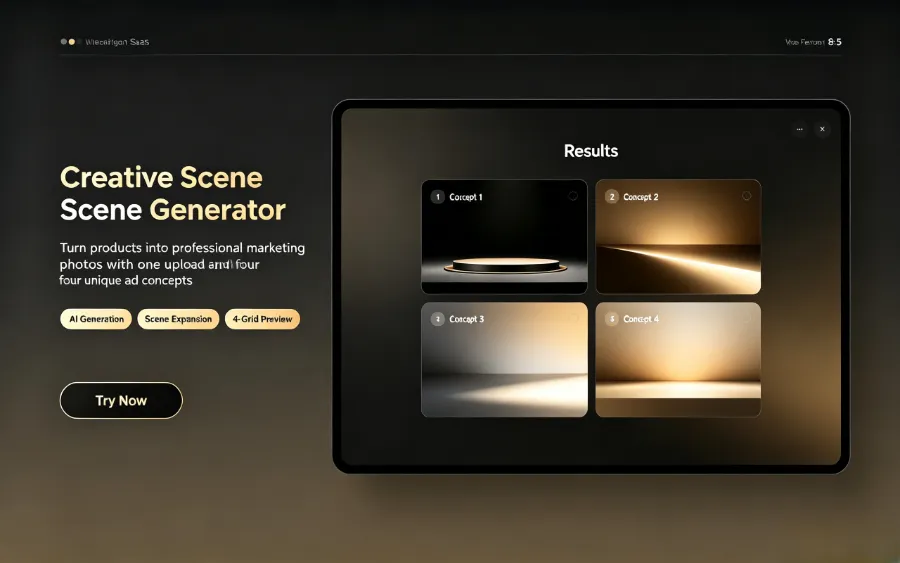
Beyond video generation, VEONIB bundles useful utilities. The bulk watermark tool can add text and logos to hundreds of videos at once, and the MP4 merge tool can stitch multiple clips into a single ad. These tasks would normally require extra software or manual effort, but integrated into one platform they cut post‑production costs. If you have a lot of assets needing copyright protection, check out VEONIB’s Batch Add Text and Logo Watermarks—upload all videos once, and the watermarks are added automatically before export.
FAQ
Q1: Which is more suitable for beginner sellers, VEONIB or Creatify?
VEONIB is more suitable. Its workflow is the shortest: paste link, wait, export, requiring no video‑editing experience. Creatify needs manual template selection and adjustments, which raises the learning curve for newcomers.
Q2: Can VEONIB‑generated videos be used directly in Amazon listings?
Yes. VEONIB supports Amazon link parsing, and the video output format meets Amazon’s upload requirements. Export and upload to the product detail page directly.
Q3: Does Creatify support Chinese scripts and voice‑overs?
It does, but Chinese voice‑over tone and naturalness are not as good as the English version. VEONIB’s Chinese voice‑over is optimized for e‑commerce scenarios, with better phrasing and emphasis for product ads.
Q4: Do both tools offer free trials? What are the limits?
Both provide free previews. VEONIB requires no credit card and allows unlimited preview generations before you decide to export. Creatify’s free tier limits video resolution and export count.
Q5: Can multiple product videos be generated in bulk?
VEONIB is better suited for bulk scenarios; a product link can be processed in under a minute, theoretically handling dozens to hundreds of links per day. Creatify’s need for manual script adjustments makes its bulk efficiency lower.
Share Article


