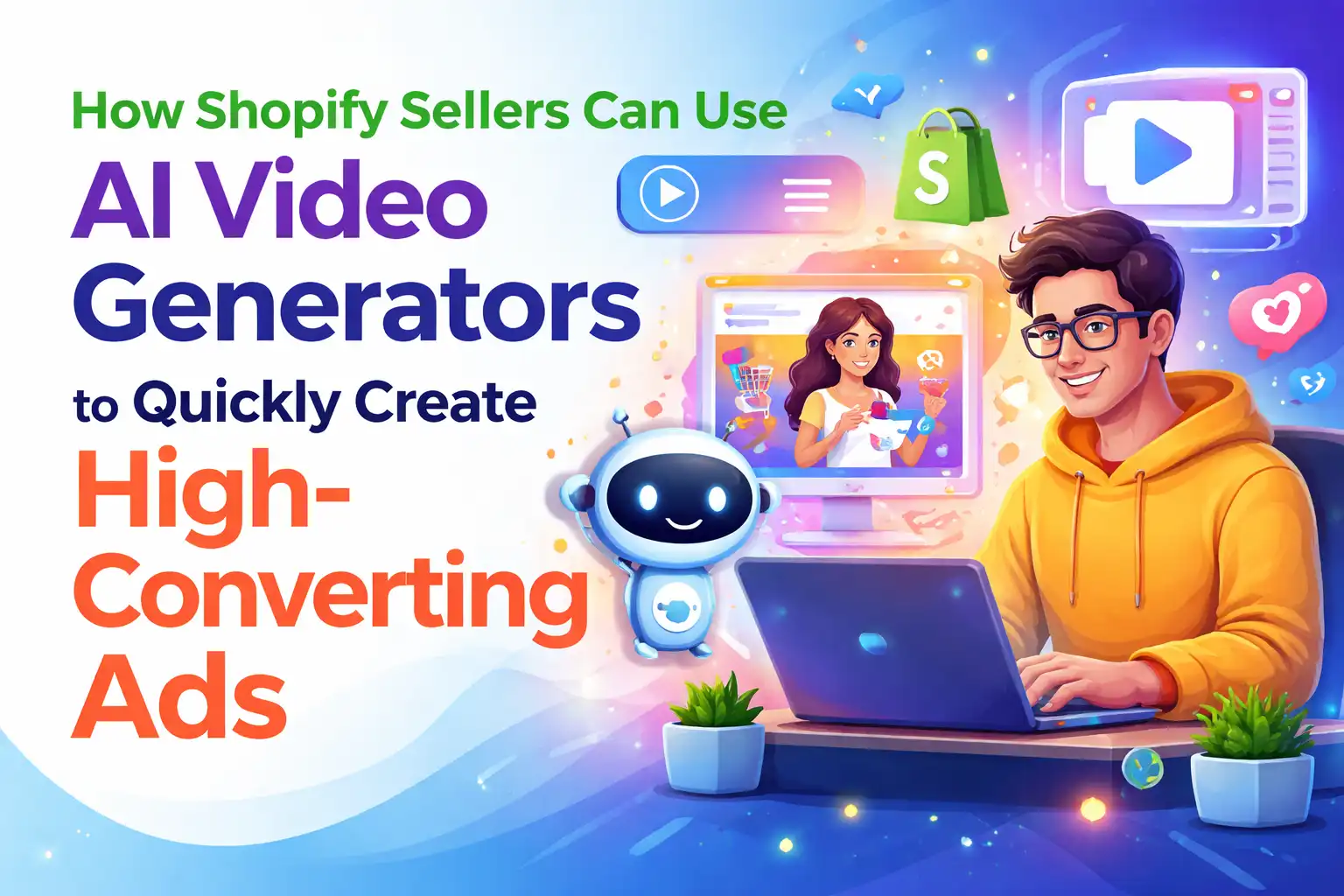
How Shopify Sellers Can Quickly Create High‑Conversion Ads with an AI Video Generator
Open the Shopify admin; a new product just went live, and you need three TikTok assets from different angles for A/B testing. Outsourcing video production costs $800 per video, with a turnaround of at least three days. Doing it yourself—writing the script, storyboard, finding voice‑over, editing, and rendering—takes 3 to 6 hours for a 15‑second ad. Even worse, after finishing one video you may discover its conversion rate is poor and have to start over. This manual workflow is too costly and too slow for small‑ and medium‑size sellers, making it impossible to keep up with the rapid cadence of multi‑platform ad rotations.
An AI video generator changes this entire chain. By entering a product URL, the AI automatically analyzes the product’s selling points, creates hooks, scripts, storyboards, and voice‑overs, and finally outputs a finished video. The whole process is compressed into under 60 seconds, allowing sellers without a design team to mass‑produce professional‑grade ad assets.
Why Shopify Sellers Need AI Video Ads
Short‑form video’s role in e‑commerce channels needs no explanation. TikTok Shop, Instagram Reels, YouTube Shorts, and Facebook’s Reels section all push short‑video traffic. The problem is that these platforms demand far more creative assets than traditional e‑commerce ads. After a product is listed, you may need to run tests on four platforms simultaneously, each requiring at least 2–3 different‑angle assets—resulting in 8–12 videos. Traditional production of a 15‑second ad takes 3–6 hours, so creating this set of assets consumes 24–72 hours, not counting revisions and re‑work.
I’ve seen a Shopify seller of home‑goods who launched a scented lamp during peak season. The product was fine, but there was only one video asset. He ran it on TikTok Shop and Instagram at the same time; after three days the asset’s CTR started to drop. He wanted a new asset but the outsourcing company was fully booked, and he didn’t have time to edit himself, so the ad spend stalled. This scenario is far too common among small and medium sellers.
AI video generators let sellers create dozens of ad variants within an hour, testing different openings and selling‑point expressions. In the traditional workflow you can only gamble on which hook works; now you can batch‑test and scale the best‑performing one. (Shopify’s official blog) features many sellers sharing similar multi‑asset testing strategies, with the core idea being quantity over probability—more assets increase the chance of hitting a breakout.
Moreover, small teams often lack professional design skills. You may know product selection and ad placement, but not video editing or voice‑over. Hiring someone is expensive; doing it yourself yields poor results. This isn’t a skill issue; it’s a tooling issue. AI video generators effectively lower the technical barrier to video production, letting sellers focus on product selection and placement strategy rather than getting stuck on asset creation.
How an AI Video Generator Works – From URL to Deployable Video
The workflow of an AI video generator looks simple, but it automates multiple steps. Using a tool like VEONIB as an example, the process is roughly:
Paste the product URL. The tool automatically scrapes the title, description, price, images, etc., building a basic understanding of the product. Compatibility is key—can it parse Shopify, Amazon, TikTok Shop, WooCommerce, and other major platforms? If a tool only handles Shopify, you can’t use it for sources from 1688 or AliExpress.
AI analyzes selling points and generates multiple ad hooks. Hooks are the first three seconds of the video and decide whether viewers keep watching. Good hooks contain concrete benefits, price anchors, or situational cues. The AI creates 5–10 different opening concepts based on price range, category, and target audience. For a $30 robot vacuum, it might generate “This $2,000 robot vacuum is only $30” and “A single‑person worker’s real morning: the robot vacuum saved me,” two completely different angles.
Automatic script writing. Supports 15‑, 30‑, and 60‑second formats; the script expands from the chosen hook to include product showcase, usage scenarios, feature explanations, and conversion prompts. The script structure follows the best‑performing ad patterns on TikTok and Reels, not just random text.
Storyboard generation. The AI creates frame‑by‑frame scene illustrations based on the script, allowing you to preview the video’s overall look before export. If a scene is unsatisfactory, you can replace its description and regenerate it.
AI voice‑over and subtitle generation. Supports voice‑overs in 30 languages, which is extremely useful for cross‑border sellers—one product can have a Chinese version for TikTok, an English version for Instagram, and a Japanese version for the Japanese market without hiring voice actors. Subtitles are added automatically, with adjustable style and font.
One‑click export. Supports three aspect ratios: 9:16 (vertical, for TikTok, Reels, Shorts), 1:1 (square, for Facebook), and 16:9 (horizontal, for YouTube), all output as 1080p MP4. From past the URL to exporting the final product takes an average of 60 seconds. A single product can generate up to 100 ad variants, enough for large‑scale testing. (Google has integrated Veo into Vids, supporting text‑to‑video.) The maturity of this technology shows that AI video generation is not just a need‑e‑commerce demand but a broader content‑production trend.
Key Considerations When Choosing an AI Video Generator
The market is flooded with AI video tools, but their capabilities vary widely. Selecting a tool based on your actual needs is far more important than following hype.
Editability is often overlooked. Some tools lock the script and voice‑over after generation, forcing you to recreate the whole video if you’re unhappy. This means you can’t fine‑tune existing output. VEONIB lets users edit hooks, scene descriptions, and voice‑over text before export, then re‑renders automatically. This is crucial because AI‑generated scripts sometimes sound overly salesy; brands with strong tone‑of‑voice need a softer approach.
Multilingual support is a hard requirement for cross‑border sellers. Traditional localization involves hiring translation agencies for scripts and local voice actors for recordings, making a multi‑language video more expensive than the original. AI can directly generate voice‑overs in 30 languages; while quality may not match a human, it’s sufficient for rapid testing. Once a high‑performing asset is identified, you can later invest in professional re‑recording.
Commercial copyright ownership must be clarified up front. Some tools claim the generated video belongs to the platform or can only be used internally. E‑commerce sellers need to run videos on TikTok, Instagram, Facebook, YouTube, and possibly paid ad networks. If copyright is restricted, later usage becomes a hassle. Ensure the tool grants you full ownership and unrestricted usage rights for exported videos.
Platform compatibility is also practical. If you primarily sell on Shopify but occasionally source from Amazon, can the tool parse Amazon pages directly? VEONIB is relatively comprehensive, supporting Shopify, Amazon, TikTok Shop, WooCommerce, Temu, AliExpress, Etsy, eBay, and more. If you stay on a single platform, compatibility is less critical; for multi‑platform sourcing, broader support matters.
Free preview value is often underestimated. You can’t know whether the AI‑generated hook, script, or storyboard meets expectations until you see it. Free previews let you view the complete hook, script, and storyboard images without paying, then decide whether to pay for export. According to product data, AI video generators can cut creative production costs by about 90 %. This reduction isn’t just about replacing human labor; it also eliminates blind trial‑and‑error—no need to pay for every unsuitable asset. Today’s preview results are far better than six months ago.
If we must point out a drawback, AI‑generated hooks can sometimes feel too templated. For high‑ticket items or brands that need a strong tonal identity, the script may require manual adjustment. However, this isn’t fatal for tools that support editing—you treat the AI output as a draft, then refine it, which is still far more efficient than starting from scratch.
FAQ
Does the AI video generator offer a free trial?
Most AI video generators provide a free preview feature that lets you generate hooks, scripts, and storyboard images without a credit‑card. You can see the full creative concept before paying for export. VEONIB imposes no limit on the number of previews.
Can the generated video be edited?
It depends on the tool. Some do not allow any modifications after generation, requiring a full rebuild. Tools that support script editing let you change hooks, scene descriptions, and voice‑over text before export, with the system automatically re‑rendering. Choose a product with editing capabilities to save a lot of re‑work time.
Who owns the copyright of the generated video?
Most commercial AI video generators grant the user full commercial ownership of the exported video, allowing use in paid ads, organic social posts, website displays, and any other commercial channel. However, licensing terms vary, so verify the specific copyright and usage rights before use.
Which video aspect ratios and platforms are supported?
Mainstream tools usually support three ratios: 9:16 (vertical for TikTok, Instagram Reels, YouTube Shorts), 1:1 (square for Facebook), and 16:9 (horizontal for YouTube). Some tools also offer 4K output, ready for direct upload to the respective platforms.
How long does it take from past the URL to exporting the video?
In most cases, the end‑to‑end process—from pasting the URL to exporting a finished MP4—takes 60–90 seconds. This includes AI analysis of product information, hook and script generation, storyboard creation, voice‑over and subtitle rendering, and final export. Compared with the traditional 3–6 hour workflow, the improvement is dramatic.
Share Article