One product link, 60‑second ad video generation: My new e‑commerce video method
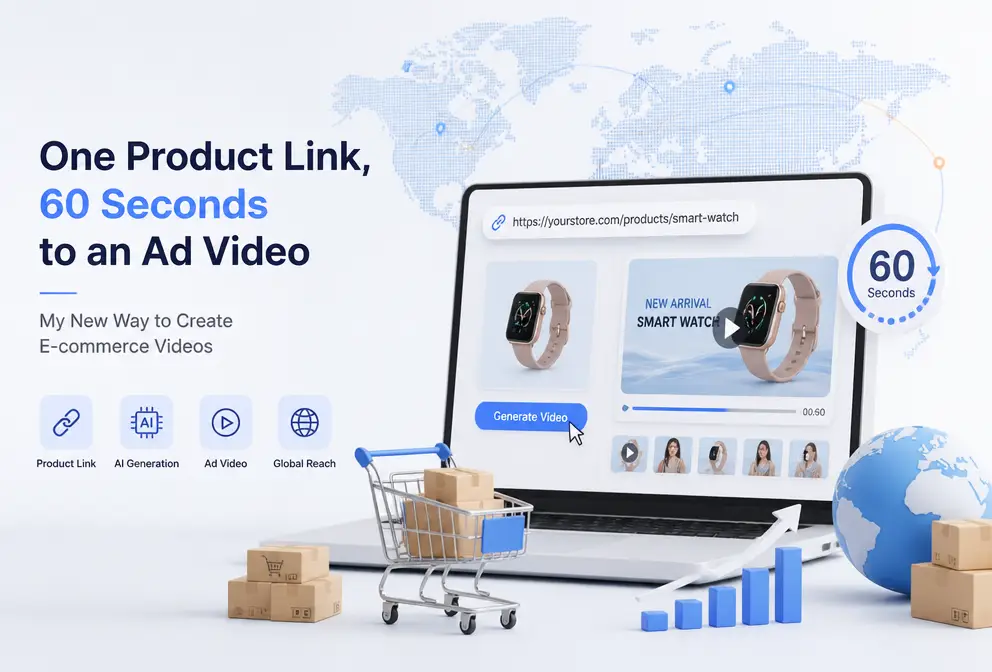
Every time I launch a new product, I have to go through a round of product selection, shooting, editing, voice‑over, subtitles, and formatting – a two‑to‑three‑day grind just to produce a barely usable video. Selecting a location takes half a day; if the lighting isn’t right we have to reshoot; halfway through editing we discover missing footage; the AI voice‑overs we try all sound off. The most frustrating part is that after all that effort, TikTok requires a 9:16 vertical video, Instagram Reels needs 1080 × 1920, and Amazon only accepts videos under 15 seconds – three different sizes, which means re‑editing three times. Then I tried a different approach: paste the product link, and after 60 seconds the script, storyboard, and final video are all generated automatically. I’ve been using this “lazy” shortcut for a while now, and I’ll discuss whether it can truly replace the traditional workflow.
The three big hurdles of traditional product video production
I spent several years doing product shoots, and each new launch was a nightmare. The shooting process itself is a time black hole: scouting locations takes two hours, lighting setup requires constant tweaking, and you have to shoot the same angle five times before you get a usable shot – from receiving the sample to the final video, it averages 2–3 days. The cost isn’t modest either; outsourcing a decent product video in China runs a few hundred to over a thousand yuan, while overseas professional teams charge $800–$2,000 per video. For small and medium sellers, that money could fund several ad campaigns.
There’s also a hidden cost many overlook – multi‑platform format adaptation. The same laundry pod needs a vertical, rhythmic version for TikTok, a clean white‑background showcase for Amazon, and a different 5‑second hook for YouTube Shorts. My own stats showed that merely changing dimensions and re‑exporting took up 30 % of post‑production time. Once I made a video for a pet toy, I produced four versions (9:16, 1:1, 4:5, 16:9) and the export queue didn’t clear until 2 a.m.
What frustrated me most was the learning curve. I tried several editing tools; they’re powerful, but it took me two to three days to master export settings, keyframes, and preset templates. After producing five videos I gave up – not because the tools were bad, but because each new product meant the same learning cost.
From URL to video: How AI completes everything in 60 seconds
The turning point came the day I pasted a product link directly into VEONIB. I was working on material for an insulated bottle and, on a whim, pasted the Amazon link. In less than 60 seconds, the script, storyboard, and final video appeared on screen – yes, even the script was AI‑generated, based on the product title, five‑point description, and high‑frequency words from the reviews.
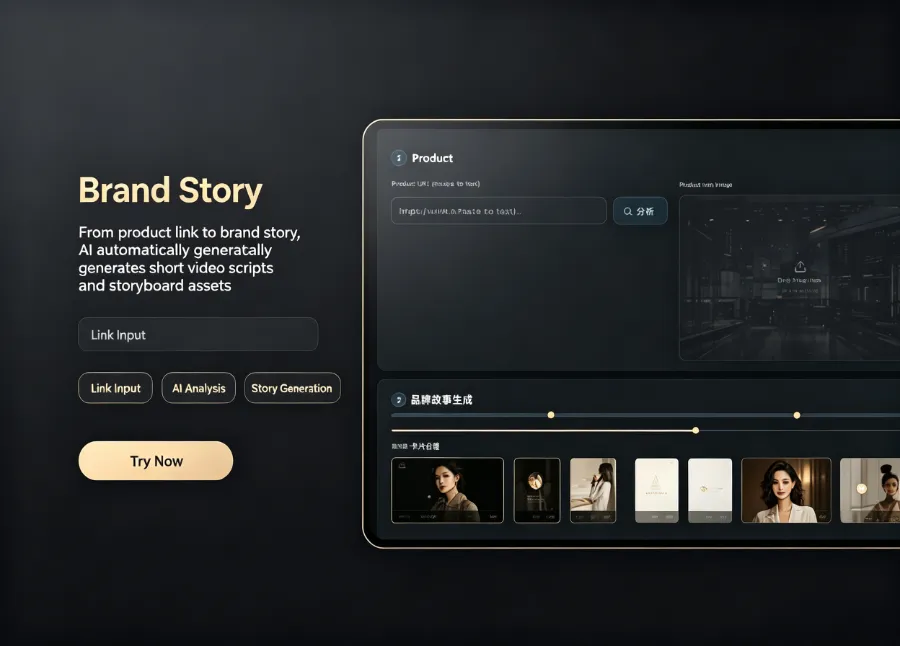
The most surprising part was the script quality. I expected a templated opening, but the AI pulled keywords from my product page—“24‑hour heat retention,” “stainless‑steel interior,” “leak‑proof design”—and combined them into a natural voice‑over copy that was more eye‑catching than the three versions I’d painstakingly revised myself. I suspect the reason is that most sellers underestimate the information density of their own product pages. The combination of title, bullet points, and frequent review terms is far more conversion‑driven than a feel‑based pitch.
Of course, it isn’t perfect. Occasionally the generated script is too generic, e.g., “This product will never disappoint you,” which I manually tweak to sound more natural. The good news is that you can edit the copy during the preview stage, without having to start over.
After getting this tool, I also examined other AI video generators on the market and found that while there are more options than ever, the suitability for e‑commerce scenarios and response speed vary widely. If you’re comparing solutions, check out the 2026 Best AI Video Tools Comparison. VEONIB also has many real user reviews on G2 that helped me feel confident in my choice – VEONIB user reviews on G2.
These video scenarios, all handled with a single URL
Previously, product showcase videos required hiring a photographer to shoot multiple angles, then stitching them together into a 30‑second clip. Brand stories were even harder; they needed settings, characters, and a narrative line, and just brainstorming the storyboard could take a whole day. Social‑media short videos demand fast pacing and strong hooks; I edited three attempts and was still unsatisfied, eventually abandoning the product’s promotion.
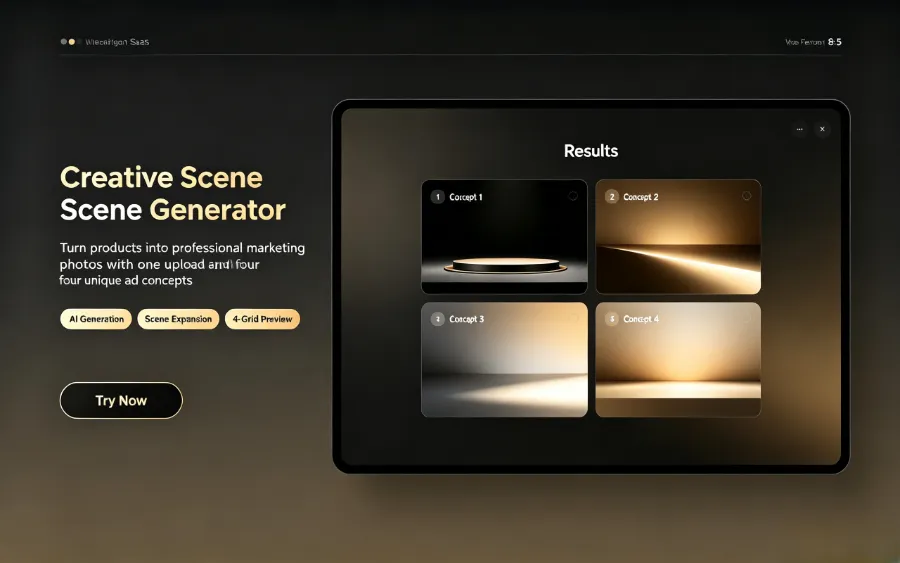
With VEONIB, covering these scenarios becomes much easier. For product showcase videos, you just drop the link; the AI automatically generates a 30‑ or 60‑second brand‑story version. I tried a TikTok version for a freeze‑dried coffee, vertical, with subtitles and a hook in the first three seconds that grabbed attention – after export I uploaded it directly with no edits. Amazon listing videos have strict size and length limits; the AI outputs a 1080 × 1920 version in one go, saving me repeated re‑exports.
What surprised me most was the hidden cost of format adaptation. Shooting a single piece of footage takes half a day, but then you have to manually export three times for different platforms – that’s the real consumption. AI generates all ratios at once, eliminating that repetitive labor. If you have baby‑care products, try the Baby Care Product Link to Ad Video workflow; the results are far better than expected.
Running it yourself: the complete copy‑paste‑to‑export workflow
If you want to try it, the process is very simple. Copy the product link you want to promote – it can be from Shopify, Amazon, WooCommerce, TikTok Shop, or even Etsy and eBay. Open the tool and paste the link. The system automatically parses the product’s title, images, description, and high‑frequency selling points from the reviews.
Then move to the preview stage. Important note: preview does not require a credit card, so you can see the result before deciding. The script, storyboard template, voice‑over language, and background music can all be adjusted in the preview panel. I usually check whether the opening hook is compelling – if it feels flat, I switch to another style from the template library (brand, lifestyle, minimal, UGC, etc.). The style I use most is UGC because it feels natural and authentic.
After confirming the script and visuals, click to generate the final video. The exported file is MP4 and supports three aspect ratios: 9:16, 1:1, and 16:9. I typically export all three immediately and then upload them to TikTok, Instagram Reels, and YouTube Shorts. If you want to see food‑and‑beverage examples, I’ve used the Beverage Product Link to Video workflow for several products – feel free to check them out.
Honestly, AI‑generated videos can’t fully replace traditional shooting – high‑end brands that want cinematic quality still need professional teams. But for everyday product launches, testing, and ad material, a 60‑second output is more than sufficient.
FAQ
Do I need professional filming equipment to generate e‑commerce videos?
No. A single product link is enough. The AI extracts product images and text to create the video, so no camera or crew is required.
Which platforms can the product link come from?
Supported platforms include Shopify, Amazon, WooCommerce, TikTok Shop, Temu, AliExpress, Etsy, eBay, and most other major e‑commerce sites. Most publicly accessible product pages can be parsed.
How long does it take to generate a video?
On average 60 seconds. From past the link to viewing the preview, most videos render within that time. Exporting multiple ratios takes about two minutes total.
Can the generated videos be used in my own ad accounts?
Yes. The exported video’s copyright belongs to the creator, there’s no watermark, and you can upload it directly to TikTok, Facebook Ads, Google Ads, Amazon, etc.
Is there a free trial?
Yes. After opening the tool you can preview scripts, storyboards, and scene effects without a credit card. You only pay when you export the final video.
Share Article


