Can You Make Product Videos Without Shooting? My Fully Automated Process Share
A couple of days ago I was again worried about an ad video for a new product. Getting a quote from a shooting team costs several thousand, the schedule takes a week, and revisions cost extra. Last week a new Bluetooth earphone needed a video; I opened an outsourcing platform and saw quotes starting at $800 with a 5‑day delivery. Then I tossed the product link into an AI tool and got a draft in a minute—rough but with script, storyboard, and voiceover. I’ve been using this approach for two months, and today I’ll talk about making product videos without shooting.
Traditional product videos are either shot in‑house or outsourced. Shooting yourself means buying lights, finding a location, learning editing; a video can take a week and still not be satisfactory. Outsourcing is even worse: quotes range from $500 to $2,000, communication costs are high, and each revision feels like asking for a favor. The biggest issue is A/B testing—you need two versions, doubling the budget. I tried a few times and gave up.
The logic of not shooting is simple: video material doesn’t have to be produced by you. Supplier‑provided product images, user‑generated UGC content, and even the information contained in the product link can be used to compose a video. As long as you clean the material—remove watermarks, cut out backgrounds, add a script—the ad platform will recognize it. In fact, our tests show that videos made from existing material feel more “imperfect” and thus more authentic, leading to higher ad approval rates.
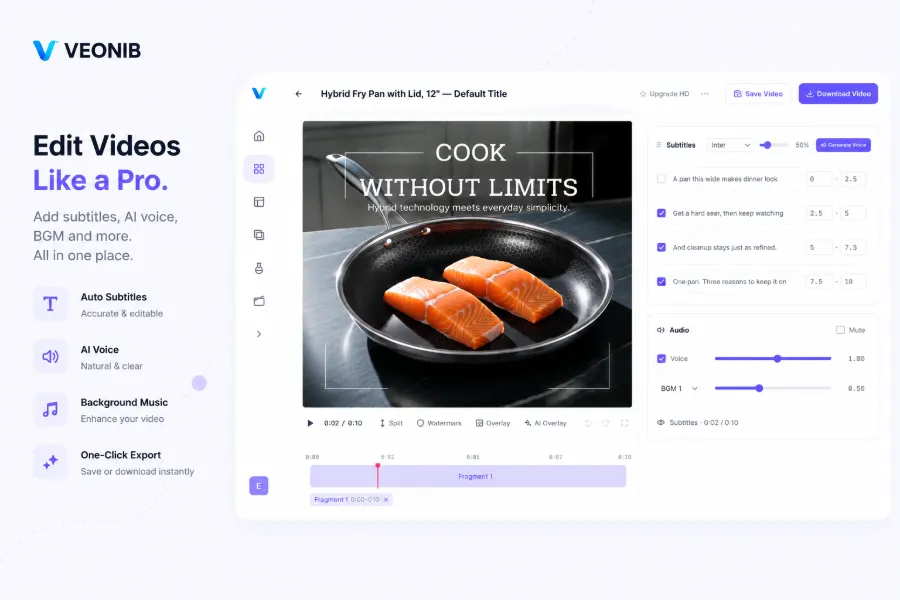
Traditional shooting takes 5–10 days on average, costing $500–$2,000 per video. The no‑shoot method can cut costs by 90% and reduce generation time to 60 seconds. For ad approval, as long as the video content isn’t infringing or false advertising, platforms are far more tolerant of visual quality than sellers expect. Most of the AI‑generated videos I’ve run have passed review on the first try.
Here’s a real case from product URL to emotional ad video you can check out. The trend in this field is also shifting; this article discusses the direction: The future of AI video starts with product URL.
Step 1: Throw in a product link, AI handles everything automatically
The process is simpler than you think. Pick any e‑commerce link—Shopify, Amazon, TikTok Shop work—copy and paste it into the tool.
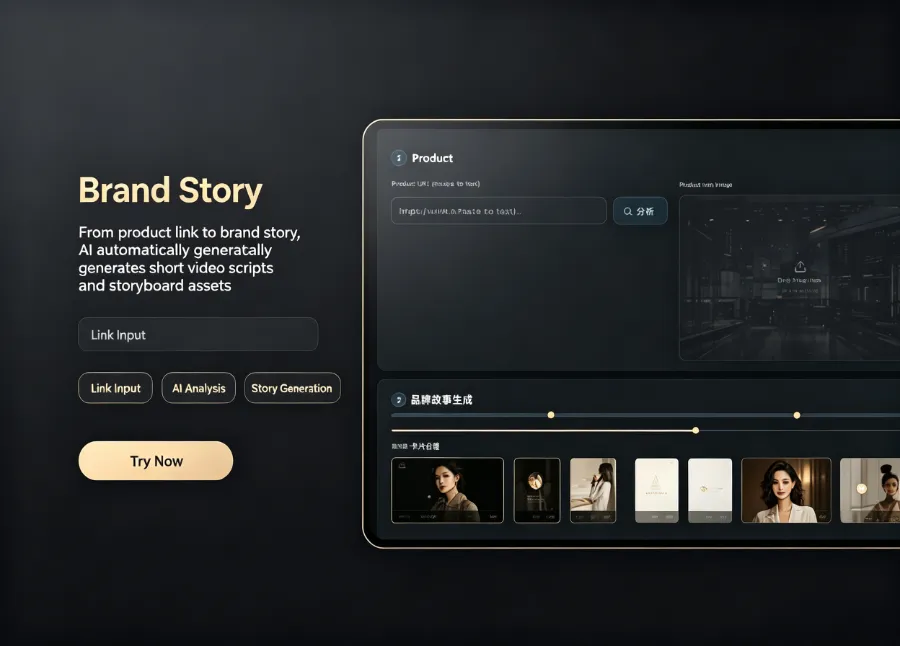
I use VEONIB, and I never have to type a single sentence manually. It automatically fetches product images, title, description, and selling points, then generates a script and storyboard, delivering a previewable video draft in 60 seconds.
The first time I tried it I was skeptical, because previous AI‑generated videos either had machine‑translated scripts or unrelated footage. This tool’s understanding of product information exceeded my expectations—it knew the Bluetooth earphone’s selling points were noise cancellation and battery life, and the script focused on those two points without deviating.
In 60 seconds you get a complete video draft, including script, storyboard, and first‑cut video. If you’re not satisfied you can regenerate; each time takes a minute. I usually generate five versions at once and pick the one that looks best to continue refining.
Step 2: Turn supplier‑provided material into usable assets
Most sellers already have supplier‑provided assets—product photos, lifestyle images, even short clips. But there are problems: watermarks, messy backgrounds, inconsistent formats. Using them as‑is looks unprofessional, and re‑shooting costs time.
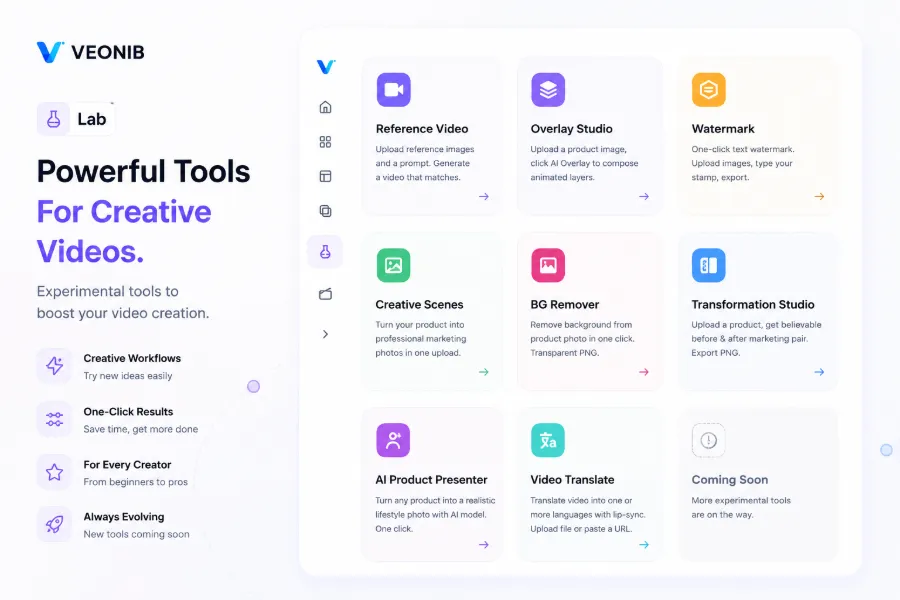
My approach is to clean the assets first. A one‑click watermark remover strips logos, and an AI background remover extracts the product into a transparent PNG. Then I feed these assets into the video generation pipeline to enrich visual layers.
Here’s a one‑click video watermark removal tool that’s especially handy for supplier videos. Also, this quick transparent PNG generator for e‑commerce converts product images to transparent backgrounds, saving the time of Photoshop masking.
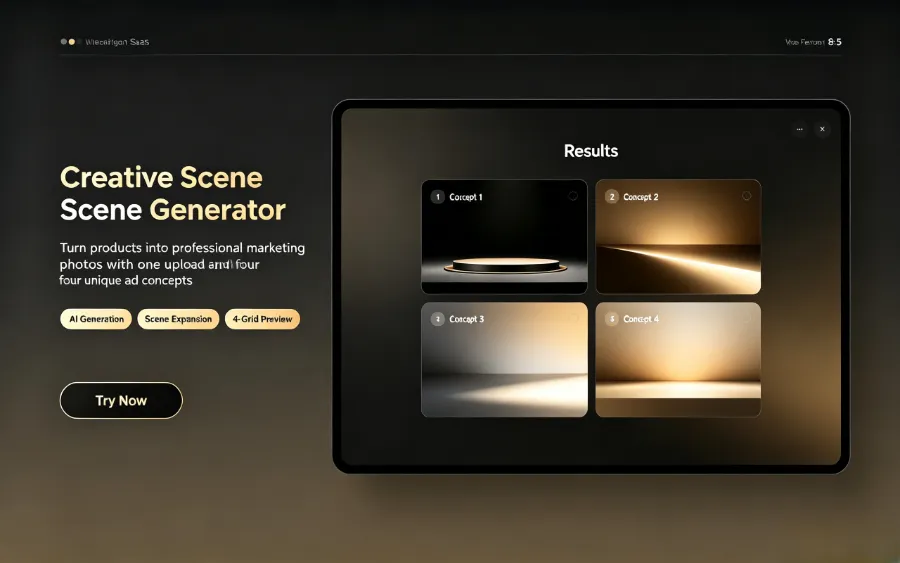
By the way, VEONIB itself includes built‑in video watermark removal and background removal, eliminating the need for extra software. Both processes finish in seconds, essentially no waiting.
Step 3: Let AI generate script, voiceover, and storyboard—zero editing experience
Once the assets are ready, you move to the real creation stage. Choose a video style— I usually go with “lifestyle” or “UGC” because they perform steadily in ad campaigns. AI automatically creates multiple script versions ranging from 5 to 60 seconds.
My most used feature is generating 5–10 script variants at once, then selecting the two best to have AI produce full storyboards. The storyboard is frame‑level; each frame can be previewed, and you can adjust any single frame’s description if needed.
Voiceover supports 30 languages; I’ve tested both Chinese and English, and the naturalness is acceptable. Subtitles are auto‑synchronized, no manual timeline editing required.
This batch‑production capability is especially useful for A/B testing. Previously you needed to shoot two videos; now a few script tweaks generate a new version. I’ve turned a single product article into multiple video scripts—see an example: A high‑traffic blog post turned into 30+ short videos.
Step 4: Bulk export, apply multiple platform dimensions, and publish
After the video is generated, the final step is export. The AI tool supports one‑click rendering of multiple aspect ratios—9:16 for TikTok and Instagram Reels, 1:1 for Facebook, 16:9 for YouTube—no manual cropping needed.
Rendering a single video takes about 60 seconds; generating ten videos stays under ten minutes. Exported files are standard MP4s, ready for upload to ad platforms. I usually generate five versions, export them all, and run A/B tests simultaneously to see which conversion rate is best before scaling up.
The most annoying part of video production used to be resizing—editing vertical then horizontal, adjusting timelines. That step is now completely eliminated.
FAQ
Q1: Can non‑shot videos pass ad review?
In most cases, yes. As long as the content isn’t infringing or false advertising, ad platforms are more tolerant of visual quality than sellers assume. The AI‑generated videos I’ve run have an approval rate above 80%. The key is to clean the assets—no watermarks or blurry images.
Q2: I don’t have product photos, can I still make a video from just the link?
Yes. The AI tool automatically extracts product images and information from the link. If the images are low quality, you can request higher‑resolution files from the supplier or run them through a watermark remover.
Q3: Can I use the AI‑generated video commercially? Who owns the copyright?
The exported video’s copyright belongs to the user and can be used commercially, provided you don’t infringe third‑party rights—e.g., using someone else’s music or images. Full ownership is yours.
Q4: How many variants can be generated at once? Is there an extra charge?
You can generate 5–10 script variants at a time; storyboard previews and drafts are free. Only the final export is charged, so you can experiment freely.
Q5: Can I manually edit the generated video?
Yes. Before export, you can manually modify the script, voiceover, and scene descriptions. After editing, just re‑render—no need to repeat the whole process.
Share Article


