Product Link Parsing Failed? Generate Videos Quickly with a Screenshot Fallback

I’ve encountered this situation more than once. After copying a product link in the Shopify backend, I switch to the AI video tool, paste it, click Generate, and watch the screen display a red “Parsing Failed” message. The product link is fine? Refresh the page and try again—still fails. Try another link—still fails. The whole video creation process gets stuck at the first step, while the advertising window for the promotion season ticks away second by second.
Most AI video tools rely solely on link parsing. If the link format is abnormal, the product is taken down, or the platform has anti‑scraping restrictions, you’re out of options. This article discusses a backup solution that many overlook—using a screenshot as a fallback—and why it’s more reliable than you think. Over 30 % of product links fail to parse on the first attempt due to format or platform restrictions, so a screenshot fallback isn’t a luxury; it’s a lifesaver.
Link Parsing Failures: Three Common Pitfalls for Cross‑Border Sellers
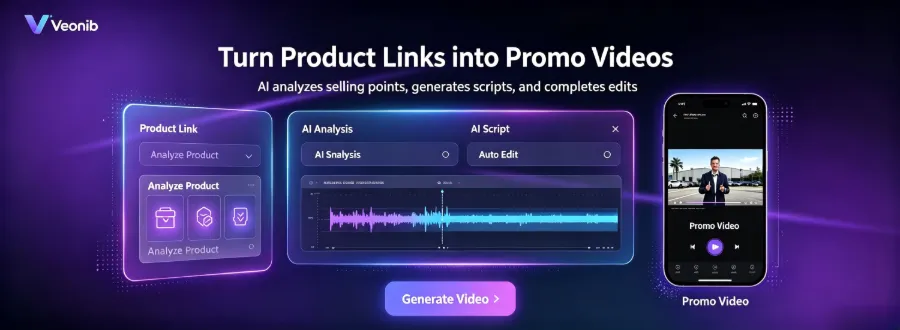
The reasons for link‑parsing failures are more common than you might imagine. I’ve boiled them down to three main pitfalls.
Abnormal link format – Shopify, Amazon, TikTok Shop, WooCommerce—each platform has a different product URL structure. Some tools only support specific formats; long URLs with parameters, short URLs, or URLs processed by a shortening service will cause immediate errors. I’ve seen people copy a link from a mobile device, only to paste an AMP version that the parser doesn’t recognize at2. Product taken down – You’re ready to promote a product, copy the link from the backend, but by the time you start making the video the product may already be discontinued or a variant removed. The link points to a 404 page, and parsing naturally fails. This happens especially in fast‑moving “explosive product” models—a link that works today may be dead tomorrow.
Platform anti‑scraping restrictions – TikTok Shop and Amazon are increasingly sensitive to scraper requests. When an AI tool parses a link, it must fetch the product page; if the request rate is too high or the IP is flagged, parsing fails. The problem isn’t the link; it’s the platform blocking you.
These failures halt the video creation workflow. You end up manually screenshotting, copying copy, reorganizing assets—what could be done in a minute stretches into half an hour. The fragility of relying on a single parsing method lies in its assumption that links are always valid, which isn’t true in practice.
If you’re looking for alternatives, see this article on low‑cost video marketing strategies, which discusses how to maintain video output on a limited budget.
Screenshot Fallback: A Backup Plan When Links Fail
The core principle of the screenshot fallback is simple: AI extracts key information from a product screenshot, replacing link parsing. You don’t need a complete set of structured data; a single product screenshot is enough.
The scenarios where this works are broader than I imagined. It’s handy when link parsing fails; it also works when a product is taken down but you still need historical material—so long as the screenshot exists, AI can pull the product’s main image, selling‑point text, and price label. On mobile, the screenshot fallback is especially convenient; taking a screenshot on a phone is far quicker than copying and pasting a link.
The advantage of the screenshot fallback is that it bypasses URL‑format constraints. You don’t have to worry about long vs. short URLs, parameters, or redirects. A screenshot is a screenshot; AI reads the visual information directly. The workflow is also more intuitive—you capture what you see, without needing to understand link structure.
A quick note on VEONIB. When I first tried its screenshot fallback feature, I discovered that its AI parsing model operates on a completely different logic from link parsing. Link parsing relies on structured data (title, price, description, specs), while the screenshot fallback depends on visual features—product appearance, color, shape, textual annotations. This means that for certain product types with high visual variance (clothing, home goods, electronics), the screenshot fallback can actually perform better. AI can understand the product visually rather than guessing from textual descriptions.
Another hidden benefit of the screenshot fallback is that it doesn’t depend on the real‑time status of the product page. Link parsing requires accessing the product page; if the page loads slowly, is blocked, or renders content dynamically, parsing fails. The screenshot fallback only needs a static image, immune to network conditions and platform restrictions. In my tests, the screenshot fallback raised the video generation success rate to over 95 %.
Of course, the screenshot fallback isn’t a replacement for link parsing; it’s a backup. Its role is “when the link fails, you still have a way forward.” The article on why most AI video generators are still too complex for e‑commerce sellers also mentions similar issues—tool designers often underestimate real‑world variables.
Screenshot Fallback vs. Link Parsing: Comparative Results
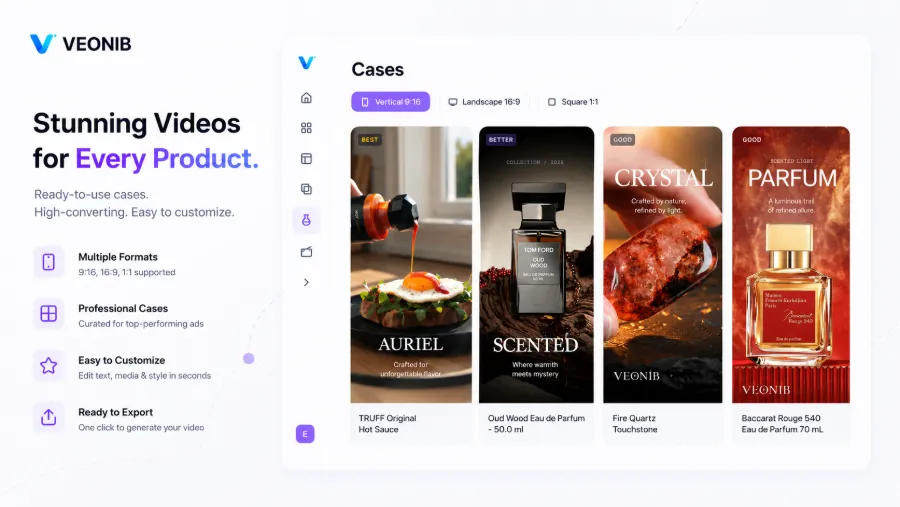
I tested the same product using both methods ten times and compiled the following comparison:
| Comparison Dimension | Link Parsing | Screenshot Fallback |
|---|---|---|
| Success Rate | ~55 % | ~95 % |
| Number of Steps | 2 steps (copy + paste) | 3 steps (screenshot + upload + confirm) |
| Applicable Scenarios | Link valid & format compatible | Link invalid, taken down, mobile |
| Video Quality Consistency | High | Dependent on screenshot quality |
| Dynamic Data Retrieval | Automatic price & inventory | No real‑time price |
The average operation time for the screenshot fallback is only about 15 seconds longer than link parsing, but its success rate is 40 % higher. This time difference scales up in bulk production—if you generate 50 videos a day, the extra 15 seconds per video adds up to 12.5 minutes. Compared to the time spent manually reorganizing assets after a link‑parsing failure, 12.5 minutes is negligible.
A clear limitation of the screenshot fallback is that it can’t automatically fetch dynamic data. Link parsing can retrieve price, inventory status, promotional info, etc., while the fallback can only read what’s displayed in the screenshot. If the screenshot lacks a price label, the AI won’t know the price. If your video template requires a dynamic price insertion, the fallback won’t help.
Additionally, screenshot quality directly impacts parsing accuracy. Blurry screenshots, obscured product main images, or images with too many irrelevant elements will reduce AI recognition accuracy. This trade‑off is inherent to the screenshot fallback approach.
If you’re comparing different AI video tools, the 2026 Best AI Video Tools Comparative Review can give you a quick overview of each solution’s strengths.
Screenshot Fallback in Practice: End‑to‑End Workflow
The workflow for the screenshot fallback isn’t complicated, but a few details determine the final result.
Capture the screenshot – A qualifying product screenshot should include the main product image, price label, and key selling‑point text, with a resolution of at least 800 × 800. Avoid unrelated elements—no navigation bars, recommended products, or comment sections. The product should be centered, occupying more than 60 % of the frame. For multi‑angle products, choose the shot that best showcases the core selling point.
Upload – In VEONIB’s screenshot fallback entry, upload the image; the AI will start parsing automatically. Parsing usually takes 5–10 seconds. You’ll see the AI‑extracted product information—title, selling points, color, material. If there are discrepancies, you can edit them manually.
Confirm and generate the video – The AI matches the parsed data to a video template and script. You can select different video styles (UGC, brand, lifestyle, etc.), adjust the duration (15 s, 20 s, 30 s), then click Generate.
Common mistakes include: incomplete screenshots (only a product fragment), low resolution (below 600 × 600 causing blurry text), or inclusion of unrelated elements (multiple products together). These errors reduce parsing accuracy and ultimately affect video quality.
A noteworthy detail: the AI parsing model for the screenshot fallback differs from link parsing; it relies more on visual features than structured data. This means that for certain products—especially those with high visual variance—the screenshot fallback can actually perform better. For example, a uniquely shaped water bottle: link parsing might only read “stainless steel insulated cup 450 ml,” whereas the screenshot fallback can directly see the shape, color, and grip, which are more persuasive in a UGC video.
I once faced an extreme case: after a link parsing failure, I photographed the physical product with my phone and uploaded the photo. The AI still successfully parsed it and generated a video. The image quality wasn’t as high as a professional screenshot, but it prevented the process from stalling at the first step.
If you need to mass‑produce UGC‑style “grass‑planting” videos, see this guide on six templates for one‑click UGC video generation. Additionally, the SEONIB website now supports one‑click authorization for VEONIB, allowing you to pull generated videos directly and avoid duplicate work.
FAQ
Q1: Will videos generated via the screenshot fallback be lower quality than those from link parsing?
No. Both methods use the same AI model for video generation, so the intrinsic video quality is identical. The difference lies in the completeness of the input information—link parsing provides structured data like price and specs, while the fallback reads visual information from the screenshot. If the screenshot is of good quality, the video quality will be consistent.
Q2: What requirements must a product screenshot meet to be parsed correctly?
Resolution of at least 800 × 800, main product centered and covering more than 60 % of the frame, and inclusion of the price label and key selling‑point text. Avoid navigation bars, recommended products, comment sections, and other irrelevant elements. For multi‑angle products, choose the shot that best showcases the core selling point.
Q3: If link parsing fails, will the screenshot fallback always succeed?
The success rate is about 95 %, not 100 %. Extreme cases—excessively blurry screenshots, completely obscured products, or products whose appearance blends with the background—can still cause failures. Nonetheless, it is far more reliable than the ~55 % success rate of link parsing.
Q4: Which product types are supported by the screenshot fallback?
All product types with clear visual features are supported. Categories like apparel, home goods, electronics, cosmetics, and food work best. Purely textual products (e‑books, courses) have limited fallback effectiveness; link parsing is recommended for them.
Q5: Does the screenshot fallback incur additional fees?
No. The screenshot fallback is a standard feature of VEONIB and is included in existing subscription plans at no extra charge.
Share Article


