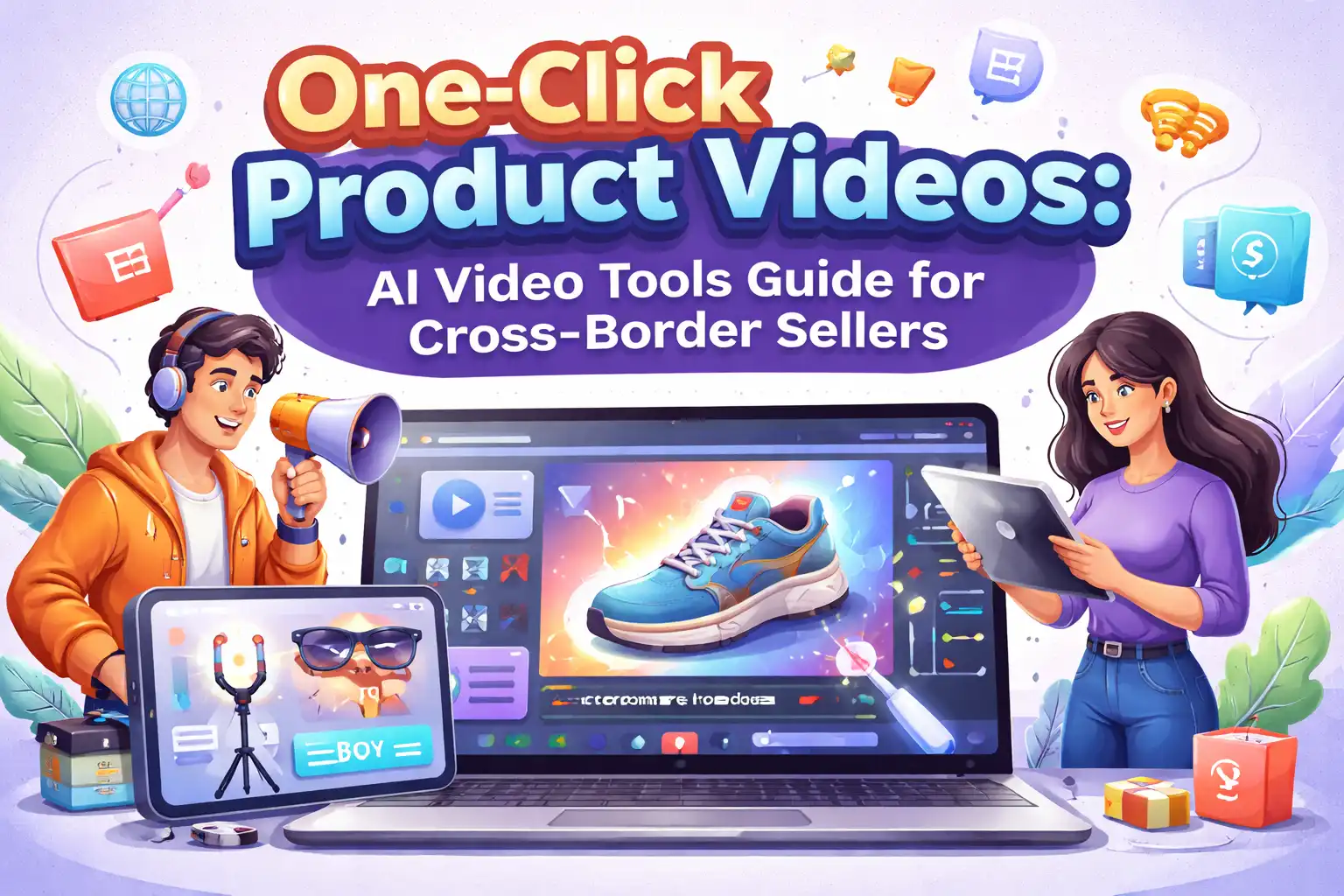
One‑Click Product Video Generation: Practical Guide to AI Video Tools for Cross‑Border E‑Commerce Sellers
Every day you open the backend and see a dozen new products waiting to be listed and promoted. Each product needs at least two or three short videos to test assets and capture traffic—TikTok is pushing, Reels are pushing, YouTube Shorts are pushing. The old workflow: write a script for two hours, find assets for one hour, then voice‑over, edit, and render for another two or three hours. One video takes half a day. Ten new products? A week is gone.
That pace can’t keep up with platform content demands.
This article breaks it down from an operational perspective: how to use AI tools to turn a product link directly into an ad‑ready video. It also clarifies the issues and trade‑offs you’ll encounter—not every AI‑generated video yields good data, and not every scenario is suitable for one‑click generation.
Why Cross‑Border E‑Commerce Sellers Need AI Video Tools
Short‑form video traffic is already the core entry point for e‑commerce. TikTok Shop, Instagram Reels, and YouTube Shorts all prioritize video content in their algorithms. The same product shown in video converts 30‑50 % better than static images. This isn’t a trend; it’s the reality—90 % of consumers prefer to learn about a product via video before deciding to buy.
The problem lies in production capacity.
Traditional video production involves designers, editors, voice actors, and repeated revisions and communication. The cost per video ranges from a few hundred to over a thousand yuan. A small team of two or three people can barely produce five or six high‑quality videos per week, even with outsourcing. When peak season hits and the volume of SKUs spikes, you simply can’t keep up with the consumption rate of ad assets.
The core value of AI tools is compressing a 3‑6‑hour manual workflow into under a minute. For small and medium sellers, this means you can test different hooks, lengths, and ratios at a fraction of the cost, quickly finding promising directions. Even if you launch twenty SKUs simultaneously, you can complete an initial round of asset testing in a single day—something only large brands could do before.
If you haven’t yet done large‑scale video content testing, start with From Small Shops to Brand Competition: How AI Video Changes the Rules for concrete case data. From an industry‑wide perspective, HubSpot’s research on video‑marketing trends (https://blog.hubspot.com/marketing) reaches a similar conclusion: video content will become the core competitive advantage for e‑commerce brands, and production capacity determines how fast you can move.
Key Functional Breakdown of One‑Click Video Generation
There aren’t many AI video tools on the market that can generate a complete video with one click. Most products only handle script writing or voice‑over, leaving you to assemble the pieces. Tools that output a finished video from start to finish rely on several core modules.
AI Hook Generator is the first step. The tool automatically analyzes the product page’s title, description, and specs, then extracts the most compelling selling points and generates multiple opening lines. For example, for a skincare brand’s moisturizing serum link, the AI might produce a functional hook (“This $80 serum has a cleaner ingredient list than some premium brands”) and a scenario hook (“Dry skin’s first step in the morning isn’t water or lotion—it’s this”). A/B testing will show that click‑through rates can differ by more than double depending on the hook.
AI Script and Storyboard Tool expands the hook into a full structure. You only need to select the video length (15 s, 30 s, or 60 s); the system automatically matches a narrative rhythm—grab attention in the first 3 seconds, then showcase product benefits and usage scenarios, and finish with a conversion call‑to‑action. It also generates frame‑by‑frame storyboard previews so you can pre‑check whether the visuals match expectations.
Multilingual Voice‑over and Automatic Subtitles are the most demanded features for cross‑border sellers. The tool supports AI voice‑over in over thirty languages and automatically creates styled subtitles for each line of dialogue. A often‑overed detail is accent: standard American English works fine for the North American market, but if you’re selling to Thailand, Thai‑language accent differences can directly affect user trust, so you may need to replace the AI voice with a local actor.
Multi‑Aspect‑Ratio Export solves platform‑specific format issues. The same script can be rendered into a 9:16 vertical video for TikTok, a 1:1 square video for Instagram Feed, and a 16:9 horizontal video for YouTube. One product can thus generate dozens to hundreds of ad variants for A/B testing.
The table below visualizes the time differences across each stage:
| Functional Module | Traditional Time | AI Tool Time |
|---|---|---|
| Hook copywriting | 30‑60 minutes | 10 seconds |
| Script writing | 60‑120 minutes | 30 seconds |
| Storyboard design | 30‑60 minutes | 30 seconds |
| Voice‑over production | 60 minutes+ (including revisions) | Instant |
| Video rendering | 30‑90 minutes (including post‑production) | 60‑90 seconds |
The core value of such tools is compressing the entire workflow into under a minute. VEONIB is one example. It can start from a product link and automatically produce a complete hook, script, storyboard, voice‑over, and final video without requiring you to stitch together outputs from multiple tools.
Practical Walkthrough: From Product Link to Ad‑Ready Video
Running the full workflow only takes four steps.
Step 1: Paste the product link. Whether the link comes from Shopify, Amazon, TikTok Shop, or WooCommerce, the system can directly read the page information. Platforms like Temu, AliExpress, and Etsy are also supported—as long as the page structure is intact, the AI can extract title, price, selling‑point description, and keywords from user reviews.
Step 2: AI auto‑analysis and preview generation. After pasting the link, wait about 15‑30 seconds. The system returns a set of hook options, a full script, storyboard preview images, and scene stills. You can quickly verify whether the AI’s understanding is accurate. A common mistake occurs when the product page description is incomplete or vague; the generated script quality drops noticeably. Therefore, write clear product details before listing so the AI’s output is reliable.
Step 3: Manual adjustments. Any element in the preview stage can be edited. If a hook isn’t strong enough, replace it. If the voice‑over wording feels unnatural, change it. If the storyboard order is odd, rearrange it. After editing, the system syncs automatically and shows a new preview. This step is often skipped, yet most successful test cases stem from fine‑tuning here.
Step 4: One‑click render and export. Once everything looks good, click Render. Most 15‑30 second videos finish output in 60‑90 seconds. 4K resolution or 60‑second long videos may take two to three minutes. You can choose among 9:16, 1:1, or 16:9 aspect ratios when downloading.
Advances such as Google’s Veo multimodal AI video generation (https://aistudio.google.com/models/veo-3) also improve the AI’s understanding of product canvases, moving beyond simple screenshot stitching.
Assume you need to promote 20 SKUs during a peak week, each requiring at least five video variants for different platforms. The traditional workflow would consume an entire week of production time. For sellers handling 20 SKUs simultaneously, VEONIB’s batch export capability saves a huge amount of time—prepare script templates in advance, batch render, and spend your time only on review and fine‑tuning.
Finally, if your primary store is on Shopify, the guide “AI Video Ads on Shopify: Practical Implementation Guide” contains many useful details, including how to bind product catalogs and track conversion data.
Use Cases and Common Pitfalls
AI video tools are not suitable for every scenario. The best use cases fall into three categories.
Early‑stage new‑product asset testing is the top priority. You have no historical data for a new product and don’t know which hook will resonate. Use AI to quickly generate ten video versions, spend a small budget testing them for 24 hours, and double down on the version with the highest CTR. Choosing the wrong direction isn’t fatal; wasting two weeks on three videos that all fail is.
Batch generation of asset variants during peak‑season promotions is another appropriate scenario. Before Black Friday and Cyber Monday, platform traffic spikes, and asset consumption can be three to five times higher than usual. You need a constant stream of fresh videos. AI can bulk‑produce base assets, after which human editors make minor tweaks—far more efficient than fully manual production.
Routine maintenance of non‑core SKUs—those with modest sales that occasionally order. Spending a lot on polished videos isn’t justified, yet doing nothing wastes exposure opportunities. AI lets you maintain content coverage at low cost.
A typical 2024 lesson: a home‑goods brand used an AI tool during peak season to generate 50 videos in one go, all based on the same script with different product images. The content became highly homogenized, and overall conversion rates fell far below expectations; subsequent test spend was essentially wasted. The core issue was that fast AI generation does not guarantee high‑quality content. Human review and platform‑specific differentiation are indispensable.
Other common pitfalls:
- Over 60 % of e‑commerce ad videos experience conversion drop due to creative fatigue within seven days—you must continuously refresh assets rather than relying on a single “hit” video.
- AI script quality is directly limited by the completeness of product page information. If your description is just three filler lines, the AI will produce three lines of empty, pretty‑sounding text.
- You still need to track how video flow impacts platform performance; AI tools won’t handle ad‑optimization for you.
- Regarding copyright of AI‑generated assets, most mainstream tools allow commercial use, but verify the specific licensing terms before paid promotion.
For a comparative overview, see the AI Video Tool Comparison and Selection Guide, which evaluates different tools on script quality, voice‑over effect, and rendering speed—useful for choosing the right solution.
FAQ
Q1: Can AI‑generated videos be used directly for paid ads?
Yes. Most AI tools output MP4 files that you can upload to Facebook Ads Manager, TikTok Ads, etc. Just perform a basic review before launch—check visual clarity, voice‑over accuracy, and subtitle spelling. Running unreviewed videos may lead to platform rejection or poor user feedback.
Q2: Different e‑commerce platforms have different video format and aspect‑ratio requirements—what should I do?
Most AI tools support multi‑ratio output: 9:16 vertical for TikTok, 1:1 square for Instagram Feed, and 16:9 horizontal for YouTube. Render all required ratios at once and store them in your asset library. Platform file‑size limits also apply—TikTok caps at 500 MB, YouTube at 256 GB (but it’s recommended to stay under 2 GB). AI tools typically keep exports within these limits by default.
Q3: Will incomplete product page descriptions affect AI‑generated video quality?
Yes. The AI relies on structured product data to extract selling points. Missing or vague descriptions lead to templated, unconvincing scripts. The solution is to manually supplement key selling points in the tool or to write more complete product detail pages. AI speeds up production; it doesn’t create information from thin air.
Q4: I’m not good at scriptwriting—can the AI automatically produce ad‑logic copy?
Yes. The AI script generator comes with built‑in ad structure templates such as AIDA (Attention, Interest, Desire, Action), Problem‑Solution, and Comparison Review. After selecting product type and video length, the AI applies the appropriate framework. You can pick the best version from the generated options or combine strengths from multiple drafts.
Q5: Is the multilingual voice‑over natural?
Standard scenarios are acceptable, but quality depends on target language and accent. Common languages like English, Mandarin, Japanese, and Spanish are generally well received. For niche markets with strong local accent preferences, run a small test first; if users comment that the voice‑over feels unnatural, replace it with a local actor. Don’t sacrifice final conversion for a few minutes saved.
Share Article