Complete Workflow for Turning Product Descriptions into Short Video Ads
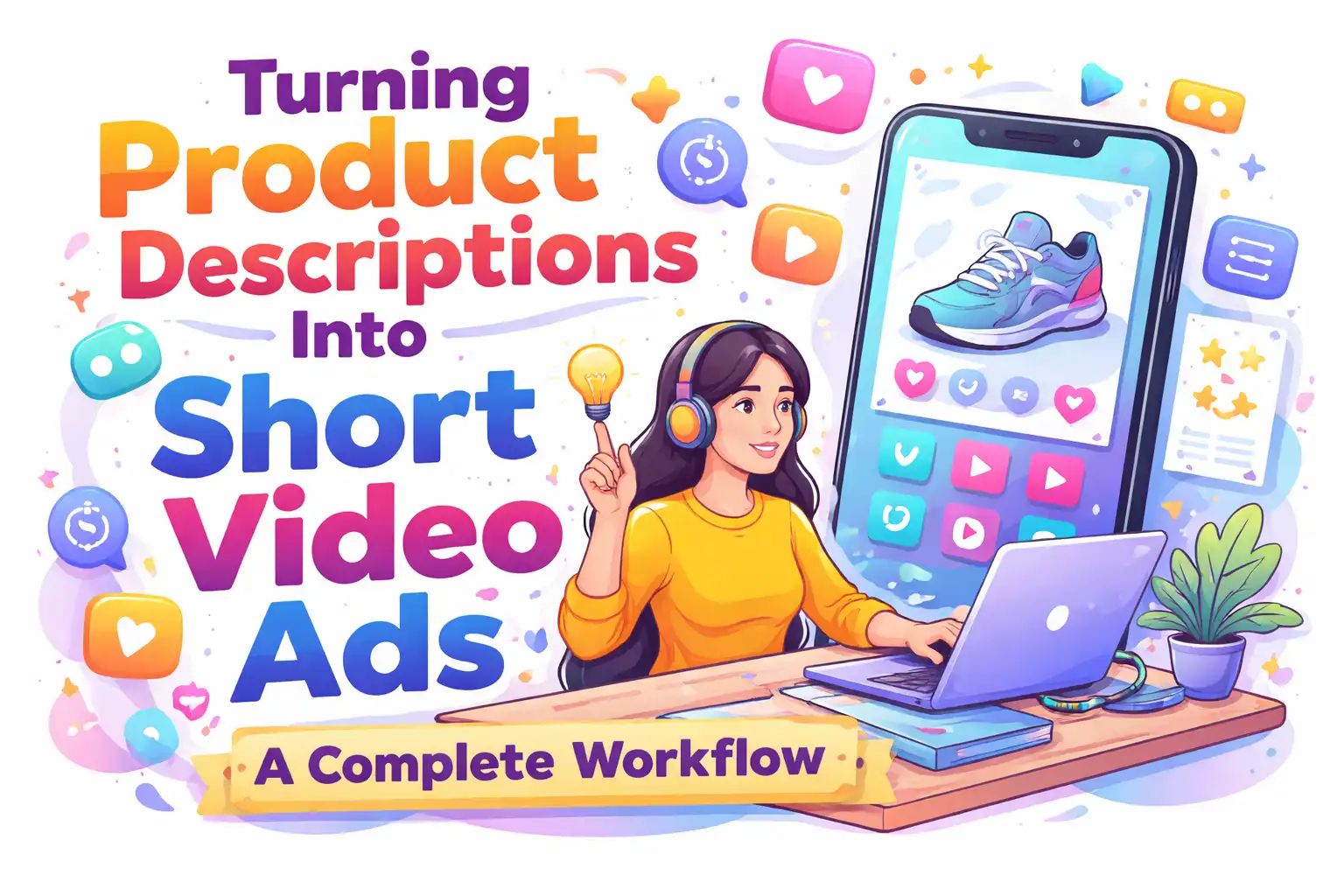
Cross‑border e‑commerce sellers deal with a huge amount of product descriptions every day. The title is written, the selling points are distilled, the specifications are listed, and the usage scenarios are clarified, but these elements rarely turn directly into a video that can be run on TikTok or Instagram. It’s not that they don’t want to make videos; the process from text to finished video is just too long—script writing, sourcing material, voice‑over, editing, aspect‑ratio adjustments—each step consumes time and budget.
This article does not discuss the already‑over‑and‑over question “Why make videos?” Instead, it breaks down a more concrete operational scenario: how to start from an existing product description and, without writing a script, hiring an editor, or repeatedly iterating, consistently produce a short video ad ready for placement.
Why the Product Description Itself Is a Complete Video Script Source
A standard product description usually contains a title, 3‑5 core selling points, specifications, usage scenarios, and maintenance tips. This structure maps perfectly onto the three basic sections of a short video: hook, body, CTA. The title can be used directly as the opening hook script, the selling points can become individual shot segments, and the usage scenarios naturally become the demonstration content.
Many sellers make a mistake at this first step. They copy the raw product description into the video text, overlooking a key issue: the description is written for people who are already interested in the product, whereas the video opening must capture viewers who haven’t decided whether to watch. Using a specification line such as “Made of high‑strength ABS, supports up to 20 kg” as the opening sentence will almost never achieve a good completion rate on TikTok.
Real conversion requires treating the product description as a material library rather than a script. A 15‑second video only needs to capture one core selling point and one usage scenario from the description. For example, a typical small appliance on Shopify might list material, size, power, noise level, easy‑clean feature, and countertop suitability—six data points. Only “easy‑clean” and “countertop‑suitable” have hook potential for social sharing; the rest are better placed in a lower‑left caption area.
If you’re interested, you can learn more about the specific workflow at Automatically Generate Short Video Ads from Product Links. Many sellers have found that a standard product description usually contains 3‑5 core selling points, which can be turned into three different 15‑second script angles without having to start from scratch each time.
From Text to Storyboard: Concrete Steps to Convert Product Descriptions into Videos
When you have a product description, the conversion process can be broken down into four steps.
Step 1: Parse the key elements of the product description. Treat the title as a hook candidate, list the selling points separately, and extract the usage scenario on its own. The goal isn’t to use everything, but to pick one opening hook and one core scenario. Usage‑scenario paragraphs are more suitable for opening hooks than functional specs—e.g., “Drop it into the dishwasher in the morning” works better as a first line than “Meets FDA material standards,” yet many people instinctively translate specifications first.
Step 2: Map the text to corresponding visual scenes. Close‑up shots are ideal for showing material and craftsmanship details; comparison shots work for showing performance differences; usage demos suit scenario‑based selling points. In a Bluetooth earbud description, the point “Wear for 8 hours without pressure” should be storyboarded not as a static product image but as a person wearing the earbuds while working at a desk. This mapping requires some understanding of both the product and the platform, and tools now exist to automate it. The solution offered by VEONIB extracts these elements directly from the description and creates a storyboard, keeping the whole process—from pasting the link to exporting the final video—under 60 seconds. For the latest advances in AI‑driven multimodal video generation, see Google’s analysis of video‑generation quality for multimodal AI (https://aistudio.google.com/models/veo-3).
Step 3: Assemble a renderable final video. This step combines the voice‑over script, visual storyboard, background music, and subtitles. A often‑overed detail is rhythm—video rhythm comes not only from cut speed but also from the punctuation density of the voice‑over text. Long sentences in the product description need to be broken into short rhythmic beats; pauses between periods should be kept to 1.5–2 seconds, otherwise a 15‑second video can only convey two sentences, leaving the information density severely lacking. Detailed instructions for this step can be found in the “One‑Stop AI Video Ad Generation Solution” guide (https://veonib.com/s/guides/ai-video-ads-for-amazon-shopify-tiktok-shop-and-more-veonib/index.html).
Step 4: Export multi‑aspect‑ratio versions. The same final video must be output in 9:16, 1:1, and 16:9 formats to meet the display requirements of different platforms.
Differences in Platform Requirements and Adaptation Strategies
TikTok, Instagram Reels, and YouTube Shorts all belong to the short‑video arena, but their material requirements differ dramatically.
TikTok’s most critical factor is the strength and authenticity of the hook in the first two seconds. Over‑polished “TV‑commercial” style assets tend to be skipped on TikTok. Sellers on TikTok Shop report that product demo videos filmed with a phone‑style aesthetic and real‑environment audio achieve click‑through rates over 30 % higher than purely edited videos. Instagram Reels are more sensitive to visual quality; audiences tolerate over‑exposure, shake, and poor cropping less. YouTube Shorts are unique because users often discover content via search, so titles and descriptions have a large impact on traffic.
A product description needs different script angles for each platform. The same desk lamp might use “POV: Coming home after work, turning on the lamp for 30 seconds” as the hook on TikTok, a slow‑motion showcase of light quality on Reels, and a title card stating “Student Desk Setup Ideas” on Shorts. 9:16 videos have a >40 % higher average completion rate on short‑video platforms than 16:9, a consensus backed by data from HubSpot’s video‑marketing research (https://blog.hubspot.com/marketing).
Multi‑platform adaptation means you cannot output just one version per video. The recommended practice is to generate three aspect‑ratio versions plus a pure‑subtitle version (for later voice‑over language swaps) in a single batch. The “AI Video Workflow Guide for Cross‑Border Sellers” (https://veonib.com/s/guides/from-product-url-to-viral-video-ai-workflow-for-cross-border-sellers-veonib) discusses efficient management of video assets across platforms.
Key to Maintaining Production Speed: Reducing Decision Cost per Production
In traditional workflows, each new SKU goes through a full cycle: script writing, review, shooting, editing, rendering, and aspect‑ratio adjustment. Manually producing a 15‑second video takes on average 3–6 hours, while cross‑border sellers may launch dozens or even hundreds of SKUs per month. Decision cost comes from repeatedly deciding which hook to use, which footage to select, what voice‑over tone, and subtitle style.
The value of AI automation lies not in “making better videos,” but in “cutting down the number of decisions required per production.” The front‑end tasks—parsing the description, matching storyboards, generating scripts, rendering—are all compressed into an automated pipeline. The product description serves as the sole input; the system completes everything else. Sellers then only need to pick the best‑performing video for placement, rather than building each video from scratch.
Using VEONIB’s actual workflow as an example, sellers can simply provide a product URL as the only input, and the system automatically handles everything from content parsing to multi‑version output. This means that for each new product launch, sellers only need to upload a description or link and can batch‑generate multiple script angles for A/B testing without writing separate prompts for each script.
This model creates a new work rhythm: instead of striving for the perfect video every time, the goal becomes generating enough variants per launch to guarantee that at least one or two will receive positive feedback when run. With larger A/B sample sizes, finding a winning video becomes a matter of time. The “VEONIB E‑Commerce Brand AI Video Ad Generator” (https://veonib.com/s/guides/veonib-ai-video-ads-generator-for-e-commerce-brands) showcases this unified entry‑to‑multiple‑versions workflow.
Frequently Asked Questions
Which parts of a product description are best for turning into video hooks?
Usage scenarios and pain‑point descriptions. If the description says “Suitable for kitchen countertops and office desks,” the first frame can be a close‑up of a kitchen countertop with the copy “What’s missing on your countertop?” Functional specs are better placed as side or mid‑screen text overlays, not as the opening hook.
What if the product description is too short—how to supplement script material?
Extract material from customer reviews. Reviews often contain real usage scenarios and phrasing that are more suitable for voice‑over than the official description. You can also reference competitor video angles, but avoid directly copying structure or copy.
Can the generated videos be used directly for paid advertising?
Yes, but it’s advisable to run a natural‑traffic test first. Completion and interaction rates from organic traffic quickly reveal whether a video is fit for paid spend. Launching paid ads with a weak hook or pacing can waste budget.
How to handle multilingual product descriptions?
The language of the description determines the default voice‑over language. For multilingual versions, it’s best to first output a pure‑subtitle version, then replace the voice‑over track separately. Directly translating the script and then rendering often yields poorer results than keeping the original audio with translated subtitles.
Can multiple product descriptions be processed in batch?
Yes. The key is a unified input format—organize every description as title, selling points, scenario, specifications, then run the same template in batch. Each product can output 5–10 different angle videos while keeping processing time per product roughly constant, rather than linearly increasing with the number of products.
Share Article