2025: Creating Amazon Ad Videos with AI – Complete Workflow and Practical Guide
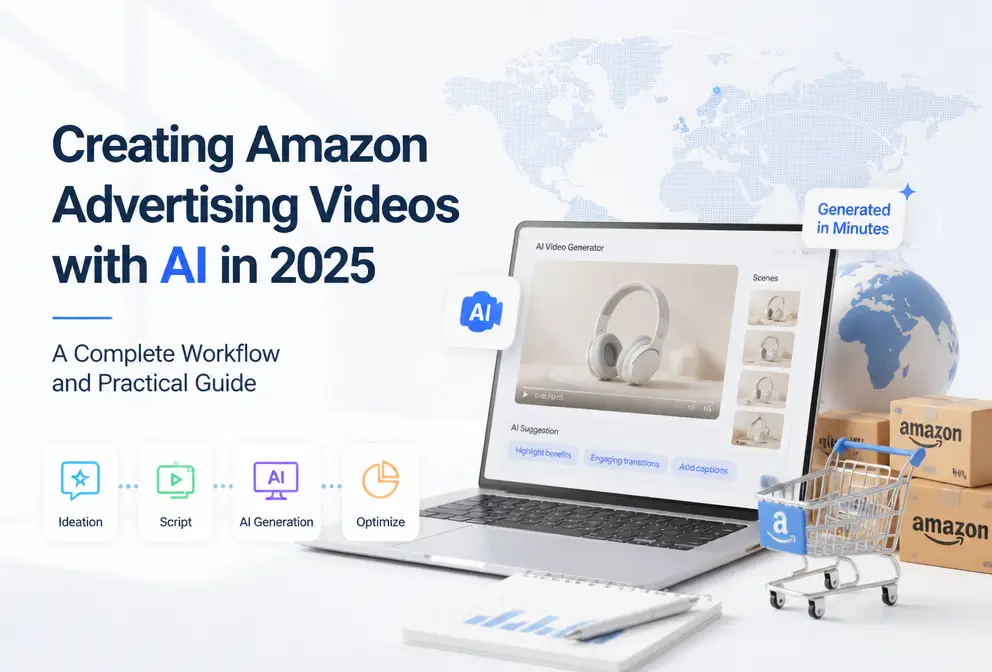
Open the Amazon backend and watch the ACOS in the ad report keep. I realized that a few product images and a dry bullet point list could no longer drive conversions. Competitors’ listings embed 30‑second product videos, while I can’t even produce a decent showcase video—outsourcing a single video would cost as much as a week of Sponsored Brands ads. In this article I’ll share an end‑to‑end AI video workflow that goes from product URL to a ready‑to‑run ad, requiring no editing experience and taking only 60 seconds.
Anyone who runs Amazon ads knows that static images have a hard ceiling for click‑through rates. SellerApp data for 2024 shows that listings with videos can boost conversion rates by more than 20 %. I’ve seen the same effect in my own store—adding a video to a listing lowered the CPC by nearly $0.30 compared with the same ASIN without a video. The question isn’t whether to make a video, but how to do it without losing money.
Why Amazon Video Ads Need a New Approach in 2025
Amazon Sponsored Brands video ads have become significantly more important in 2025. This isn’t speculation—look at the search results page, and the video‑enabled ad slots are eating away the impression share that used to belong to static images. Amazon Live and Post promotions are also pushing the whole platform from image‑text to video. If your competitors have videos while you’re still showing three product images, a one‑ or two‑point ACOS gap is completely normal.
The traditional outsourced workflow for an Amazon video ad looks like this: write a script, hire a filming crew or models, then do post‑production editing, add subtitles, and adapt for multiple channels. A 30‑second professional video costs $800–$2,000 to outsource and takes 7–15 days to produce. In 2024 I tried it for two months, spending nearly $4,000 on three videos. The performance improved, but the profit margin couldn’t sustain that level for every new product.
AI video generation tools cut out the middle steps. No need for model schedules, no post‑production editors, no endless script revisions. From product URL to final export, my fastest run took under two minutes. This isn’t saying AI can replace professional production; it simply lets an operator create 5–10 visual variations of A/B assets in 30 minutes, quickly find the winning direction, and then invest resources in polishing it—this is the sensible 2025 approach to Amazon video ads. I discussed a similar concept in my article “AI Video Ads Help Shopify Products Quickly Boost Conversion Rates”, which applies equally to Amazon.
How to Actually Create AI‑Generated Amazon Ad Videos
The core process is simpler than most people imagine. I’ll break down the workflow I’ve run for several months:
Step 1 – Get the product URL.
It can be an Amazon product detail page, a Shopify link, or a WooCommerce product URL. The AI automatically pulls images, description, feature list, and selling points from the page. The key is that the higher the quality of the page the URL points to, the richer the video’s information density. If your listing only has three lines of description and two images, the AI’s extracted content will be limited.
Step 2 – Choose a video style.
Most mainstream AI tools offer templates such as Brand, Lifestyle, UGC, Minimal, Studio, etc. A pitfall I hit was that the Lifestyle style works poorly for non‑daily‑use categories (e.g., tools, industrial parts); the generated scenes often don’t match the product. I now stick with the UGC style for Amazon ads—more authentic visuals and higher approval rates. The script can be manually tweaked; AI‑generated drafts tend to be long, so a 30‑second ad should be trimmed to 18–22 seconds to fit Amazon’s limits.
Step 3 – Generate and export.
I use VEONIB for this step: paste the URL, output an MP4, no editing required. The AI plans shots, voice‑over, and transitions automatically, and the resulting video can be uploaded directly to the Amazon ad console. An AI video takes about 60 seconds to generate on average—10× faster than traditional editing, a decisive advantage when launching many new products.
I also tested a feature where you copy an existing high‑performing ad format and drop your product into it—while you can’t guarantee identical results, a well‑structured template does boost click‑through rates. The case study “How VEONIB Turns High‑End Kitchenware URLs into High‑Conversion Ads” follows the same logic: start from a proven video structure, swap the product, and fine‑tune the script. The method “Clone Winning Ad Formats and Turn Any Reference Video Into Your Own Brand Asset” is especially useful for sellers who need to refresh assets frequently.
Optimizing AI‑Generated Ad Assets
AI‑generated videos aren’t a set‑and‑forget solution; post‑generation tweaks are crucial for performance.
After the first version, I usually do three things:
Rewrite the first three seconds of the script.
Amazon video ads default to a preview frame that relies on the opening few seconds to attract clicks. The AI’s default opening often starts with “Introducing…”, which feels flat. Changing to a question format (e.g., “Tired of…”) can noticeably lift CTR.Swap scenes.
The AI‑selected product image angles aren’t always optimal. I can manually upload my own main or detail images to replace them.Synchronize audio and visual pacing.
Align the voice‑over with the shot changes to avoid situations where the narration mentions the fourth point while the video is already on the sixth image.
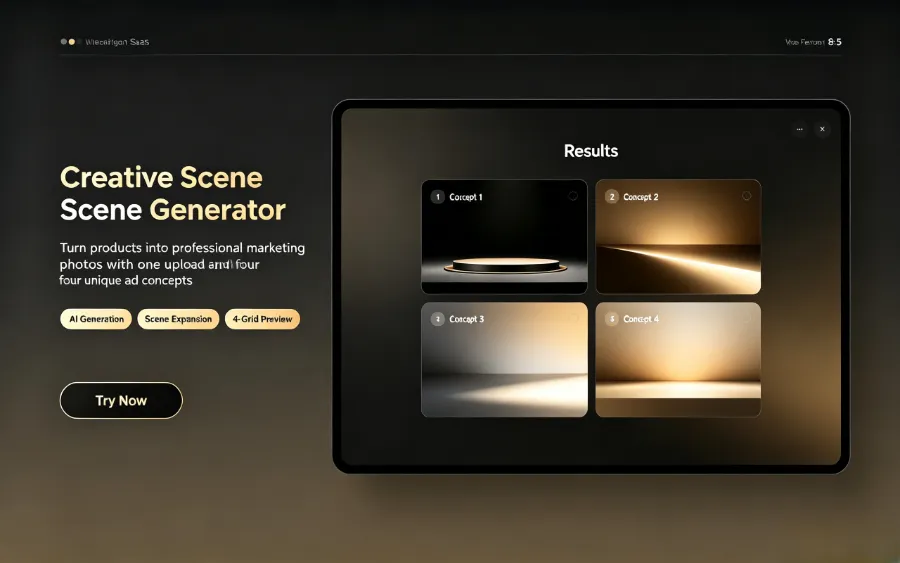
A common pitfall in secondary tweaking is audio‑visual desynchronization. In AI‑generated videos, the voice‑over speed sometimes doesn’t match the visual cuts, causing the first half to be spoken slowly while the second half finishes before the narration catches up. The fix is to manually adjust each clip’s display duration in the tool, distributing the time evenly across the voice‑over sentences.
Another often‑overlooked use case: extract key frames from the AI video as static images for Amazon A+ Content. I pull three to five frames from the video and place them in the A+ module’s comparison or feature sections. This saves a lot of effort compared to shooting product scenes from scratch, and the visual style stays consistent.
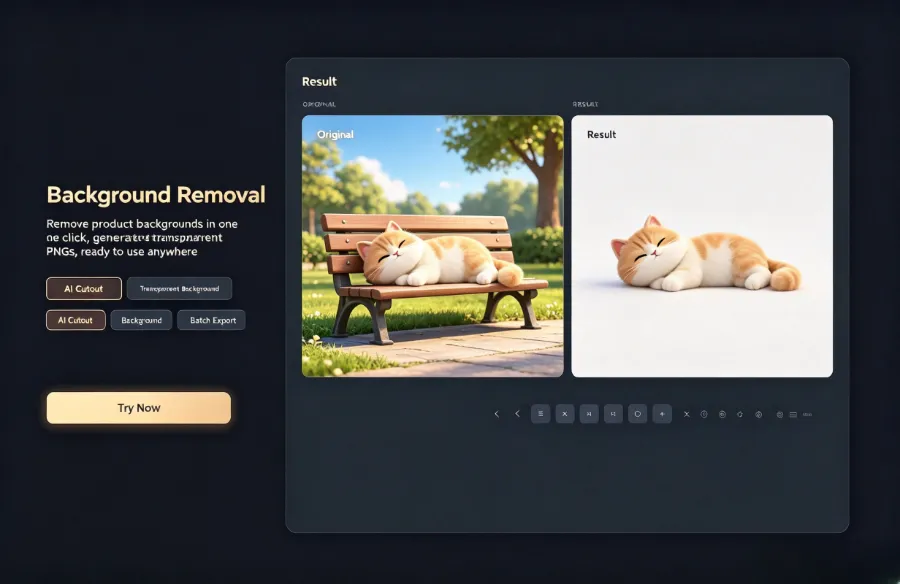
AI also supports batch‑changing product titles to generate multiple video variants. For example, a kitchen scale comes in five colors; I add a color parameter to the URL, and VEONIB automatically swaps the product image in the video, outputting five videos in one go. This is far more efficient than creating each manually.
It’s worth noting that Amazon Brand Story (A+ video) review guidelines for AI‑generated content are more lenient than I expected. As long as there are no seller logos, watermarks, or false claims, the raw AI material passes at a high rate. Of the eight videos I submitted, only two were rejected because the footage showed non‑Amazon packaging; the rest were approved on the first try.
Managing AI Video Production Across Multiple Amazon Stores
When you run several Amazon stores, a batch‑production strategy becomes essential. My routine is to dedicate one evening each week to dump all next‑week product URLs into the tool, using the same template for batch generation. A mainstream package that outputs 90 AI ad videos per month comfortably covers a small team’s update cadence.
However, there’s a failure point to be aware of—content homogenization. In March 2025 I generated ads for three different kitchen appliances using the same UGC template. After a week, I realized the problem: all three videos opened with “Have you ever struggled with…”, featured white kitchen countertops, and even the model’s hand gestures were almost identical. When consumers saw two similar ads back‑to‑back, the click‑through rate dropped from 4.2 % in the first week to 2.8 % in the second.
I solved it by introducing variation after batch generation: manually edit the first five words of each script’s opening, turning the question into a statement or data‑driven hook, and randomly replace the cover scene. I switched the three products to three distinct environments (bright kitchen lighting, natural‑light living room, outdoor backlight). The fatigue curve extended from two weeks to four weeks before a noticeable decline. For multi‑store or cross‑platform scenarios (e.g., Amazon and TikTok Shop), see “How to Automatically Turn AliExpress Products Into Video Ads”. The core idea is the same—batch processing isn’t just about speed; it’s about what you do after the batch is done.
Another method I’m testing is building a template library, fixing two to three visual styles per category to avoid starting from scratch each time. This requires upfront material organization, and Amazon’s regional requirements differ (U.S. favors UGC, Europe demands higher visual realism), so template reuse isn’t as universal as it seems.
FAQ
Can AI‑generated Amazon ad videos be used directly?
Yes, you can upload them straight to the Amazon ad console without extra editing. I’ve uploaded over 30 AI videos, and the approval rate exceeds 90 %. Just be sure to remove any brand logos or watermarks from the footage.
I have no video editing experience—can the AI tool write the script for me?
Yes. The AI analyzes the product page and generates a script framework, but I recommend manually tweaking the first five seconds to create a hook. The default script leans toward feature description; reframing it around user pain points or data statements works better.
How many different styles can I generate from a single product URL?
Typically 6–8 styles are available, including Brand, Lifestyle, UGC, Minimal, Studio, etc. I suggest generating one preview per style, testing each with a small budget for a week, and then scaling the highest‑CTR version.
Which Amazon marketplaces does AI video generation support?
Any marketplace where the product URL can be successfully parsed by the AI. For European sites, pay attention to language matching; the AI outputs English by default, so you’ll need to edit the script for multilingual markets.
Can the generated video format be used in Amazon Brand Story?
Yes. The MP4 output is directly compatible with Amazon A+ content modules. I’ve used video stills for image modules and the full video for the video module, and both passed review.
Share Article


