From “Scrolling Videos” to “Scrolling to Buy”: How Video E‑commerce Rewrites the Conversion Funnel of Stand‑alone Sites

Consumers may develop interest in a product’s selling point after just a few seconds of a short video, but once they land on a stand‑alone site, the purchasing rhythm breaks if the first screen doesn’t continue to explain that selling point. The shift in video e‑commerce isn’t about adding another video to a product page; it’s about reorganizing content reach, product understanding, trust building, and conversion hand‑off into a video‑first conversion funnel for stand‑alone sites.
In short, a video‑first conversion path for a stand‑alone site must present the product hook in the ad, the selling point on the landing page’s first screen, the reviews, and the purchase button in the same order. Users don’t have to search again for the information they just saw, so the loss between click, stay, add‑to‑cart, and purchase is reduced.
Why Video Is Becoming the Entry Point of the Stand‑alone Site Conversion Path
In the past, social e‑commerce resembled “content planting → jump to purchase”: short videos generated interest, product detail pages explained specs, and the stand‑alone site handled checkout. Now, short‑video ads on platforms like TikTok often already showcase the product, recreate usage scenarios, and trigger purchase, so users make part of the product judgment before clicking.
Static images can convey appearance, and product detail pages can carry specifications and after‑sales information, but both require active reading. A video can, within seconds, continuously show “who is using it, what problem it solves, and the before‑and‑after differences.” For apparel, beauty, home goods, and small electronics, the action of use is often easier for users to grasp than a single front‑facing product photo.
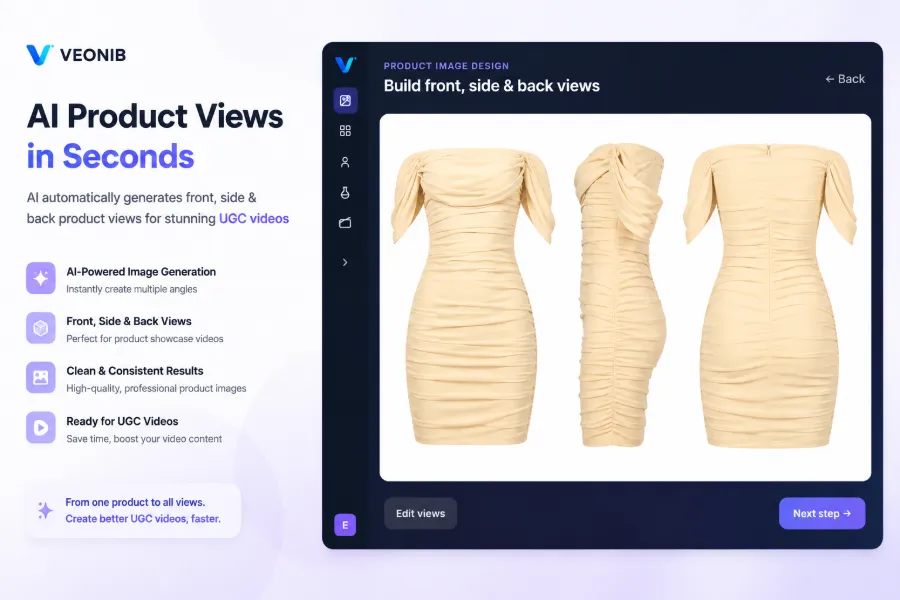
Therefore, video‑first does not mean only creating short‑video platform ads. The stand‑alone site’s homepage can use a short clip to quickly explain the brand and scenario; the product detail page can use a video to recreate the usage process; the ad landing page continues the same product selling point; and retargeting assets provide additional evidence for viewers who haven’t added to cart. Video is placed into the cognition, interest, trust, and action stages before it truly enters the conversion funnel, rather than serving as mere page decoration.
This also changes the pressure on content production. A product video usually needs 15‑second, 20‑second, and 30‑second versions, and may also require changes in language, talent, framing, and product angle. If every iteration starts from scratch with product assets, ad rollout is slowed by scripting, storyboarding, and exporting steps. For more on this shift, see the e‑commerce content automation trend, but in practice automation does not eliminate version management; it simply front‑loads repetitive work.
When a product link can be fed directly into the ad creation workflow, the content team does one less round of manual data transfer, such as automatically turning product links into short‑video ads. However, the ad entry point is only the first step. Whatever the video says, the stand‑alone site’s first screen must continue the story.
How Video Reorders the Four Key Nodes from Click to Purchase
After users arrive from a social platform to a stand‑alone site, they don’t “watch the video and then buy”; they sequentially address four questions: Is this worth staying for? What problem does it actually solve? Why should I trust it? Where should I click next? If the video content and page structure are not aligned, click‑through rates may look good, site‑ rates may be normal, but add‑to‑cart rates will drop sharply after the first screen.
The first 3 seconds are for the product hook, not the brand slogan. The following video should explain the product’s selling point, then supplement trust with usage scenarios, user‑generated content, or review clips, and finally provide a clear call‑to‑action. If the video ends without a purchase button, discount information, or a link to specifications, users will return to the page to search for a path.
| Conversion Node | User Question | What the Video Must Answer | Stand‑alone Site Placement |
|---|---|---|---|
| Stay | What is this? Why watch? | First 3‑second product hook and problem scenario | First‑screen video + title |
| Understand | What does it actually solve? | Features, differences, usage steps | Core selling‑point area |
| Trust | Is this effective? | User‑generated content, reviews, evidence | Review section + detail video |
| Action | What should I do now? | Price, discount, purchase guidance | Action button + checkout entry |
These four nodes correspond to different metrics. The stay stage looks at video view rate and click‑through rate; the understand stage looks at dwell time on the landing page after click; the trust stage watches add‑to‑cart rate; the action stage monitors checkout rate and purchase conversion rate. Chasing click‑through rate alone easily yields a video that “attracts attention but doesn’t sell.”
A common break point is an ad that emphasizes “saving time,” while the landing page’s first screen shows an unexplanatory product image; another break point is when a specification appears in the video but the product title and variant selector lack that information. Users rarely file complaints; they simply leave. Operators often have to refresh Google Analytics and ad dashboards the next day to discover that site‑rate is normal but post‑first‑screen add‑to‑cart rate has dropped.
Brand storytelling should follow this chain rather than start a separate narrative. Product ads first solve a specific problem; the stand‑alone site then explains why the brand designed it that way. See Generating a Brand Story from a Product Link. When scripts, shots, and page copy are produced by different teams, narrative order often breaks before visual quality does.
Production complexity also affects testing frequency. If creating a video takes hours or days, teams rarely test two hooks simultaneously and must bet the budget on a single version; if the workflow from link parsing, script planning, storyboard approval to final cut can be compressed to under 60 seconds, more effort can be redirected to metric analysis. For discussion on lowering production barriers, see Simplifying AI Video Production for E‑commerce, but automatically generated speed cannot replace conversion data.
Cold traffic needs problem and scenario; returning visitors need product evidence; add‑to‑cart users care about shipping, returns, specs, and price changes. Using the same video for all three audiences often results in a too‑broad opening and an insufficient call‑to‑action later.
The Real Bottleneck Is Not Shooting, but Continuous Asset Production and Funnel Synchronization
The number of assets for cross‑border stand‑alone sites can quickly get out of control. A Shopify product may target both English and German markets, and must adapt to TikTok, TikTok Shop, Amazon, and WooCommerce; the same product may also generate multiple versions for discounts, bundles, colors, and ad angles. Once a single asset becomes a dozen, the issue is no longer “how well it was shot,” but “which page and price does each video correspond to.”
Traditional workflows usually start by gathering product images, descriptions, and features, then writing scripts, creating storyboards, confirming shooting or editing, and finally exporting different sizes while recording versions. When a product page’s price changes temporarily, the ad video may already be scheduled; after a promotion ends, the old video may still run in retargeting ad groups. Users who land on a page and see mismatched price or selling point lose trust, not just a click.
A cross‑border team once launched a set of promotion ads on Monday; video production started Friday, with editing still pending over the weekend. By Monday afternoon the product page had changed the promotion threshold, but the ad assets weren’t synchronized. It wasn’t until Tuesday morning that the comment section was flooded with “Is the price in the video still valid?” The team paused the ads and rolled back the page copy, losing the clicks that had not yet converted. A few hours of production delay turned into at least a day of publishing and correction costs.
Reading product links to extract images, descriptions, features, and selling points, then generating scripts, storyboards, and ad videos can indeed reduce repetitive work. VEONIB places product data parsing and video generation in a single operation path, compressing steps that traditionally take hours or days into under 60 seconds. In actual publishing, humans still need to verify product facts, brand tone, price, promotion, and landing‑page information; fast video generation should not bypass review.
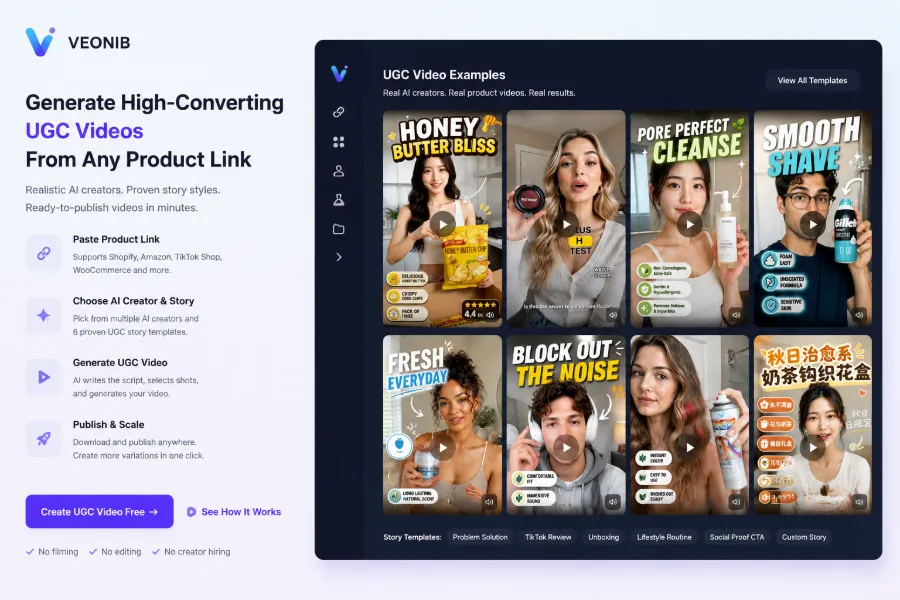
When product selling points are translated into shots, it’s not enough to look at visual appeal. For a premium hand cream, you must convey texture, usage motion, packaging, and gifting scenario; a single product photo can’t cover all that. See the breakdown of a premium hand‑cream ad for details: High‑End Hand Cream Ad Dissection. Similar issues arise between Amazon main images, Shopify product pages, and TikTok Shop short videos: each platform has different constraints, so assets cannot be simply copied.
When brands also supply assets to affiliate partners and influencers, version maintenance grows further. Every batch of content must confirm product link, discount timing, prohibited words, and licensing scope; Affiliate and Influencer Content Production scenarios especially turn “quick generation” into “quick generation of more files awaiting review.”
After Embedding Video in the Stand‑alone Site, How to Build an Iterative Conversion Loop
Once video is embedded on the product page, the first‑screen title, core selling point, reviews, discount information, and action button should form a continuous information flow. The video should start by stating “the problem solved,” so the page title should not immediately switch to a completely different material; the video ends with the usage result, and nearby the button should display specs, price, or purchase conditions.
Assets can be layered by traffic stage: cold traffic first hears the problem and scenario, returning visitors get product evidence, and add‑to‑cart users handle price, shipping, and after‑sales concerns. This layering also applies to retargeting; showing the same brand clip to different audiences often only increases exposure without answering why they stopped.
Testing order should not start with obsessing over talent appearance and transition effects. Each round should change only one variable: first test the hook, then the selling‑point order, video placement, and call‑to‑action, and only later compare talent, editing rhythm, and subtitles. Video versions can be layered as 15‑second, 20‑second, and 30‑second, but traffic source must be recorded synchronously; otherwise length differences will be confounded with audience differences.
Different product categories require separate video testing. Baby care products need clearer safety and scenario explanations; see Baby Care Link‑Generated Ads rather than reusing impulse‑purchase scripts for apparel or beauty. The asset toolchain should be considered separate from version management; even after tools move to open‑model platforms, manual maintenance of file naming, product versions, and placement records remains necessary. See the AI Video Tool Platform.
When batch generation becomes routine, VEONIB’s publishing workflow must align with spreadsheets or asset libraries that record version, market, product variant, page URL, and launch time. As speed increases, the object to manage shifts from “single video quality” to synchronization across traffic stages, markets, and product versions.
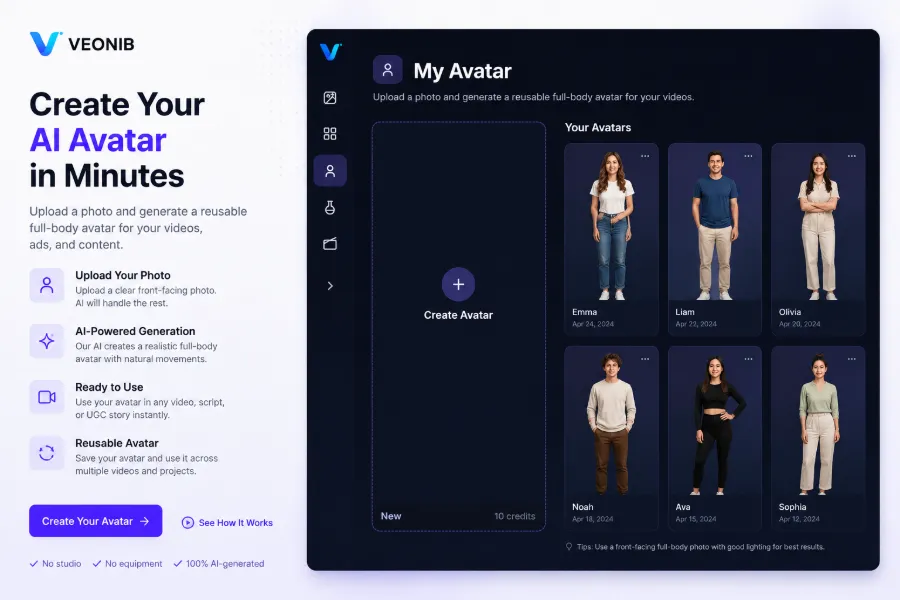
The persona is not a fixed answer but a testable variable. A digital human may boost view rates for cold traffic but feel repetitive to returning users; using the same persona across markets may reduce trust due to mismatched language, age perception, or lifestyle context. Teams need to continuously log breakpoints from platform exposure, view, click, site entry, stay, add‑to‑cart, checkout, to purchase, then decide whether to tweak the video or the page.
Video e‑commerce ultimately leaves not a fixed template but a continuous funnel‑inspection workflow. If any link—ad, product page, or purchase button—changes, the others must be re‑validated; some tests may not improve metrics but will reveal exactly where users stop understanding. Recording these breakpoints ensures the next round of assets isn’t just a new talent or soundtrack.
FAQ
What is the main difference between video e‑commerce and traditional stand‑alone site ads?
The main difference is that video e‑commerce makes the ad itself carry more product explanation and purchase trigger, whereas traditional ads leave the explanation to the product detail page. Operators should monitor click‑through rate, site‑entry rate, and add‑to‑cart rate together, not just the ad’s first‑24‑hour click performance.
Must a stand‑alone product page always contain a video?
Not necessarily. Products that require complex usage scenarios or motion demonstration are more suitable for video. If page load speed, mobile layout, or asset‑product synchronization is an issue, using clear images and structured selling points is usually more stable than inserting an irrelevant video.
Which metrics should be examined first for a video‑first conversion funnel?
Start with video view rate, click‑through rate, and landing‑page dwell time, then look at add‑to‑cart rate, checkout rate, and purchase conversion rate. Each test round should observe a full purchase cycle to avoid replacing assets prematurely due to daily traffic fluctuations.
Does a single product need multiple video versions?
Usually yes—at least separate versions for cold traffic, returning visitors, and add‑to‑cart users. Record the audience, platform, and selling point for each 15‑second, 20‑second, and 30‑second asset; otherwise you cannot tell whether results stem from length or traffic quality.
After automatically generating a video, which content still requires human review?
Product name, specifications, price, promotion conditions, brand tone, and page links all need manual verification. Perform at least one mobile‑device check before publishing and confirm that the video’s selling points are still discoverable near the first screen and call‑to‑action.
Share Article


