AI Video Advertising in Practice: Core Points Every E‑Commerce Brand Must Master
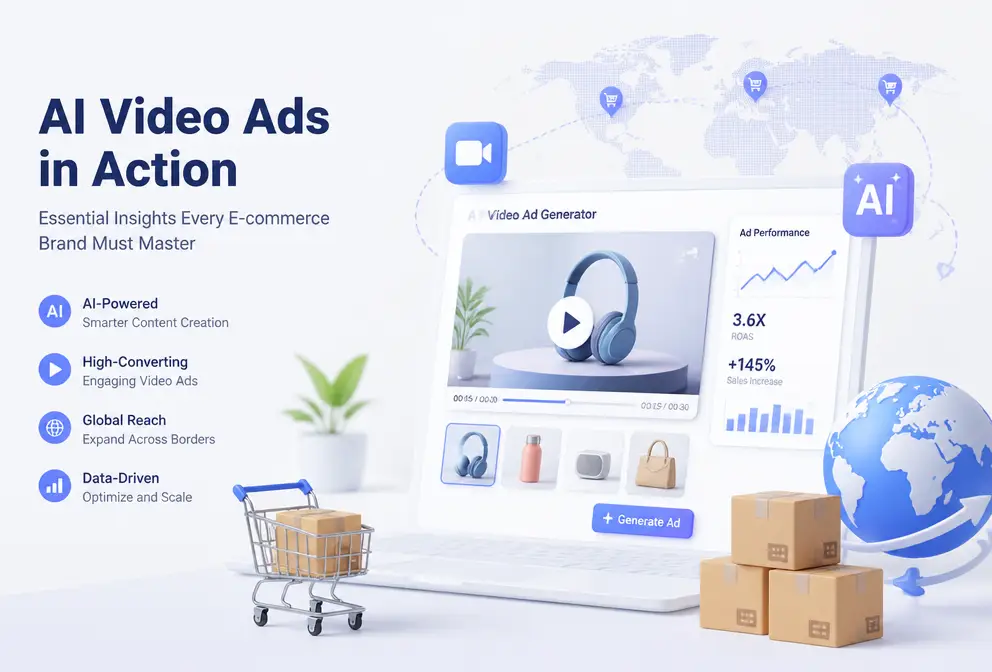
Two a.m., staring at the Premiere timeline—an 15‑second TikTok ad, from script writing to sourcing assets, voice‑over, and color grading, took more than three hours. The next morning, the platform updated, the dimensions didn’t match, and I had to redo it. After two years of this cycle, I started to take AI video ads seriously.
I tried every tool available on the market at the time and finally found that the real solution was the one that could compress the entire workflow into under a minute. No editing skills needed, no hiring voice‑over artists, no repeated rendering—just paste a product link and, after 60 seconds, you have an ad video ready to launch.
Why AI Video Ads Are the New Standard for E‑Commerce Brands
TikTok Shop, Instagram Reels, YouTube Shorts and other short‑form video e‑commerce channels have almost redefined the conversion path in the past two years. Users no longer read long images and text; they swipe past a video in 0.5 seconds. This means brands must constantly produce large volumes of video, and traditional production pipelines simply can’t keep up.
I’ve seen a small Shopify team—three people running a store—required to produce five ad videos per week. Outsourcing to editors cost ¥800–¥1500 per video, with a minimum three‑day turnaround. Changing the script added another two days. Budgets burned fast, but iterations were as slow as a snail.
That’s where AI video tools come in. Take VEONIB as an example; its logic is simple: you paste a product link (supporting Shopify, Amazon, TikTok Shop, and other major platforms), the AI automatically extracts product info, selling points, and specs, then generates hooks, scripts, storyboards, and the final video. The whole process takes no more than 60 seconds. In terms of cost, a traditionally outsourced video’s creative production cost is roughly ¥500–¥2000; the AI tool brings that down to about a tenth.
I keep a data point from 2025 in mind: brands using AI video tools cut ad production time from several hours to 60 seconds and reduced costs by about 90%. This isn’t hyperbole; my own tests show similar results. However, there’s a pitfall—over‑reliance on templates leads to creative homogenization. The first AI‑generated version is usually safe and generic; the real value is that you can spin out five or six variants quickly and pick the one with the highest conversion rate.
If you want to see which AI video tools on the market are best suited for e‑commerce, check out this 2026 Best AI Video Tools Comparison for detailed benchmark tests.
Four Steps to Nail AI Video Ads: From Link to Finished Product
The workflow is far simpler than I imagined. The first time I used it, I still habitually opened Premiere to tweak manually, only to discover it wasn’t needed at all.
Step 1: Paste the product link
Open the tool’s console and paste your product URL. It supports more platforms than I expected—Shopify, Amazon, TikTok Shop, WooCommerce, Temu, etc. The interface looks like this:
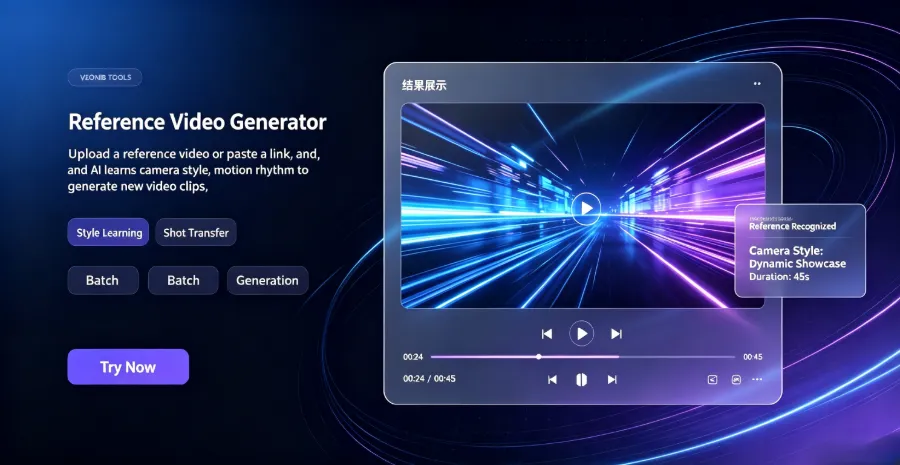
No form fields need to be filled; the AI automatically pulls the product title, description, price, images, and reviews. The key is to ensure the product page’s information is complete, otherwise the generated script may miss critical selling points.
Step 2: AI automatically generates hooks, scripts, and storyboards
After clicking “Generate,” the AI Hook Generator first produces five to six opening‑hook variants, e.g., “This $30 gadget replaced my entire morning routine.” The AI Script Generator then creates a full script, with options for 15‑, 30‑, or 60‑second versions. The Storyboard Builder plans each scene frame by frame.
The most useful feature here is preview and edit. The AI‑generated script isn’t perfect, but you can edit it at any time before export—change a line of dialogue, swap a scene description, and the voice‑over updates accordingly. The video below shows the complete generation process:
Step 3: Adjust voice‑over, subtitles, and scenes
The AI voice‑over supports 30 languages; I’ve tried both English and Chinese, and the naturalness is far better than early versions. It’s still synthetic, but more than adequate for short‑form video. Subtitles are auto‑generated and can be edited for font, color, and position.
Step 4: One‑click MP4 export
Supports three formats: 9:16 (TikTok/Reels), 1:1 (Facebook/Instagram), and 16:9 (YouTube). Export speed depends on video length; a 15‑second video typically renders in under 30 seconds.
From past the link to getting the final product, I tested it a dozen times and averaged 50–70 seconds. This speed means you can produce 30–40 ad variants in an hour—a feat impossible with manual workflows. If you’re just starting with AI video workflows, read the AI Video Workflow Guide for step‑by‑step instructions.
Three Key Optimizations to Boost AI Video Ad Performance
The tool works, but the real performance gap comes from fine‑tuning details.
Hook creation: The first 3 seconds decide life or death
Data shows 80 % of users decide whether to keep watching within the first three seconds, and my own ad data confirms this. The AI Hook Generator usually produces 3–6 hook variants, but you shouldn’t just pick one and go. My approach is to run a low‑budget test on all generated hooks, see which has the highest completion rate, then scale that one.
For a health‑monitoring cat litter product, we tested five hooks; the winner was “You’ll never know what’s happening in the litter box,” not “This cat litter can monitor urine data.” The former sparked curiosity; the latter sounded like a manual. See the full case study here: Health‑Monitoring Cat Litter Ad Video Case.
Script and storyboard pacing: Platform dictates editing language
TikTok favors rapid cuts—changing the scene every 2–3 seconds, with a strong conflict or twist in the first 5 seconds. YouTube Shorts can be a bit slower; the first 10 seconds set the context. The AI‑generated script defaults to a middle ground; you need to manually adjust pacing based on the target platform. I usually annotate each scene’s duration in the script stage to ensure the first three seconds switch fast enough.
Multi‑variant A/B testing: Quantity for quality
The biggest value of AI video tools isn’t a single perfect ad but many imperfect yet testable variants. I generate 5–8 different angles for the same product—some emphasizing price, others usage scenarios, others pain‑point solutions. Then I run small‑budget tests simultaneously, discard the poor performers after 48 hours, and concentrate budget on the top two.
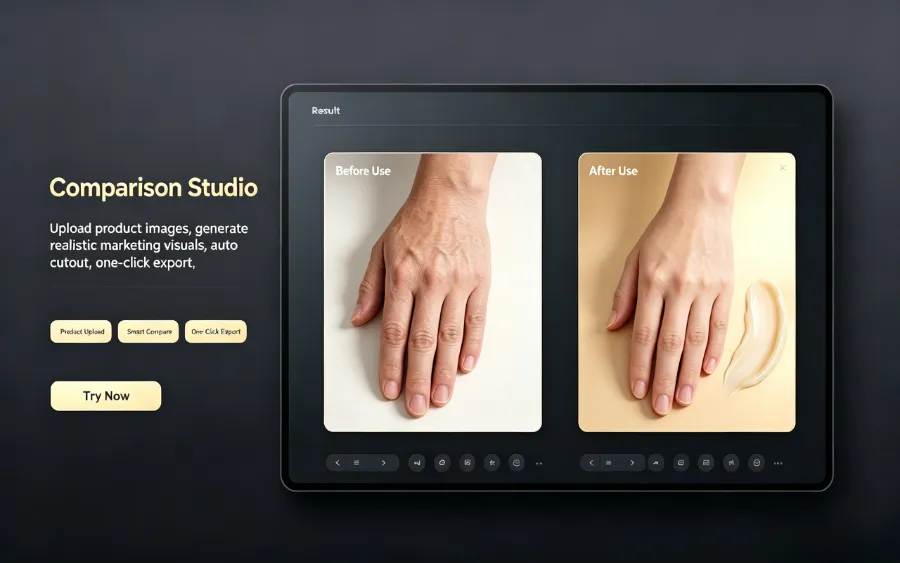
You can use AI‑generated before‑after comparison images for visual validation:
For strategies on building an advantage in search traffic through creative testing, see this external article—Emerging Brands Using AI Carousels to Surpass Big Brands.
Cross‑Platform and Multilingual: Global Strategies for AI Video Ads
Cross‑border sellers know that launching a product in the US, Japan, and Germany means juggling dimensions and languages. 9:16 for TikTok, 1:1 for Instagram, 16:9 for YouTube—each size traditionally required a separate edit. The AI tool’s biggest advantage is rendering all three sizes in one go, eliminating the most painful manual adjustments.
Multilingual support: VEONIB offers AI voice‑over in 30 languages. I’ve hit a snag—literal translation. “Get ready for summer” translated directly into Japanese can lose the original tone. AI multilingual capabilities need human review, especially for slang and cultural humor. Once, a German version used an outdated phrase that sounded odd to native speakers.
Localization delivers real ROI: localized ads have click‑through rates 50 % higher than non‑localized ones. For brands operating in multiple markets, AI‑generated multilingual versions dramatically shorten localization cycles. The image below shows a product‑to‑brand‑story ad generation example:
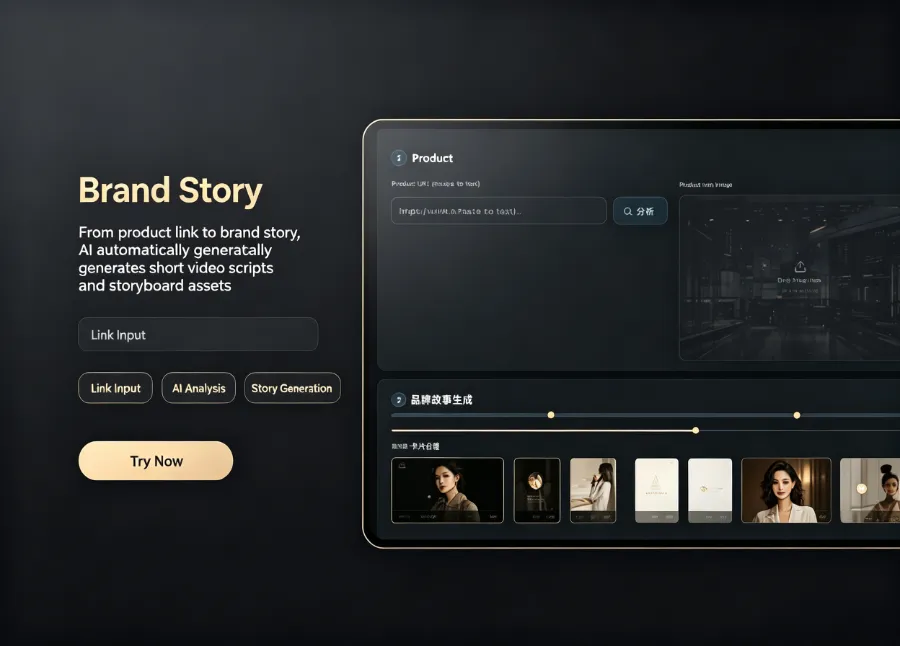
VEONIB supports 30 languages for voice‑over; you can switch languages and preview before export. However, it’s advisable to have a native speaker review each new market’s version, especially for humor, puns, and culturally sensitive content. We localized a perfume brand for the Japanese market; the AI‑generated Japanese copy needed adjustments to politeness levels and tone—issues less common in European languages. See the full case study here: VEONIB Perfume Ad Case.
Frequently Asked Questions (FAQ)
Q1: Can AI‑generated videos be used commercially? Do I own the copyright?
Yes. All exported videos belong to you and can be used for paid ads, organic traffic, website display, or any commercial channel without royalty fees.
Q2: How long does it usually take to create an AI video ad?
From past the product link to exporting the final product, it’s typically under 60 seconds, including hook generation, script writing, storyboard planning, voice‑over, and final rendering. A 15‑second short renders in about 30 seconds.
Q3: If I’m not satisfied with the generated script or storyboard, can I edit it?
Yes. During the preview stage you can edit any element—hook, script dialogue, scene description, voice‑over language. After changes, the system re‑renders without leaving the tool.
Q4: Which e‑commerce platforms and social‑media formats does the AI video ad support?
Supported e‑commerce platforms include Shopify, Amazon, TikTok Shop, WooCommerce, Temu, AliExpress, Etsy, eBay, etc. Social‑media formats cover 9:16 (TikTok, Instagram Reels, YouTube Shorts), 1:1 (Facebook, Instagram), and 16:9 (YouTube).
Q5: What’s the cost of using the AI video ad tool? Is there a free trial?
You can generate unlimited previews—including hooks, scripts, storyboards, and scene images—for free. You only pay when you export the final video. Pricing depends on the number and length of videos, but overall it saves about 90 % compared to traditional outsourcing.
Share Article


