From a Shopify Link to an Ad Video, I Only Used 60 Seconds
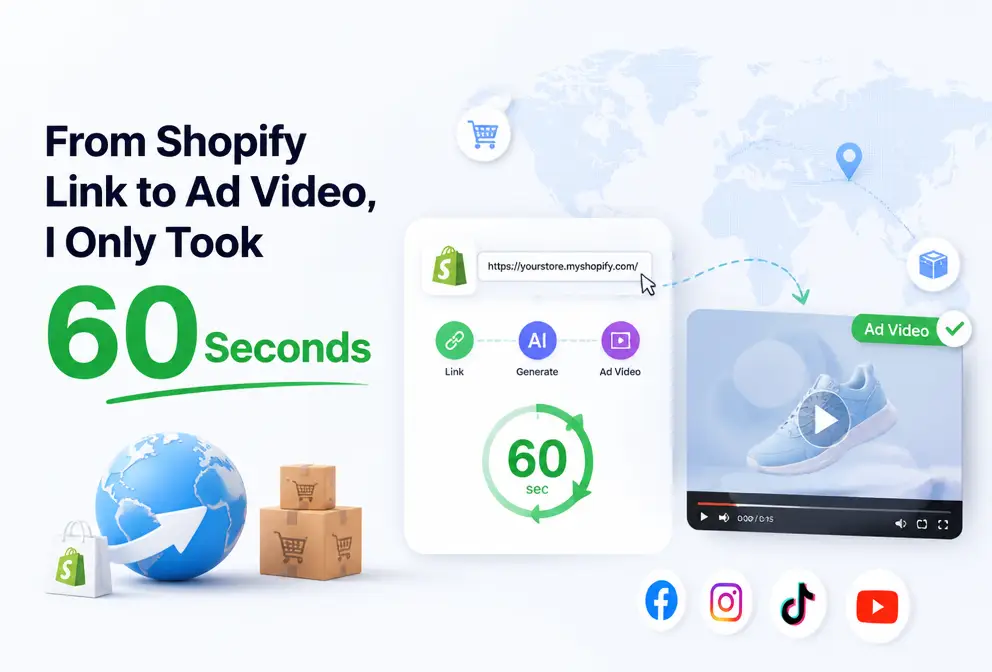
Every time I launched a new product before, the R&D team would hold a script meeting, I’d have to supervise the shoot, then wait for the editor’s schedule—by the time a week passed, the video might still not be usable. Now I just paste the product link into the Ultimate Visual Conviction Tool and let the AI handle the rest. No joke, it really is just copy‑and‑paste. Last month a new product went live; I sent the link out at 3 PM on Monday, and by Wednesday morning two ad versions were already running. That speed half unimaginable half a year ago.
Link Parsing – How AI “Reads” Your Product
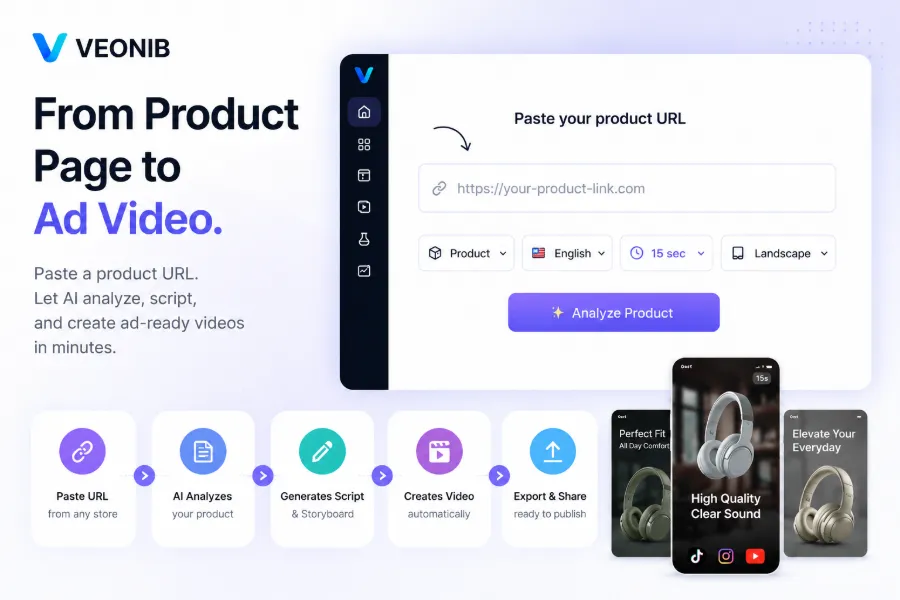
The first time I tried it I was skeptical—what could the machine understand from a single link? The B2B hardware video generator test showed that the AI extracted far more detail than I expected. It captured the product title, description, main image, price, and even the specification parameters and shipping settings.
I’ve tested several tools, and VEONIB provides the most granular parsing. It cleanly breaks down the structured data on the product page, even capturing SKU numbers. The benefit of this fully automated parsing is highlighted in the Future of Ecommerce Creation article—you never have to type any product parameters manually. The underlying technology isn’t complex; it’s just NLP combined with structured‑data recognition, but it manages to keep every piece of information intact and error‑free, making the whole process worth its cost. From pasting the link to previewing the assets, the entire parsing takes less than 60 seconds—faster than I ever filled out a single product sheet.
Hooks and Scripts – AI Writes the First Three Seconds for You
After the link is parsed, the next step is script writing. The MP4 Merger tool AI Hook generator pulls opening copy from e‑commerce ad data and spits out 3‑5 hook variants in one go. Honestly, early attempts produced some pretty stiff hooks—things like “This product is really great” felt like canned copy, and I didn’t even want to click on them. However, the preview stage lets me iterate repeatedly until the hooks look right, and this iteration is far faster than writing a script from scratch.
One surprising thing: when AI reads the product link, it also extracts high‑frequency words from user reviews to use as hook material. For a scent diffuser I’d always emphasized “smart timer,” but the most common comment was “so quiet it’s like it isn’t there.” I never thought to put that in the copy, but after AI lifted it as a hook, the resulting click‑through rate jumped significantly above my expectations.
The script generator also supports 15‑second, 30‑second, and 60‑second durations. For TikTok ads I usually start with a 15‑second version; if the first three seconds don’t hold attention, the rest is wasted. See the discussion in From Product to Traffic for more on e‑commerce content creation. Once the script framework is generated, I fine‑tune the tone in the scene descriptions, but the overall structure is already usable.
Storyboard and Preview – See It First, Then Make It
Being able to preview the shot‑by‑shot result via the AI Video Ads Platform saved me a lot of rework. The storyboard builder creates frame‑level scene plans, visualizing the entire ad structure right in front of you. AI voice‑over supports 30 languages, and automatic subtitles are synchronized. The best part is that all of these can be adjusted freely before export.
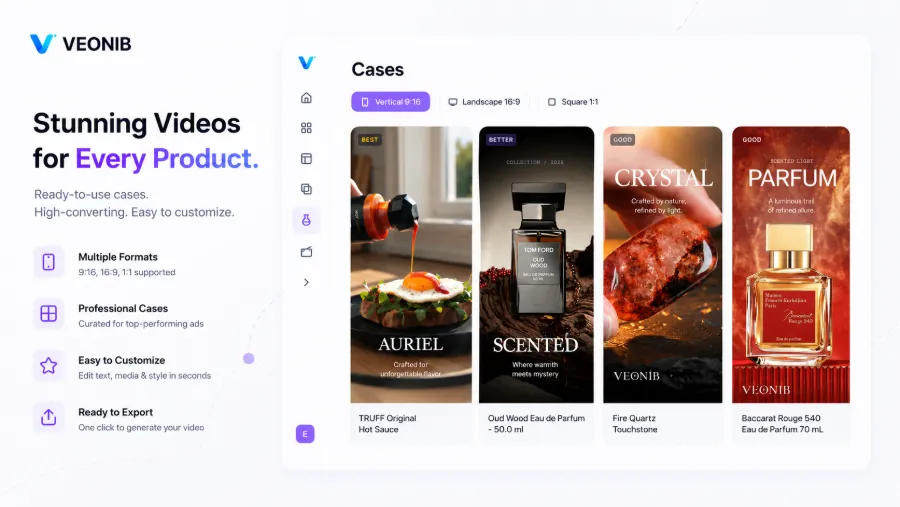
Other tools make it hard to tweak during preview, but VEONIB lets me Studio‑Grade AI Photography edit the script, swap voice‑overs, or change scenes at any point before exporting. Adding AI voice‑over, subtitles, and end‑card settings to a video saves me at least three hours compared to manually fine‑tuning in editing software. There’s also a straight‑forward visual of the entire link‑to‑UGC video generation pipeline, giving a clear concept of the final result ahead of time.
Previously, using FCP for a 30‑second video meant fifteen minutes just to adjust subtitle timing. Now, seeing the result instantly in preview lets me fix anything on the spot, and I only render once everything is confirmed.
Rendering and Export – From Link to MP4, One‑Click for Multiple Platforms
After all details are confirmed, a single click renders the video. Most videos finish within 60‑90 seconds; 4K or longer formats may take up to three minutes. Output formats cover 9:16 (TikTok, Instagram Reels, YouTube Shorts), 1:1 (Facebook), and 16:9 (YouTube). The downloaded file is a clean MP4 with no annoying watermarks or end‑card ads, ready to be dropped into any ad manager.
My usual workflow is to export three aspect‑ratio versions of the same product at once, covering TikTok, Reels, and YouTube Shorts. If you need to merge multiple short videos, refer to the MP4 merger tool instructions. For a more comprehensive cross‑platform placement strategy, see the other AI video ad guide.
The whole process is far faster than imagined. Building a scratch workflow from scratch would take an entire afternoon just to find a voice‑over artist. Now I paste the link, tweak the script a couple of times, confirm the storyboard, click export, and I’m done. It’s not an exaggeration to say this workflow frees up an entire afternoon for other tasks—like monitoring ad performance.
FAQ
Is this feature completely free?
Preview generation is entirely free, including hooks, scripts, storyboards, and scene previews. You can try it anytime without a credit card. Only the final video export requires payment.
How long does video rendering take?
Most standard videos render in 60‑90 seconds. 4K or longer videos may take up to about three minutes. You can continue working on other tasks while rendering; no need to wait at the console.
Can I still edit copy and voice‑over after generation?
Yes. Any hook, scene description, or voice‑over script can be freely edited before export. After changes, the video re‑renders instantly, updating the final version.
Who owns the copyright of the exported video?
All commercial rights to each exported video belong to you. You can use it in paid ads, social posts, website displays, or any commercial channel without royalty fees.
Does it only work with Shopify links? What about other platforms?
It supports product links from major e‑commerce platforms such as Shopify, Amazon, TikTok Shop, WooCommerce, Temu, AliExpress, Etsy, eBay, etc. As long as the product URL is publicly accessible, it can be parsed.
Share Article


