How to Use Reference Videos and Images to Generate Short Product Videos: Practical Guide for Cross-Border E‑commerce Material Production

Anyone who creates ads for cross‑border e‑commerce has probably had this experience: you see a competitor’s viral UGC video, the product’s selling points are clearly explained, the pacing feels right, and you want to make something in a similar style. But coordinating location, models, lighting for your own shoot can take a week even for a fast turnaround. Giving an AI a pure text description always feels a bit off—AI can’t grasp the “feel” you’re talking about.
Feeding the reference video and reference images directly to the AI is currently the most pragmatic way to solve this problem. The workflow isn’t complicated: prepare assets, upload them, let the AI analyze visual style and selling points, generate a script and storyboard, and output the final video. Most tools can go from prepared assets to a previewable video in under 60 seconds. This article walks through that whole process—how to choose assets, the steps to follow, post‑generation tweaks, and common pitfalls.
Why Reference Videos and Images Are Needed: From Imitation to Differentiation
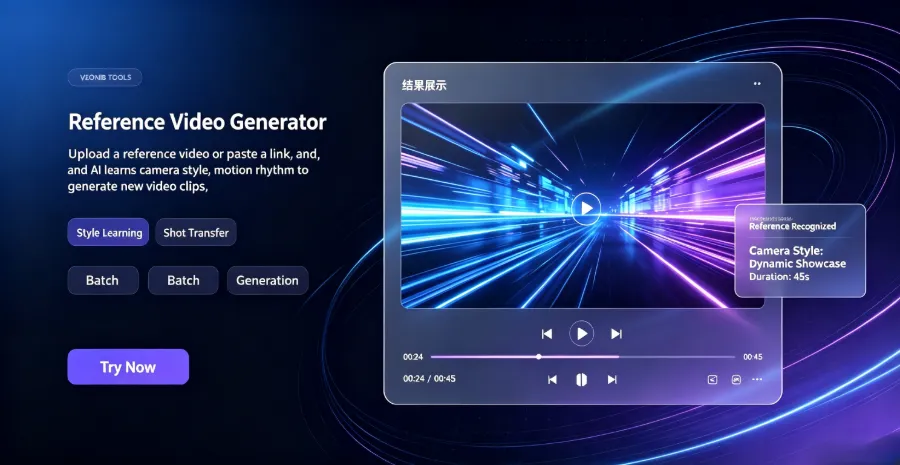
First, clarify a concept: reference assets solve the “style alignment” problem, not “content copying.” In cross‑border e‑commerce ads, UGC, TikTok, and Reels rely heavily on realism and visual rhythm, which are the hardest parts to convey with text prompts. The camera movement speed, transition style, narration pause rhythm, and timing of product appearances are all cumbersome to describe and prone to distortion. When you give the AI a reference video, those details become parseable signals.
Reference videos and reference images actually carry different information. Video mainly conveys dynamic information—camera motion, editing rhythm, scene cuts, narration emotion; images are better at locking static information—product appearance, color, packaging details, prop placement in usage scenes. Using both together is far more stable than relying on a single asset. Providing only video may let the AI freely interpret product appearance; providing only images may result in flat camera language.
The limitation of generating a video from scratch is evident here. Without reference assets, the AI’s understanding of “how this product should be shown” comes from generic training data, leading to template‑like results that lack category‑specific display logic. For example, kitchenware benefits from close‑ups of high‑heat cooking, while beauty products need instant texture‑on‑skin shots; generating these details from nothing often goes off‑track.
From an industry trend perspective, AI’s penetration into e‑commerce marketing is no longer new. Some analysts describe this path as an automated shift from product to traffic, with AI reshaping content production. For small and medium sellers, this means material volume that once required outsourced teams can now be produced internally.
A typical UGC video from script to final cut usually takes 2‑5 days, involving scriptwriting, creator outreach, shooting, and editing. AI generation based on reference assets compresses the cycle to minutes. This gap directly changes ad‑material testing logic—previously you carefully filmed a few pieces; now you can quickly generate many and run data tests.
Preparing Reference Assets: Selection Criteria and Common Pitfalls
Choosing a “worthy” reference video isn’t complex. Clarity is paramount, followed by clear pacing—does the first few seconds have a hook? Is the product shown completely in the middle? Is there a CTA at the end? A reference video with chaotic pacing will only teach the AI chaos.
Reference image density is equally important. Ideally, include: product appearance shots, usage‑scene shots, packaging detail shots. If the product has color or size variants, try to cover the main variants. Three to five images is a reasonable range; too few limit the AI’s product understanding, too many dilute the focus.
Asset length and resolution also matter. Reference videos should be 15‑30 seconds, matching the mainstream length for TikTok and Reels. In terms of resolution, native vertical phone footage works better than repurposed horizontal footage—many sellers overlook this. Horizontal footage cropped to vertical loses parts of the product, so the AI learns an incomplete display.
In cross‑border e‑commerce, platform specifications differ and should be considered early. TikTok, Reels, and Shorts all use 9:16 vertical, but each platform’s tolerance for length varies—TikTok and Reels favor 15‑30 seconds, Shorts leans toward a full experience under 60 seconds. If a material will be deployed across multiple platforms, generate to the shortest platform’s requirement first, then adapt later.
Two common pitfalls to note: first, using watermarked or questionable‑copyright assets. Watermarks not only affect AI recognition accuracy but also leave residual marks in the output, potentially triggering platform copyright checks. Second, assets where the product occupies too small a portion of the frame. Studies show short videos with product close‑ups have about 30 % higher completion rates than pure narration videos. If the reference material always shows the product far in the background, the output will inherit that flaw.
Once assets are prepared to this level, you can move to generation. A full workflow from product link to final video is detailed in a separate guide covering post‑preparation steps. See From Product URL to Viral Video for details.
Core Steps: Workflow from Reference Assets to Final Video
The practical sequence is roughly: prepare assets → upload reference video and images → AI analyzes visual style and selling points → generate script and storyboard → output video.
In terms of tool operation, the typical method to automatically turn a product link into a short video ad is to submit the product link together with the reference video and images to the AI video tool after assets are ready. The AI first parses the product page’s title, description, and selling points, then combines the visual style from the reference assets to produce a script and storyboard.
There’s a priority issue: when multiple reference assets are uploaded, video and image roles differ. Video drives pacing and camera style; image constrains product appearance and scene details. When they conflict—e.g., the product looks different in the video versus the image—the AI usually defaults to the image because it provides a more precise constraint on appearance. This rule isn’t documented officially but becomes evident after a few runs.
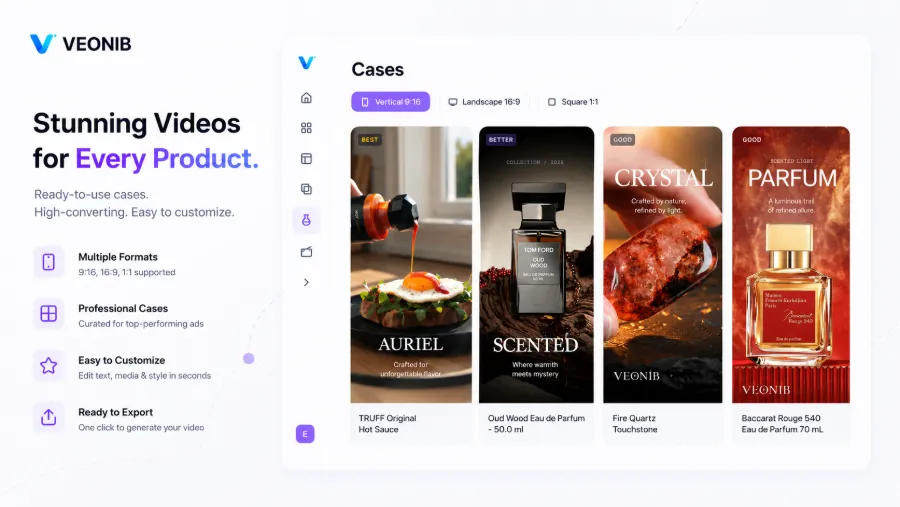
After preparing reference assets, tools like VEONIB can combine the product link and assets to automatically generate a style‑matched short product video. Most tools can go from upload to preview in under 60 seconds. After generation, review the preview to confirm style direction and product display before deciding to export or adjust and re‑generate.
For more examples, see VEONIB Deconstructed Premium Cookware.
Plan for fallback scenarios when asset parsing fails. If the AI can’t recognize the reference video’s style, a common downgrade is to upload a screenshot containing product information—title, description, price, main image—all in one picture. The AI can extract enough product data from that. This fallback is especially useful when the product link is broken or the page structure is complex.
Preview versions are usually fast, but full export may require extra waiting. It’s advisable to check the preview first and confirm direction before waiting for full rendering—otherwise you waste time on a wrong version.
Post‑Generation Tweaks: Watermark Removal, Adding Effects, and Multi‑Platform Adaptation
Very few generated videos can be launched directly; a typical post‑processing flow includes watermark removal, adding effect layers, and adapting to platform specifications.
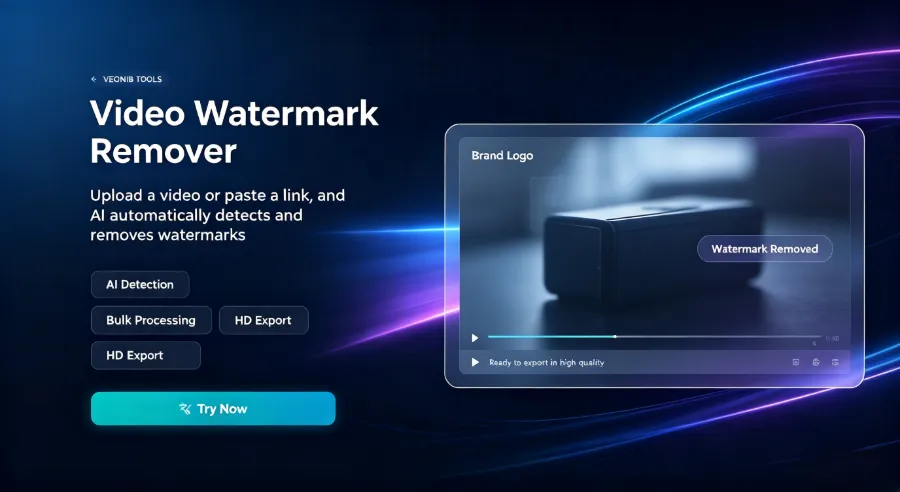
Watermark removal is self‑explanatory; ads with tool‑generated watermarks almost never pass review. Many watermark‑removal tools exist and work similarly: upload the video, select the watermark area, process, and export.
Effect layers are a key factor in boosting click‑through rates. AI effect libraries often contain ready‑made UGC animation elements that let you add hook copy, CTA prompts, social proof, promotional tags, and other dynamic components with a single click. These elements make the video stand out in feeds—users decide within the first 1‑2 seconds whether to keep watching, and that decision is driven more by on‑screen text and motion than by narration.
Tool ecosystem extensions are also worth noting. For example, SEONIB’s integration with VEONIB can turn blog content into video assets with one click, allowing content marketing teams to repurpose graphic articles for video channels and reduce zero‑to‑video effort. See the industry insight Hijacking AI Carousels for more.
Platform‑specific size and length requirements must be checked individually. TikTok and Reels both use 9:16 and accept 15‑60 seconds; Facebook feed ads tolerate vertical video a bit less and may need an additional 1:1 version; YouTube Shorts also uses 9:16 but has higher quality expectations—videos with obvious compression artifacts can be demoted. Video compression tools are essentially mandatory when exporting large files.
A practical multi‑version testing approach is to generate 3‑5 different hook versions for the same product, then run tests on Facebook and TikTok. Hook copy differences directly affect CTR, and within two weeks you can identify the best creative direction. This testing logic is too costly with traditional shoots but almost free with AI generation, making multi‑version testing feasible. A step‑by‑step guide for creating TikTok and Instagram product ads is available in a separate tutorial.
Common Failure Scenarios and How to Avoid Them
Failures and suboptimal results are normal; the key is troubleshooting and fallback strategies.
Product link parsing failures are the most common issue in cross‑border e‑commerce, occurring in about 5‑10 % of cases. Causes include complex page structures, login requirements, or anti‑scraping mechanisms. In such cases, uploading a screenshot is a universal fallback—capture the title, description, price, and main image in one picture, and the AI can still extract product information. Shopify and Amazon pages are relatively well‑structured, so parsing success rates are higher; independent sites or niche platforms are more problematic.
Another frequent scenario is the AI’s inability to recognize the reference video’s style. At the end of 2024 I encountered a case where a narrative‑style UGC video was uploaded as reference, but the AI failed to capture the camera style and produced a generic product showcase instead. The video showed product angles in a flat, linear rhythm, lacking the “user‑perspective” immersion of the reference. Adding more reference images and enriching the prompt with scene and emotion descriptors gradually improved the output, taking about a full workday of debugging.
When the generated result deviates too much from the reference, debugging usually proceeds from two angles: first, check the reference assets themselves—blurry footage, poor lighting, or tiny product presence prevent the AI from learning key cues; second, ensure the input product information is complete—clear titles, descriptions, and selling points reduce the AI’s tendency to “free‑run.” Methods for optimizing inputs to reduce factual inconsistencies are discussed in a separate content‑engineering guide.
Different product categories have distinct reference‑asset requirements. Beauty needs close‑ups of texture on skin; kitchenware needs dynamic high‑heat cooking footage; apparel needs wear‑on‑body shots and fabric details. Using a beauty video as reference for a kitchenware product will likely produce poor results.
Asset quality also correlates with search traffic. Emerging brands leveraging AI‑generated content to break through ChatGPT search illustrate that content quality and structure directly affect AI‑recommended traffic. For e‑commerce sellers, this means reference asset selection should consider not only ad performance but also the likelihood of being recommended by AI search.
FAQ
When both reference video and images are uploaded, which does the AI prioritize?
Video drives pacing and camera style; images drive product appearance and scene details. When they conflict, the AI usually defaults to the image because it provides a more precise constraint on appearance. In practice, choose a video with the most fitting style and use images to cover product look and usage scenes.
If the generated video looks too similar to the reference video, are there copyright issues?
Reference assets are used for style learning; the output is a new creation, but if the composition and script structure are highly identical, risk remains. Avoid directly copying a competitor’s full script; instead, extract style elements—pacing, camera moves, narration tone—and reorganize them around your own product selling points.
What if product link parsing fails?
Upload a screenshot containing product information as a universal fallback. Capture the title, description, price, and main image in one picture; the AI can extract enough data. Shopify and Amazon pages parse well; independent sites or niche platforms are more prone to failure.
Can videos generated from reference assets be launched directly as ads?
Usually they need post‑processing before launch. Standard steps include watermark removal, adding hook copy, CTA, and other effect layers, and adapting size and length to platform specs. After processing, run a small‑scale test to confirm CTR and completion rates before scaling up.
Can the background music from the reference video be used?
It’s not recommended. The reference video’s background music may be copyrighted, posing infringement risk. Choose royalty‑free music from the platform’s library or use AI‑generated voice‑overs, which are safer than directly reusing background tracks.
Share Article


