Amazon Listing Video Optimization: Three Actions That Double Conversion Rate (Including Pitfalls)
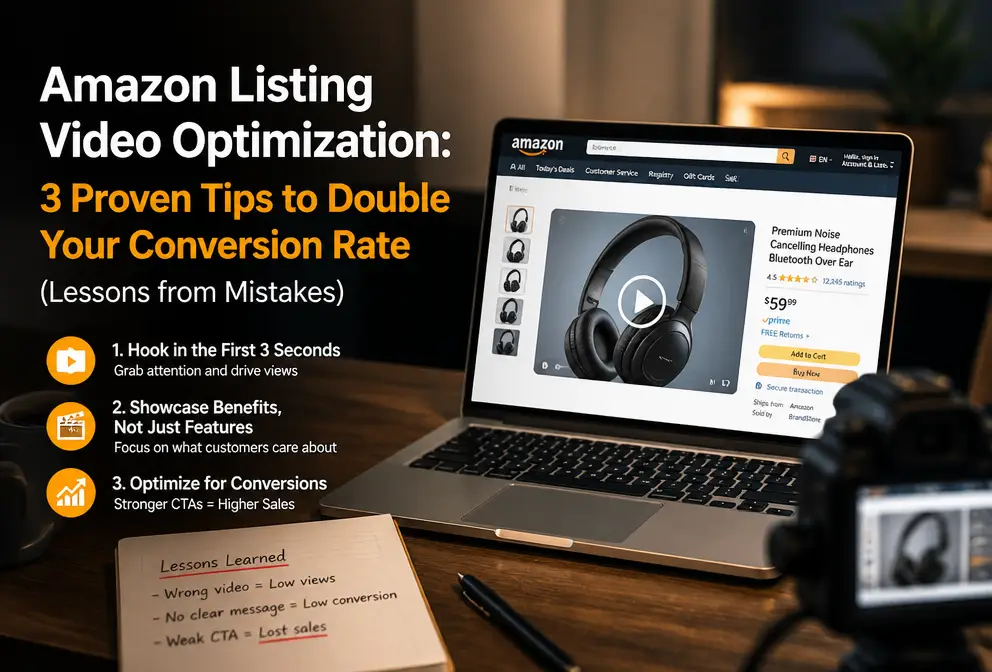
When I first started on Amazon, I thought getting the main image and the five bullet points right was enough, and I just uploaded a blurry phone‑recorded video. The ACOS shot up so high I considered quitting. Later I realized that video is the hidden bomb for Listing conversion—but optimization isn’t just about uploading a video. This article skips the fluff and shares three tactics I’ve paid real money for, each of which I’ve stumbled through.
Listings with video on Amazon see an average click‑through rate increase of over 25% and a conversion‑rate boost of more than 35% (median from third‑party stats). I spent three months validating these numbers. Yet sometimes you add a video and the conversion doesn’t rise—most likely because you chose the wrong type, the thumbnail is blurry, or you only made one version without testing.
The Life‑or‑Death of Video Content – Product Video, Lifestyle Video, or UGC?
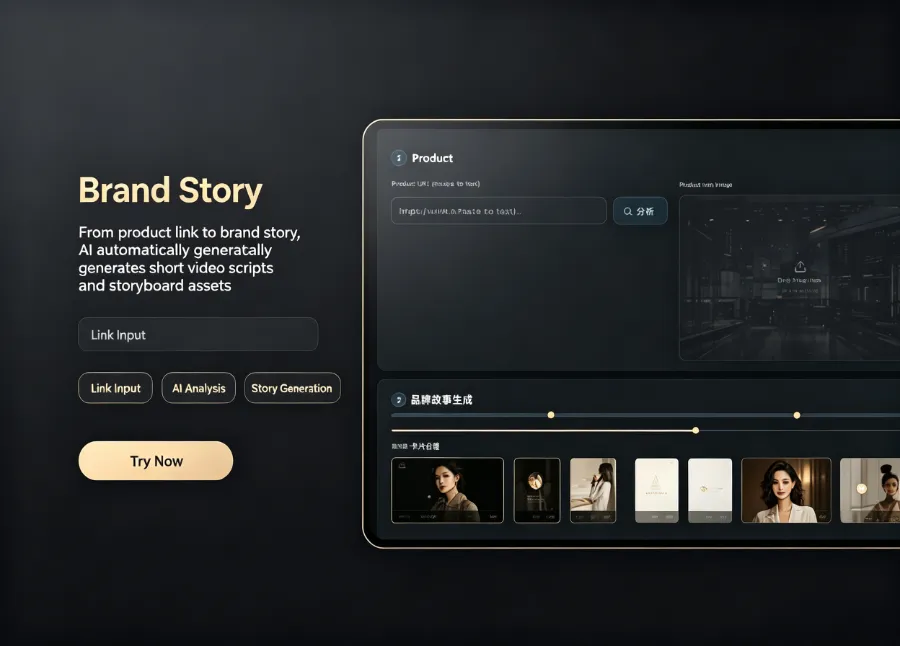
There are three common video types on Amazon Listings, each with a completely different approach.
Pure product showcase – Show every angle of the product clearly, annotate dimensions, material, and usage. This works for home‑goods (lamps, storage racks) where buyers need to confirm what the product looks like and whether it fits their space. The desk lamp I promoted last year saw an 18% higher conversion rate with a pure product video, but it was still almost half as effective as a lifestyle video.
Lifestyle video – Place the product in a real‑world setting. Beauty categories love this the foundation foundation under natural light, lipstick on lips, concealer contrast. 3C categories also benefit, but with a different focus: a gaming headset paired with a battle‑royale gameplay clip can lift conversion by 30%. I tested a Bluetooth speaker; with only a white‑background image and a functional video the daily orders were 15, but after swapping in a camping‑scene user‑generated video they jumped to just over 30 per day.
UGC (User‑Generated Content) buyer show – Rough around the edges but the most trustworthy. Many new sellers shy away because they think the quality is low, yet the thumbnail click‑through rate for buyer‑show videos often exceeds that of brand videos in the Amazon A+ Content sidebar. In a competitor analysis for kitchen scissors, the top three listings at the same price point all featured buyer‑show videos, and their view counts clearly outperformed the brand‑produced videos.
I’ve distilled a simple rule for video focus by category: home‑goods prioritize lifestyle videos, beauty leans toward real‑person trials, and 3C favors unboxing + comparison. Which type works best for your own Listing must be proven with data. I eventually ran five different versions—product demo, lifestyle, UGC, influencer host, and competitor teardown—to pinpoint the highest‑converting one.
If you want to generate and test bulk assets across platforms, check out the Amazon and Multi‑Platform AI Video Ads Guide.
Thumbnail and the First Three Seconds – Don’t Let a Good Video Die at the Gate
When you upload a video to Amazon, the system automatically grabs a mid‑frame as the thumbnail. I fell into this trap – after painstakingly filming a product demo, the first frame was a side view of the packaging box, dark as a warehouse security camera screenshot. Buyers saw that frame and scrolled away; the video playback rate dropped below 5%.
After reviewing many seller cases, I discovered that fewer than 30% of sellers who custom‑upload thumbnails actually do it. This is the easiest yet most overlooked optimization point.
I’ve summarized three principles for custom thumbnails:
- Add text – A pure product photo thumbnail is almost invisible in mobile listings, but adding white text like “Install in 30 seconds” or “Real‑world side test” can double the playback rate.
- High contrast – The thumbnail background should stand out from surrounding images. I once used a close‑up on a black background; next to a dark main image it was completely ignored.
- Highlight a selling point – For a space heater, the thumbnail showed a heat‑wave background plus a product close‑up, instantly telling buyers what the video is about.
Over 80% of users decide whether to keep watching within the first three seconds (common user‑behavior data). This means the first three frames must contain the core selling point. I’ve seen a tea set listing where the first three seconds displayed cup details and tea brewing, resulting in a high completion rate. Conversely, a boiled‑egg maker video that started with a brand logo transition lost viewers within the first two seconds.
There’s also an advanced technique – overlays. Some AI tools can automatically overlay selling‑point text, arrows, or promotional tags onto the thumbnail during video generation. In one coffee‑machine listing, adding a green “Latte + Americano” tag to the thumbnail raised the click‑through rate from 7.2% to 14.6%.
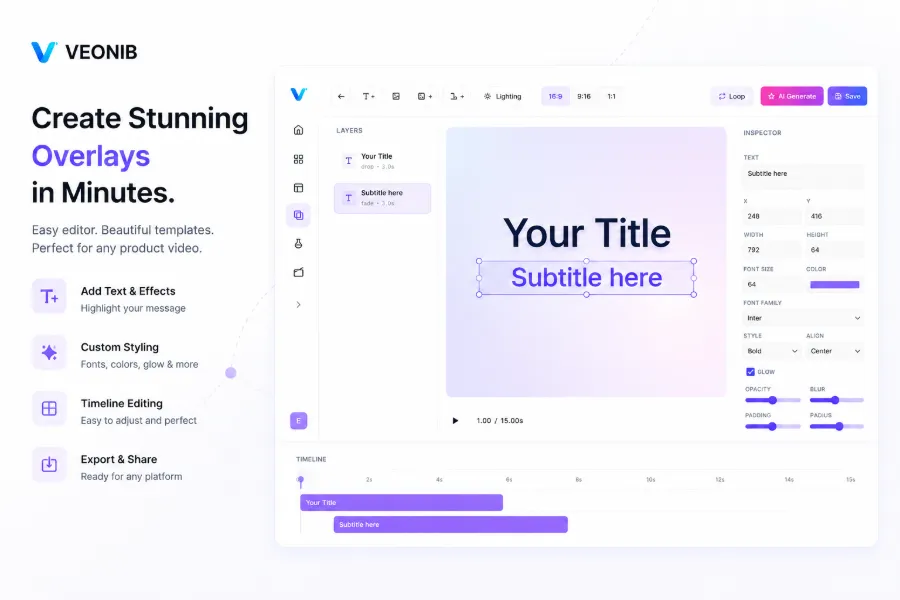
Tools like VEONIB can add overlay text and thumbnail templates automatically, saving you the manual frame‑by‑frame adjustments. If you have a proven ad format you want to reuse, see the Clone Winning Ad Format Tutorial.
Bulk Production and A/B Testing – AI Shrinks Video Creation from 3 Hours to 60 Seconds
Traditional video workflow: script → shoot → edit → voice‑over → export; at least 3–6 hours per video. My early Listing video required three script revisions and a week waiting for an outsourced photographer. After publishing, the conversion data was poor, and making a new version meant repeating the whole process—excruciating.
Then I tested multiple variants. The same product had one version emphasizing portability, another highlighting battery life, and a third focusing on price. After two weeks, the portability‑focused version outperformed the others by 22%. Without testing multiple angles, I would never have known which resonated most with my target buyers.
That’s when AI video generators entered the scene. Paste the product link, and the tool automatically creates the script, storyboard, voice‑over, and renders with one click. The traditional three‑hour workflow collapses to under a minute.
I’ve compiled a lot of AI‑video information; the AI Video Generator Buying Guide contains detailed comparisons for tool selection. For background on AI video tech, check the articles on the Runway AI site.
Here’s a concrete example using VEONIB. I took a portable garment steamer I sell, pasted the Amazon product link into the tool, and it extracted the title, selling points, and usage scenarios, then generated six opening scripts. I chose the one emphasizing “essential for business trips,” previewed the storyboard—first frame: steamer packed in a suitcase; second: steaming a wrinkled white shirt; third: before/after comparison. After confirming, I clicked generate and got a 15‑second, 1080p vertical video in under two minutes. I repeated the process five times, producing five different angles, and uploaded all to the same Listing for A/B testing.
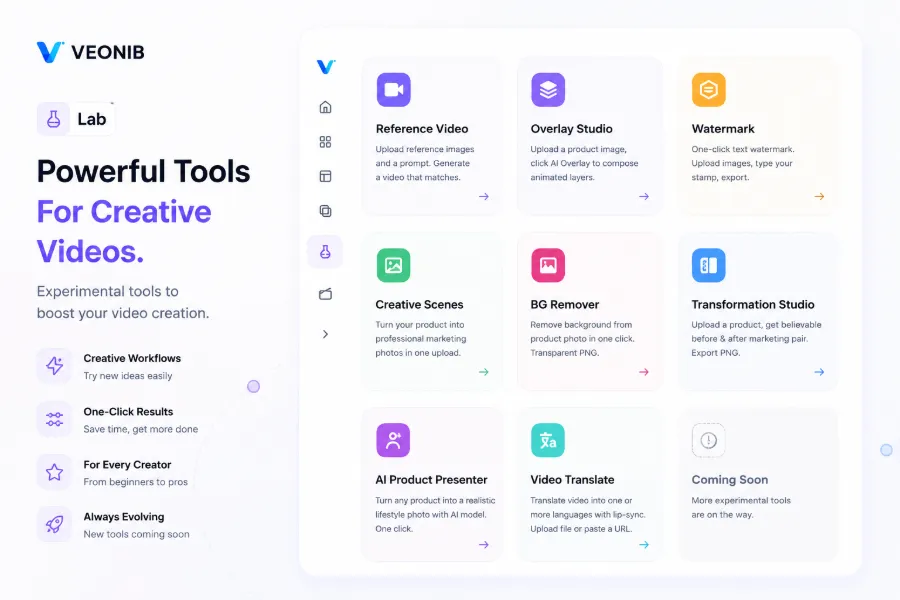
A key lesson: In 2023 I once used an AI tool to generate 50 videos in one go and bulk‑uploaded them to a Listing without thorough review. Several videos contained another brand’s packaging image and a third‑party logo in the background. Amazon detected this and removed the entire Listing; the appeal took two weeks to resolve, costing me thousands of orders. Therefore, every frame of an AI‑generated video must be manually inspected before export and upload to ensure there are no third‑party trademarks, false claims, or non‑compliant marketing language.
Frequently Asked Questions (FAQ)
Do Amazon Listings have to include a video? Will the lack of a video affect ranking?
Video itself isn’t a direct ranking factor, but Listings with video generally enjoy higher click‑through rates, better conversion, and lower bounce rates—behaviors that indirectly affect organic ranking. Adding at least one high‑quality video is the most cost‑effective optimization.
What video formats and lengths does Amazon support?
MP4 with H.264 encoding. Recommended length is 30–60 seconds, file size under 2 GB. Vertical aspect ratios work well for “TV shopping” displays; horizontal ratios are suited for the main‑image video slot.
How many videos should a Listing have? Will too many compete with each other?
One main‑image video slot; up to 3–5 “Related Videos.” A common setup: 1 product showcase + 2 lifestyle or UGC videos + 1 comparison video. More than five can cause higher‑performing videos to cannibalize traffic from lower‑performing ones.
Can I add traffic‑driving links or countdown timers inside the video?
No. Amazon explicitly prohibits clickable links, external URLs, countdown animations, or promotional countdown text in videos. Violations lead to video removal or Listing restrictions.
Will AI‑generated videos be flagged as non‑compliant by Amazon?
AI videos that comply with content rules are not considered violations. The key is authenticity—don’t use AI to create fake effect images or misleading comparisons. If a manual review uncovers third‑party logos or false claims, the video will be taken down.
Share Article


