Why Visual Regression Testing Is Suddenly a Cross-Border Seller’s Problem
If you’re running a DTC brand or an Amazon FBA operation, you might think visual regression testing is a developer problem — something for the engineering team building your Shopify theme, not something you need to care about. That instinct is wrong, and it’s going to cost you money this year.
Here’s the uncomfortable truth: the same AI coding agents that are accelerating your product roadmap are also accelerating the rate at which your storefront breaks. When an AI agent can push a UI change every few minutes instead of every few weeks, the odds of a broken layout, a misaligned checkout button, or a product image that fails to render on mobile go up dramatically. And for a cross-border seller, a visual regression on your storefront isn’t a cosmetic issue — it’s a conversion killer that directly hits your revenue per visitor. Every second of page-load delay or every misplaced “Add to Cart” button is a measurable loss in a market where your competitors are one click away. This is why the launch of Visual Tests by Buddy Works deserves your attention, even if you haven’t written a line of code since the MySpace era.
The Problem: Your Storefront Is Breaking Faster Than You Can Look at It
Let me paint a scenario that should feel familiar. You’re running a Shopify store selling home goods into the EU and the US. You’ve got a development agency in Eastern Europe, a VA in the Philippines handling product uploads, and you’re personally managing the Amazon FBA side. Your team pushes a new homepage banner for a seasonal sale. It looks fine on desktop Chrome. But on mobile Safari — where 60% of your EU traffic lives — the banner overlaps the navigation menu, pushing the search bar below the fold. Customers can’t find the search function. They bounce. Your conversion rate drops from 2.1% to 1.4% over a weekend before anyone notices.
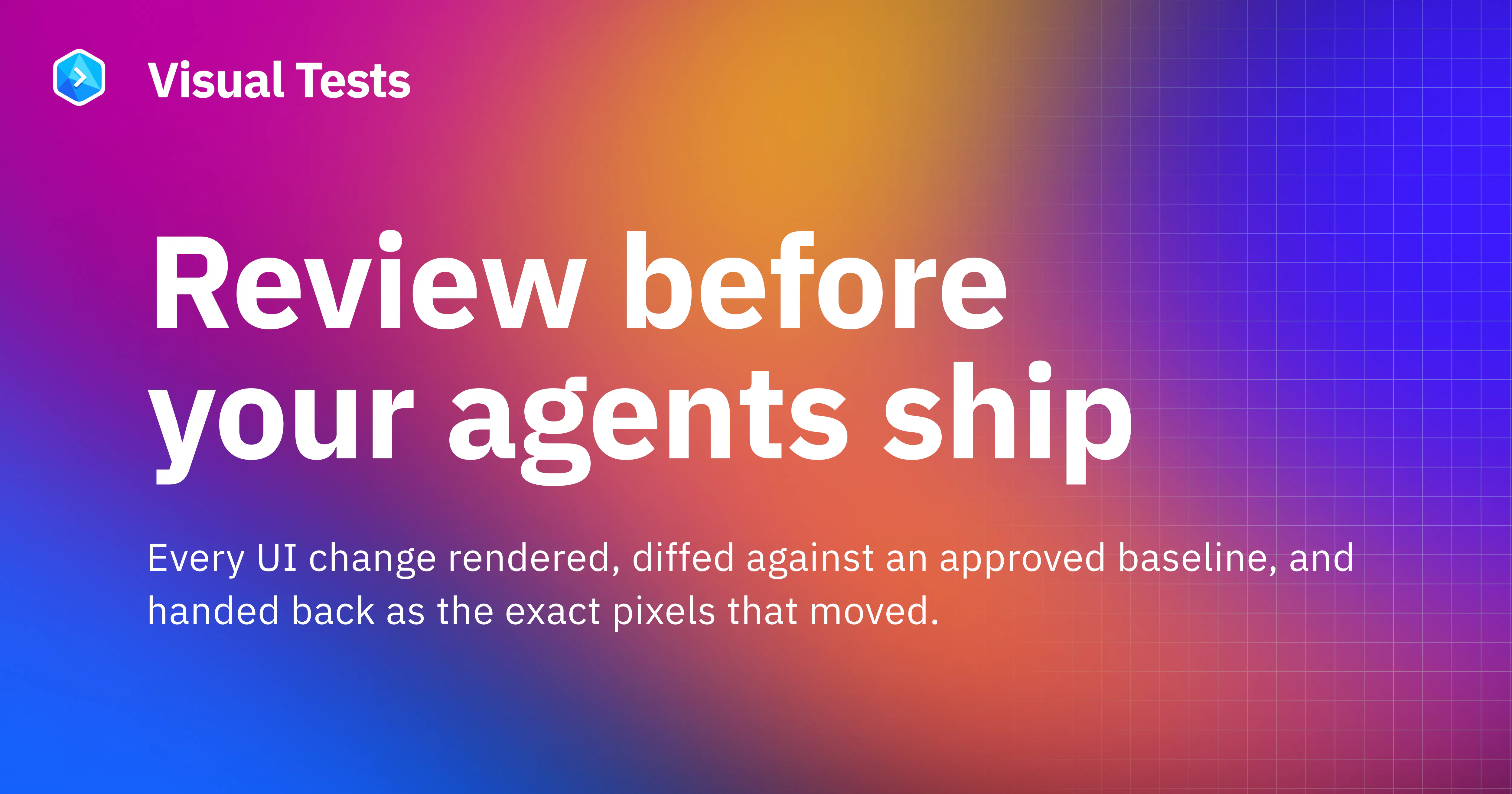
This is the exact problem Buddy Works is solving with Visual Tests. The pitch from Rafal Sztwiorok, the maker, is refreshingly direct: “UI changes are getting faster and more frequent, especially with AI coding agents in the loop, but visual QA is still often manual, inconsistent, or happens too late.” That sentence should hit home for anyone who has ever discovered a broken storefront through a customer complaint email rather than through proactive testing.
The tool gives you a “clear before-and-after of every UI change, with pixel-level comparisons, baselines, and review built directly into the delivery flow.” In plain English: every time someone — human or AI — changes a line of code on your storefront, Visual Tests takes a screenshot, compares it against an approved baseline, and flags anything that looks different. No more hoping your developer noticed that the product grid now has uneven spacing on tablet view. No more paying for a QA person to manually click through every page before each release.
What makes this particularly timely is the rise of AI coding agents. If you’re using tools like GitHub Copilot or Cursor to accelerate your development, you’ve probably noticed that they’re great at generating code but terrible at predicting how that code will look in a browser. An AI agent can refactor a CSS file and introduce a subtle layout shift that breaks your entire product page on a specific viewport. Visual Tests is designed to catch exactly that, and it’s built to work with the AI workflow: “the same workflow is available to AI agents through CLI, MCP, and Skills. That means visual checks can become part of the coding loop itself: an agent can make a change, run the tests, inspect the result, and react before the change reaches production.”
For a cross-border operator, this is the difference between your development team shipping a broken storefront at 2 AM and catching it before any customer ever sees it.
Why Amazon sellers should care more than Shopify ones
Here’s a counterintuitive take: Amazon FBA sellers should arguably pay more attention to this than Shopify store owners. On Shopify, you control the theme, the plugins, and the deployment pipeline. You can integrate Visual Tests into your workflow relatively easily. On Amazon, you don’t control the storefront — but you do control your product detail pages, your A+ Content, and your brand store.
Amazon’s UI changes constantly. They roll out new layouts, new image requirements, and new content modules without warning. If you’re managing a catalog of 500 SKUs, manually checking that every product image renders correctly in the new A+ Content template is a nightmare. Visual regression testing isn’t just for code — it’s for any visual asset that changes over time. If you’re using a tool like Helium 10 or Jungle Scout to manage listings, you’re already in the data game. Visual Tests is the missing piece that ensures your carefully optimized listings actually look the way you intended when Amazon’s UI shifts underneath you.
How Visual Tests Differs from What You’re Already Using
If you’re a sophisticated operator, you might already be using some form of automated testing. The Buddy Works team is honest about this: their Head of QA, Krzysztof Stryczek, notes that they run “a couple thousand Playwright tests that cover pretty much the entire platform.” Playwright tells them whether everything works functionally, but Visual Tests adds “another layer of confidence” — catching “layout shifts, styling issues, and other visual regressions that can still slip through a passing test suite.”
This is the key distinction. Most testing tools — whether it’s Playwright, Selenium, or even Cypress — are functional tests. They check whether a button click works, whether a form submits, whether a page loads. They don’t check whether the page looks right. A functional test can pass while your product images are overlapping, your fonts are rendering as fallback serif instead of your brand typeface, or your hero banner is cut off on a 13-inch laptop.
Visual regression testing fills that gap. Tools like Percy and Chromatic have been doing this for years, but they’re typically developer-focused and require significant setup. What Buddy Works is doing differently is integrating visual testing directly into the delivery flow — meaning it’s not a separate step you have to remember to run, but a check that happens automatically every time code is pushed.
For a small cross-border team without a dedicated QA department, this is the difference between a tool that requires a full-time engineer to maintain and a tool that runs itself. The Head of the Buddy frontend team, Paweł Kapała, explains that most of their frontend workflow already exists in Buddy: “building Storybook, unit and e2e tests, preview environments (sandboxes) and automation. The only thing we had to do externally was visual regression.” Now every change runs against approved baselines, and “visual diffs across the component library get flagged automatically.”
Where the math breaks
Let me be direct about the limitations. Visual regression testing is not a silver bullet, and there are scenarios where the math simply doesn’t work in your favor.
First, there’s the baseline problem. Every visual test requires an approved baseline — a screenshot of what the page should look like. But your storefront is not static. You’re running seasonal promotions, changing prices, swapping out product images, and A/B testing layouts. Every time you make a legitimate change, you need to update the baseline. If you’re changing your homepage every week, you’ll spend more time approving baseline updates than you would have spent manually checking the page.
Second, there’s the false positive problem. Visual tests are notoriously sensitive. A one-pixel shift in a font rendering, a different anti-aliasing setting on a Windows machine versus a Mac, a delayed font load — all of these can trigger a “failed” test that requires manual review. If your team is distributed across time zones and your developer is in Europe while your QA reviewer is in the Philippines, every false positive adds a day of latency to your deployment cycle.
Third, and this is the one that matters most for cross-border sellers: visual testing only catches what happens in the test environment. It won’t catch a CDN issue that only manifests in a specific region, a payment gateway that renders differently in a specific currency, or a shipping calculator that breaks only when a customer enters a postal code in a specific format. For that, you still need real-world monitoring and actual customer feedback.
What Cross-Border Sellers Can Borrow from This Tool
Even if you never install Visual Tests, the philosophy behind it is worth stealing. Here’s what I’m taking from this launch and applying to my own operations:
Automate the review of anything visual. If you’re a DTC brand, you’re producing visual assets constantly — product photos, lifestyle shots, ad creatives, email headers, social posts. How many of these are actually reviewed before they go live? If you’re like most operators, the answer is “not enough.” The concept of a baseline comparison — knowing what “good” looks like and flagging anything that deviates — is directly applicable to your creative production. You should have a standard for what your product photos look like (background color, lighting, angle, aspect ratio) and a system for flagging anything that deviates.
Build review into the delivery flow, not as a separate step. The most compelling part of the Buddy Works pitch is that visual checks happen automatically as part of the deployment process, not as a manual QA step. For your operations, this means building checkpoints into your workflow. When a new product listing goes live, is there an automatic check that the images meet Amazon’s image requirements? When a new email campaign is scheduled in Klaviyo, is there a preview check across different email clients? When a new ad creative goes to Meta Ads Manager, is there a checklist for aspect ratio and text-to-image ratio?
Let AI agents do the boring parts. The Buddy Works team is explicitly designing for a world where AI agents are writing code. Their tool is available “through CLI, MCP, and Skills,” which means an AI agent can run the tests, inspect the results, and fix issues without human intervention. For a cross-border seller, this is the direction everything is heading. The teams that figure out how to let AI handle the repetitive, checklist-driven parts of their operation — while keeping humans in the loop for judgment calls — are going to have a massive cost advantage.
My Judgment: Where Visual Tests Falls Short
I’ve been writing about e-commerce tooling for long enough to be skeptical of new launches, and this one has some real gaps that I’d want addressed before I built my workflow around it.
The first issue is the positioning. Buddy Works is a CI/CD tool — continuous integration and continuous delivery. That’s developer infrastructure. The team is talking to developers who understand what a “pipeline” is and why “MCP” (Model Context Protocol) matters. But the cross-border sellers who need this tool — the operators who are losing money because their storefront broke and nobody noticed — are not the same people who are going to be configuring CLI tools. The product needs a layer of abstraction that makes it accessible to non-technical operators, or it needs to be embedded in platforms like Shopify in a way that doesn’t require touching the command line.
The second issue is the pricing and packaging, which is not disclosed on the Product Hunt page. For a solo seller or a small team, a full CI/CD platform might be overkill. You don’t need a delivery pipeline if you’re just managing a Shopify theme and a few landing pages. What you need is a simple tool that watches your storefront and alerts you when something looks wrong. Visual Tests, as part of Buddy Works, is bundled into a larger platform that might not be the right fit for your use case.
The third issue is the baseline management problem I mentioned earlier. The tool is designed for teams with a stable component library and a consistent design system. If you’re a scrappy operator who’s constantly changing your storefront — testing new layouts, running flash sales, experimenting with different product page designs — the baseline management will become a bottleneck. Every legitimate change requires updating the baseline, and if you don’t have a process for that, you’ll either drown in false positives or start ignoring the alerts altogether.
What I’d Watch / Test Next
If you’re intrigued by the concept but not ready to commit to a full CI/CD platform, here’s what I’d do this week:
Audit your current visual QA process. Write down exactly how a change to your storefront gets reviewed before it goes live. If the answer is “we just check it ourselves,” you have a problem. If the answer is “we don’t really check,” you have a bigger problem.
Run a baseline test on your highest-traffic pages. Take screenshots of your homepage, your top three product pages, and your checkout page on desktop and mobile. Save them. These are your baselines. Next week, take new screenshots and compare. You’ll likely find at least one thing that changed without your knowledge.
Evaluate Visual Tests in the context of your actual workflow. If you have a development team that’s already using Buddy Works or a similar CI/CD platform, this is a no-brainer addition. If you’re on Shopify and don’t have a pipeline, consider whether the setup cost is worth it — or whether you’d be better served by a simpler monitoring tool.
Watch the AI agent integration closely. The most forward-looking part of this launch is the idea that AI agents can run visual tests and react to the results. If you’re using AI for any part of your content creation or development, this is the direction you should be moving. The teams that figure out how to close the loop — AI creates, AI tests, AI fixes — will have a structural cost advantage.
The bottom line: visual regression testing is not a luxury anymore. It’s a necessity for anyone running a storefront that changes even once a month. The question isn’t whether you need it — it’s whether you’ll adopt it before or after a broken layout costs you a week of sales.